
This is the first thing to do and takes about two minutes. It matters more than it looks: the state code you enter here decides how GST behaves on every document you will ever raise.
Steps
- Go to Settings → Business profile.
- Choose the country first. Everything below it follows: which registration numbers are asked for, what the postal field is called, and which states are offered.
- Enter the legal name exactly as it appears on your registration. This is what prints on invoices.
- Enter your GSTIN if you are in India. The state code is the first two digits and is read from it.
- Set the state if you are not GST registered, because place of supply still needs it.
- Choose your time zone from the list. Every date and time in the system is shown in it.
- Confirm the financial year starts in April.
- Add your address, phone and e-mail — these print on documents and are used as the reply address.
- Upload your logo — 512×512 or larger, PNG or SVG, on a transparent background if you have one.
- Save.
Outside India
The Indian tax fields — GSTIN, PAN, TAN, CIN, MSME, the composition scheme, the LUT export option and the CGST/SGST display setting — appear only when the country is India. Set anywhere else and none of them are asked for, because none of them exist for you. Values already entered are hidden rather than cleared, so switching back finds them where they were.
Bank accounts
The second tab, Settings → Business profile → Bank accounts, holds the accounts your customers pay into. Every plan has it, with or without Books.
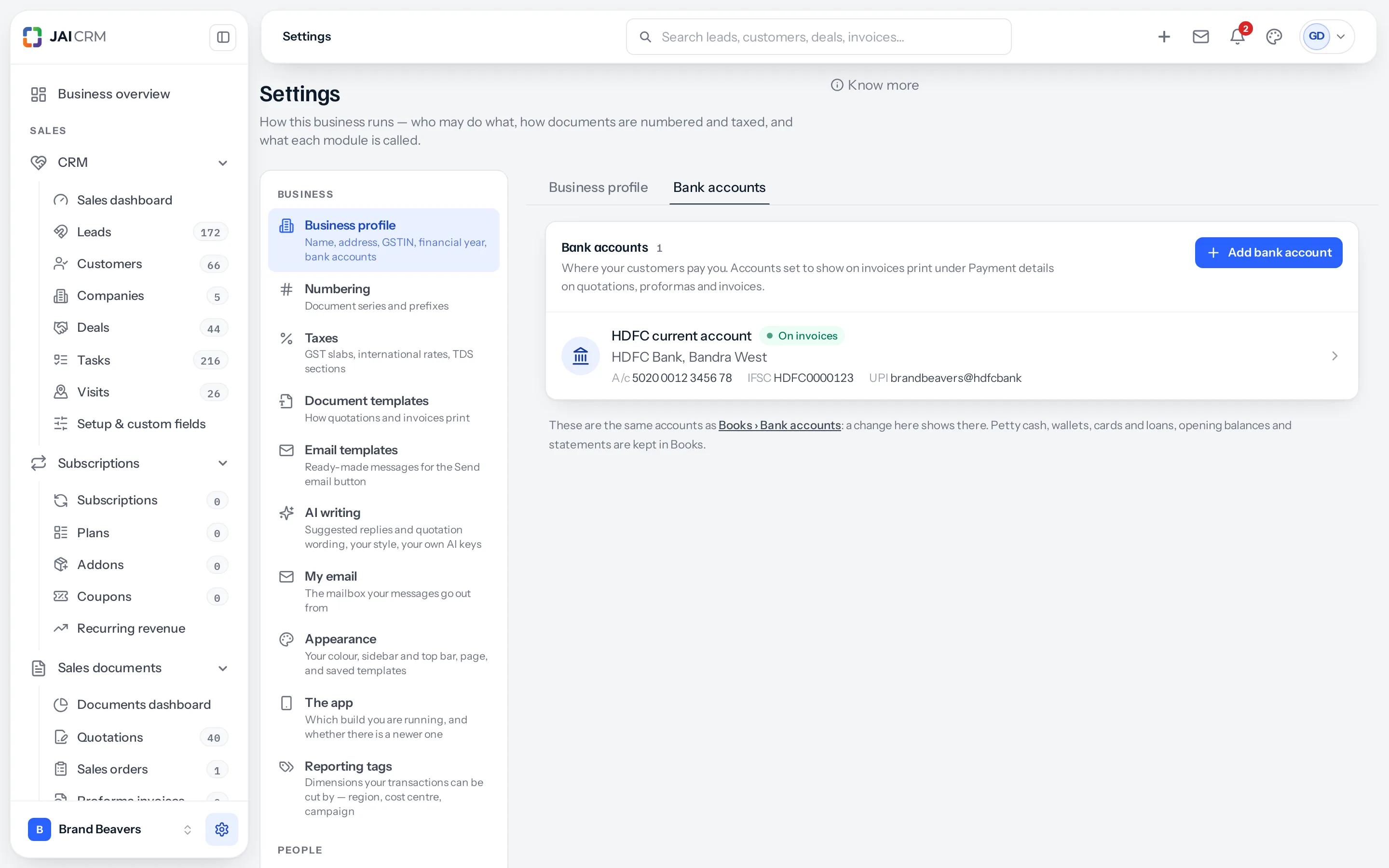
- Go to Settings → Business profile and open the Bank accounts tab.
- Press Add bank account.
- Give it an account name: your own name for it, such as HDFC Current. No two accounts can share one.
- Fill in the bank, branch, account number, IFSC and UPI ID. For payments from abroad, open SWIFT and IBAN.
- Leave Show on invoices and Active ticked, and press Add account.
The accounts with Show on invoices ticked print under Payment details on quotations, proformas and invoices, at most two of them. With Print a UPI QR code switched on in Settings → Sales documents, the QR carries the UPI ID of the first account that prints.
| Question | Answer |
|---|---|
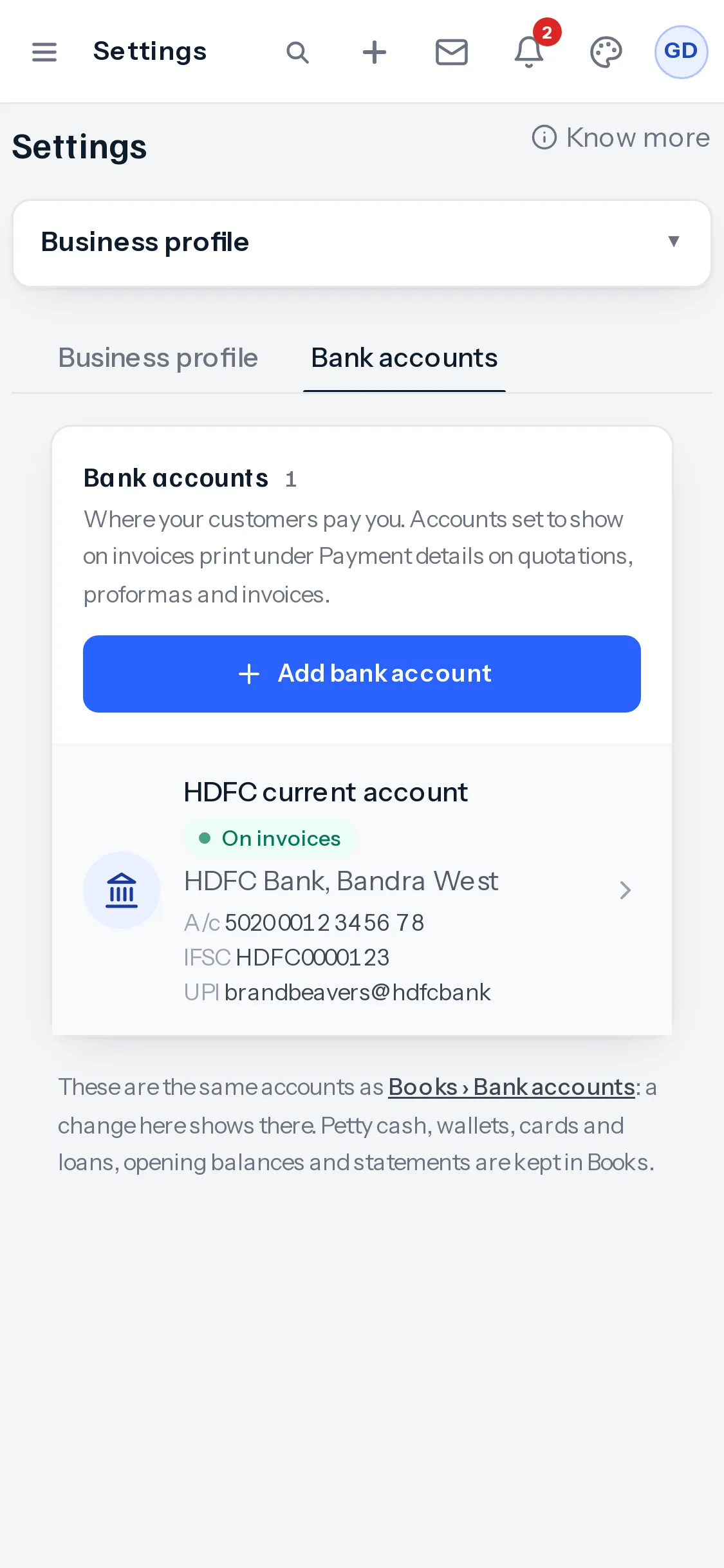
| Is this a second list? | No. Where Books is part of your plan, these are the same accounts as Books → Bank accounts: one added or changed in either place shows in both. |
| What stays in Books? | Opening balances, statements, and petty cash, wallets, cards and loans. Settings keeps only the accounts customers pay into. |
| Who can change them? | Anybody with Business profile access, or with Bank accounts access in Books. Where Books is not in your plan, that is whoever looks after the business profile. |
| Can one be deleted? | Only if no payment has gone through it. If Books has recorded one, Delete offers Mark inactive instead: it stops printing, and everything recorded against it stays. |
How documents behave
Two settings decide how the document chain works. They used to sit on this page and are now under Settings → Sales documents:
- From a quotation, raise — a sales order and then an invoice from it, an invoice directly, or either. A sales order earns its place when something is delivered over time and is a wasted step otherwise, so your business decides rather than the product.
- Allow quotations, proposals and orders to be revised: on by default. A quotation, proposal, proforma or sales order that has gone out can be replaced by a numbered revision that keeps the original readable. Off, and it has to be cancelled and raised again. Invoices, bills of supply and credit notes are never revised: a draft is edited, and once sent it is corrected with a credit note.
Get the state right before raising anything. Place of supply decides whether an invoice charges CGST and SGST or IGST. Changing the state later does not rewrite documents already issued.
What this affects
- The CGST/SGST versus IGST split on every sales and purchase document.
- Which financial year a document falls into, and therefore its numbering series.
- The name, address and GSTIN printed on your templates, and the bank details and UPI QR under Payment details.
- Which fields the rest of the settings ask you for at all.
- Whether a quotation becomes a sales order or an invoice, and whether quotations, proposals and orders can be revised.
Next
Something missing or wrong here? Tell us. A question that needed asking usually means a page that needed writing.