What is the Sales documents module in JAI CRM?
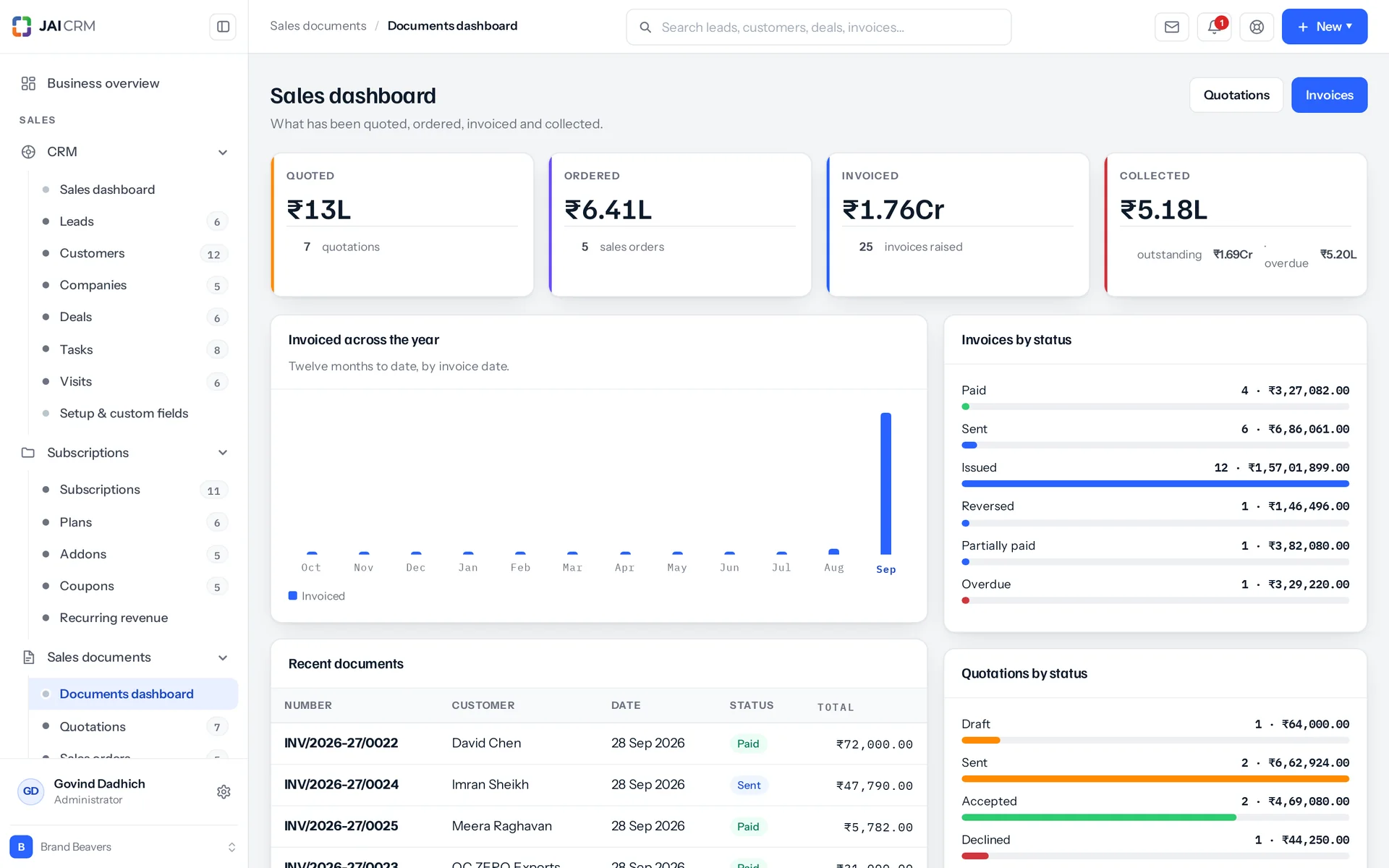
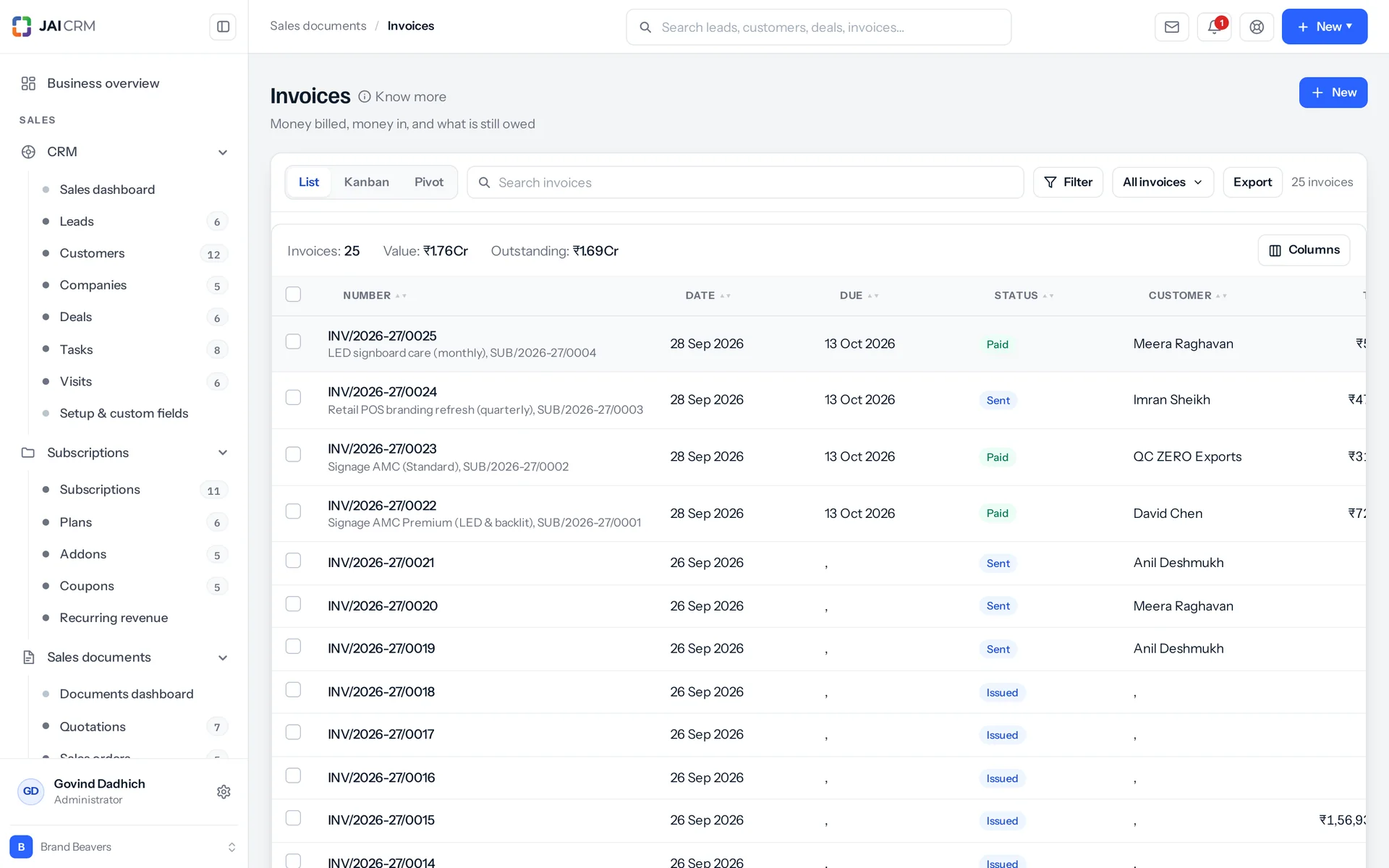
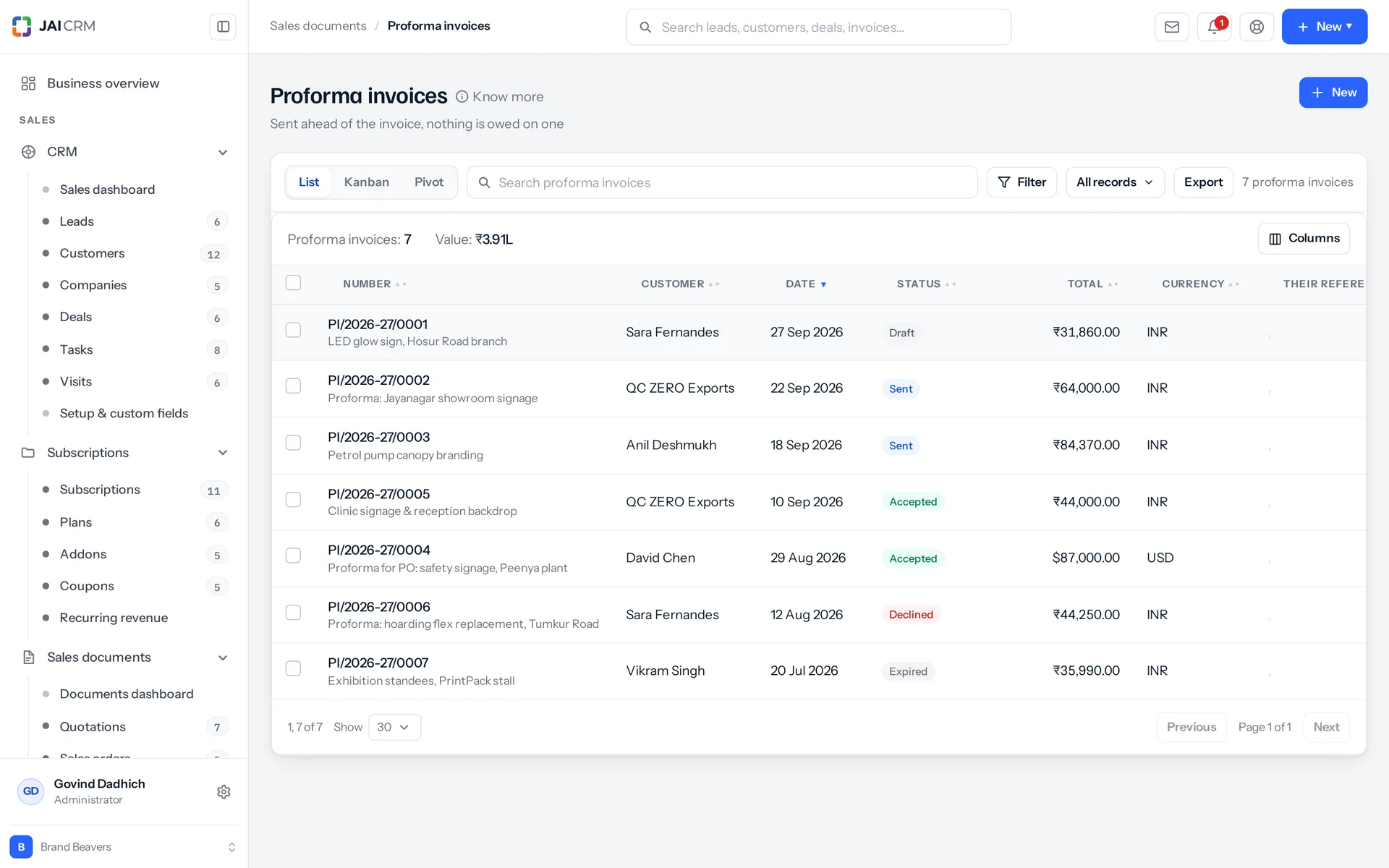
It is the GST invoice, quotation and proposal software in JAI CRM. It makes eight sales documents on one tax engine: quotation, sales order, proforma, tax invoice, bill of supply, retainer, credit note and delivery challan, and proposals written on your letterhead in a Google Docs-like designer. A quotation becomes the order and then the invoice, with no figure typed twice. GST is worked out from your state and the place of supply. Payments, TDS, credit notes, write-offs and recurring invoices live in the same place.
Who is JAI CRM's sales documents software for?
It is for businesses that quote, bill and collect under GST. That means the person writing quotations, the accounts desk, a fabricator billing a long job in instalments, a distributor sending goods out daily, a composition dealer, an exporter, and an owner who wants one number. It is not a point of sale. There is no till screen, no counter workflow and nothing that works offline, so a shop ringing up two hundred walk-ins a day should not buy it for that part of the job.
How much does the GST invoice and quotation software cost?
From ₹149 per user per month. That is the starting price for the Sales documents module in JAI CRM, which covers all eight sales documents (quotation, sales order, proforma, tax invoice, bill of supply, retainer, credit note and delivery challan) and proposals.
Can I write a proposal in JAI CRM, not just a quotation?
Yes. A proposal is a sales document of its own, numbered PRP onwards, for a lead, customer or deal. It is written in a full-screen designer like Google Docs, on A4 pages with your letterhead, header, footer, cover page and page numbers, and carries a value in any of your currencies. It is approved when your rules say so, sent with its PDF, and accepted or declined by the client online or by you by hand. Every open of the client's link is counted. The client signs to accept, an accepted proposal becomes the quotation, sales order or invoice with its products as lines, and earlier versions can be put back. A Word document opens straight into it, and its pages take charts, text boxes and columns.
Do I need a sales order, or can I invoice straight from a quotation?
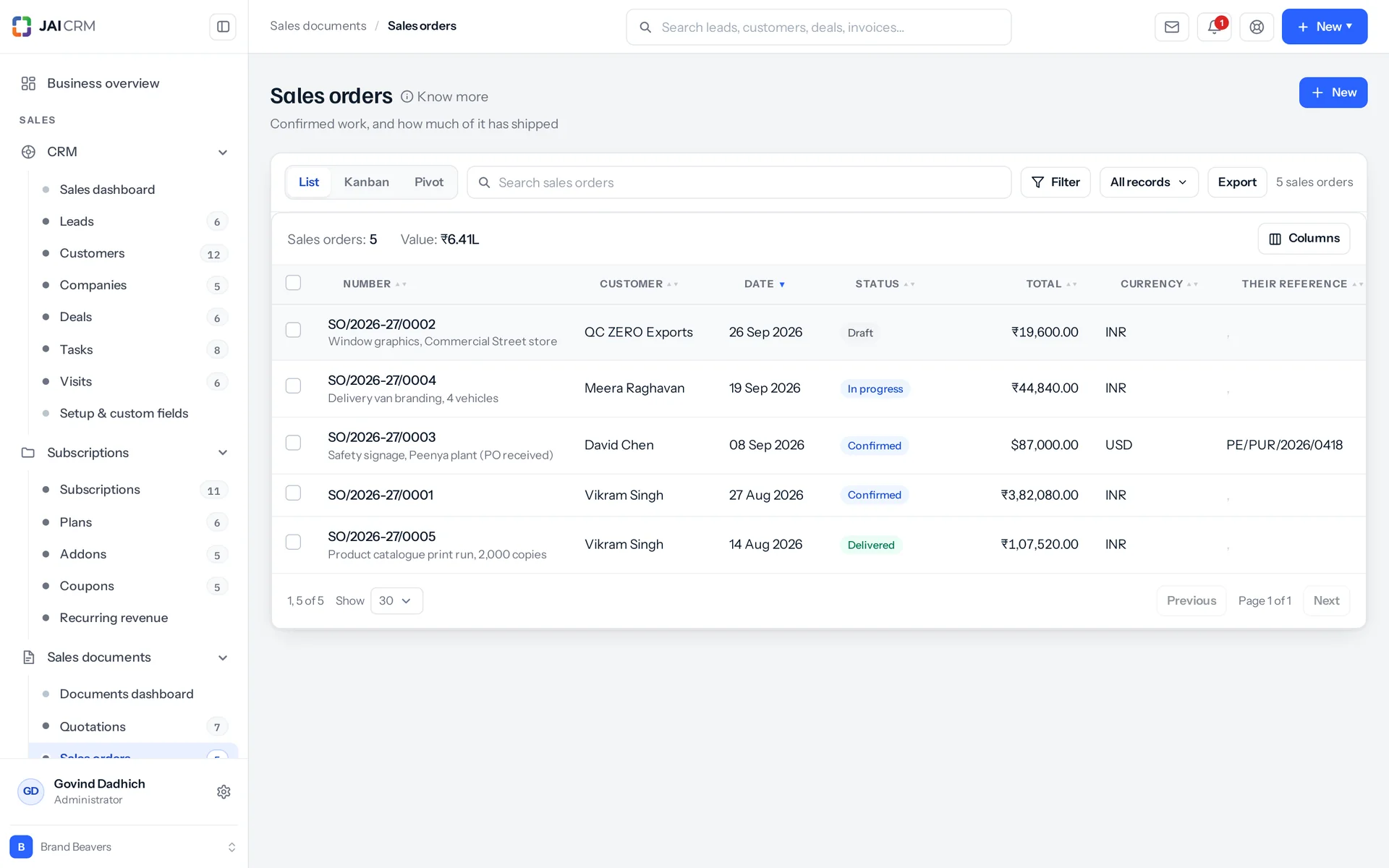
Either, whichever your business actually does. There are three routes and you pick one: quotation to order to invoice, quotation straight to invoice, or either. Your choice is enforced both ways. The route you do not use never shows in the menu, and if something asks for it anyway, it is refused with a sentence. A sales order between the quotation and the invoice earns its place when goods go out over time. Otherwise it is a wasted step.
Does JAI CRM handle GST properly, or is it just a rate box on each line?
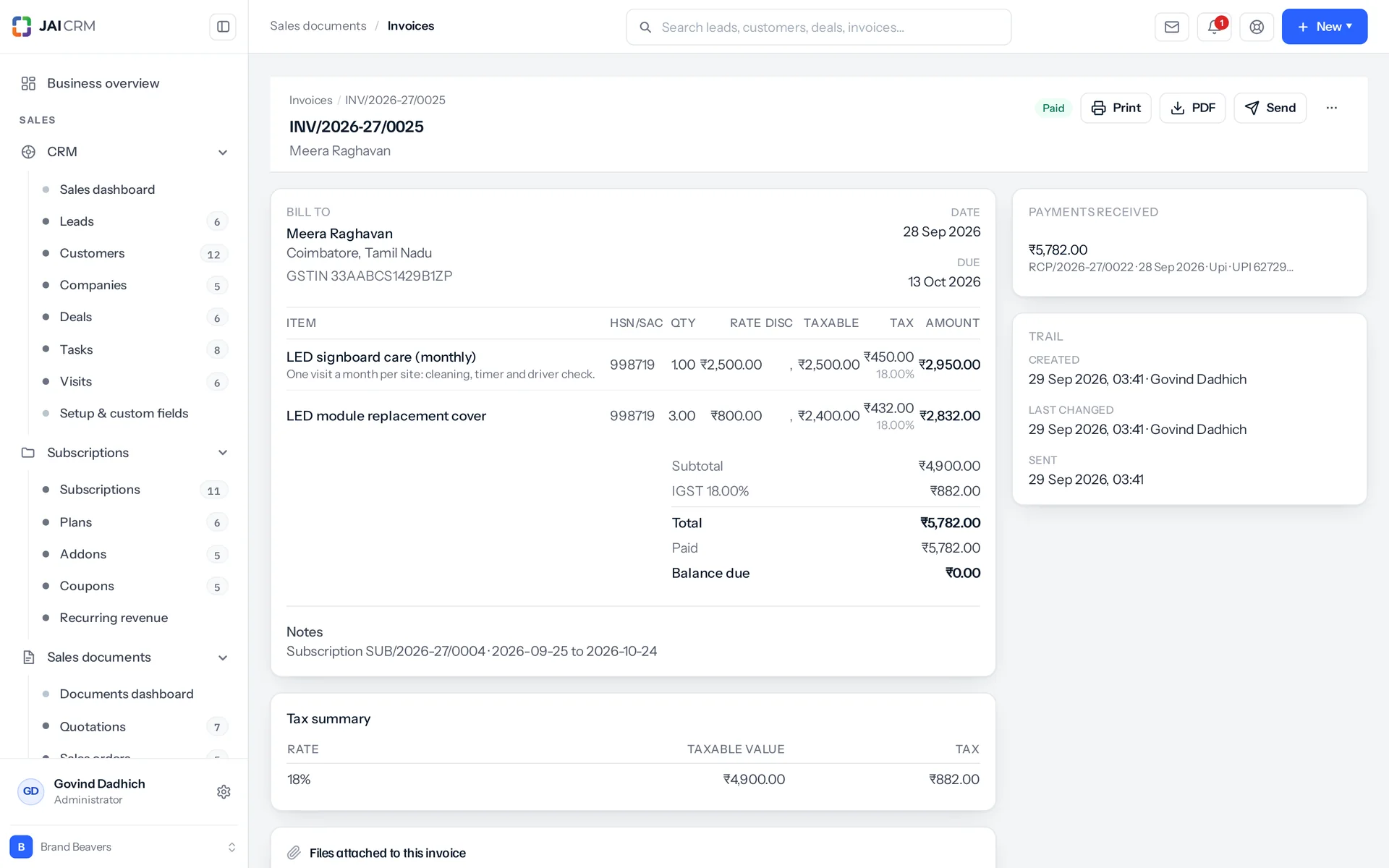
It handles GST properly, on the document. Place of supply decides the split: your state against the customer's. It maps thirty-eight GST state codes, forty-two ISO subdivisions on top of them, and the old names people still type. Seven union territories take UTGST instead of SGST. If it cannot tell, it says so rather than guessing. Each line and each charge takes one of six treatments: taxable, exempt, nil-rated, zero-rated, non-GST or reverse charge. There are eleven slabs, and cess as a percentage or a per-unit amount. Reverse charge works as a line treatment, a document flag, its own total and a printed line. GSTIN (the 15-character GST number) is checked in full, including the mod-36 checksum (a built-in check character). So a typo is caught where it is typed, not in a return.
Can a composition dealer raise a bill of supply in JAI CRM?
Yes. A bill of supply is its own document type with its own number series. It is not a tax invoice with the tax switched off. Tax is removed when the price is worked out, because a bill of supply with GST on it is not a small slip, it is the wrong document. But a line already marked exempt, nil-rated or non-GST keeps that treatment, since those are different things in a return. Bills of supply count as sales on the dashboard. A composition dealer raises nothing else, and a dashboard that counted only invoices showed them an empty business.
Can I bill one job in instalments?
Yes, in five ways: the full amount, whatever remains, a rupee figure, a percentage, or line by line. Each one becomes a fraction for every quotation line, checked against what that line has left. A rupee amount is spread across the lines in proportion to what each still has outstanding. It is off until you turn it on in Settings, Plugins, Sales documents, and it needs quotations to be invoiceable: “From a quotation, raise” set to an invoice directly, or either. One thing it will not do is progress-invoice a quotation that has already become a sales order. That work is invoiced through the order, because two documents claiming the same work is how it gets billed twice.
Can I import my existing invoices into JAI CRM?
Yes. There are fifteen fields you can map, up to five thousand rows per run, and three ways to handle a row that matches something already there: skip it, update it, or stop for review. Rows with the same document number become the lines of one document. A file with no number column is read as one document per row. Nothing is saved until every row has passed, so a typo on the last line does not leave half an import behind. Dates are read as dd/mm/yyyy first, which is what a spreadsheet in India gives you. Everything arrives as a draft: nothing is emailed, no stock moves, nothing is filed.
Can I stop people editing or deleting an invoice after it is sent?
Yes. A sent (issued) document cannot be deleted at all, only cancelled, which keeps the number on record. A draft can be deleted, but only the newest of its kind in its branch, because deleting an older one leaves a gap in the numbering that cannot be filled. You cannot change the lines of a paid, reversed, cancelled or converted document. For an invoice, raise a credit note. For anything else, duplicate it and edit the copy. An accepted quotation's lines are locked too, since the customer agreed to what it says, though you can turn that one rule off in Settings. Underneath, each document type has ten permission actions: view, create, edit, delete, export, import, approve, print, convert and share. Each has four data scopes (how much data a person can reach). A document shared with you only to read refuses any change and says so in those words.
Does JAI CRM do e-invoicing and e-way bills?
No. This is the limit this page admits. Nothing here connects to the IRP (the government portal that registers e-invoices) or to the e-way bill portal. No IRN (the e-invoice reference number) is fetched, no e-way bill is generated, and no return is filed for you. What the module does is get the data right before any of that. HSN or SAC on every line, the taxable value apart from the tax, the rate, the treatment and the place of supply are captured when the document is written. They print as an HSN summary and a rate-wise GST summary. When goods leave, the shipping screen records the carrier, the vehicle number and the e-way bill number you were given for that consignment. If getting the IRN back from the portal without leaving the screen is what you are buying, ask us where that stands before you pay, not after.
Can a customer see an invoice without an account?
Yes. Emailing a document creates a link that holds a twenty-four-byte secure token and nothing else. It shows the document in your own template, with no internal IDs in the response. A quotation, proforma or proposal can be accepted or declined from it, and a proposal shows its pages as they print, with a Download PDF button. An invoice can be acknowledged or queried, and a query sends you a notification. Otherwise a disputed invoice stays invisible until someone phones about it. Opening the link is recorded. Drafts cannot be viewed or answered, since nobody has decided to send them yet. An expired quotation cannot be accepted. A customer acknowledging an invoice cannot overwrite what the payments say about it. Replies are limited to ten in ten minutes.
What happens when a customer deducts TDS from a payment?
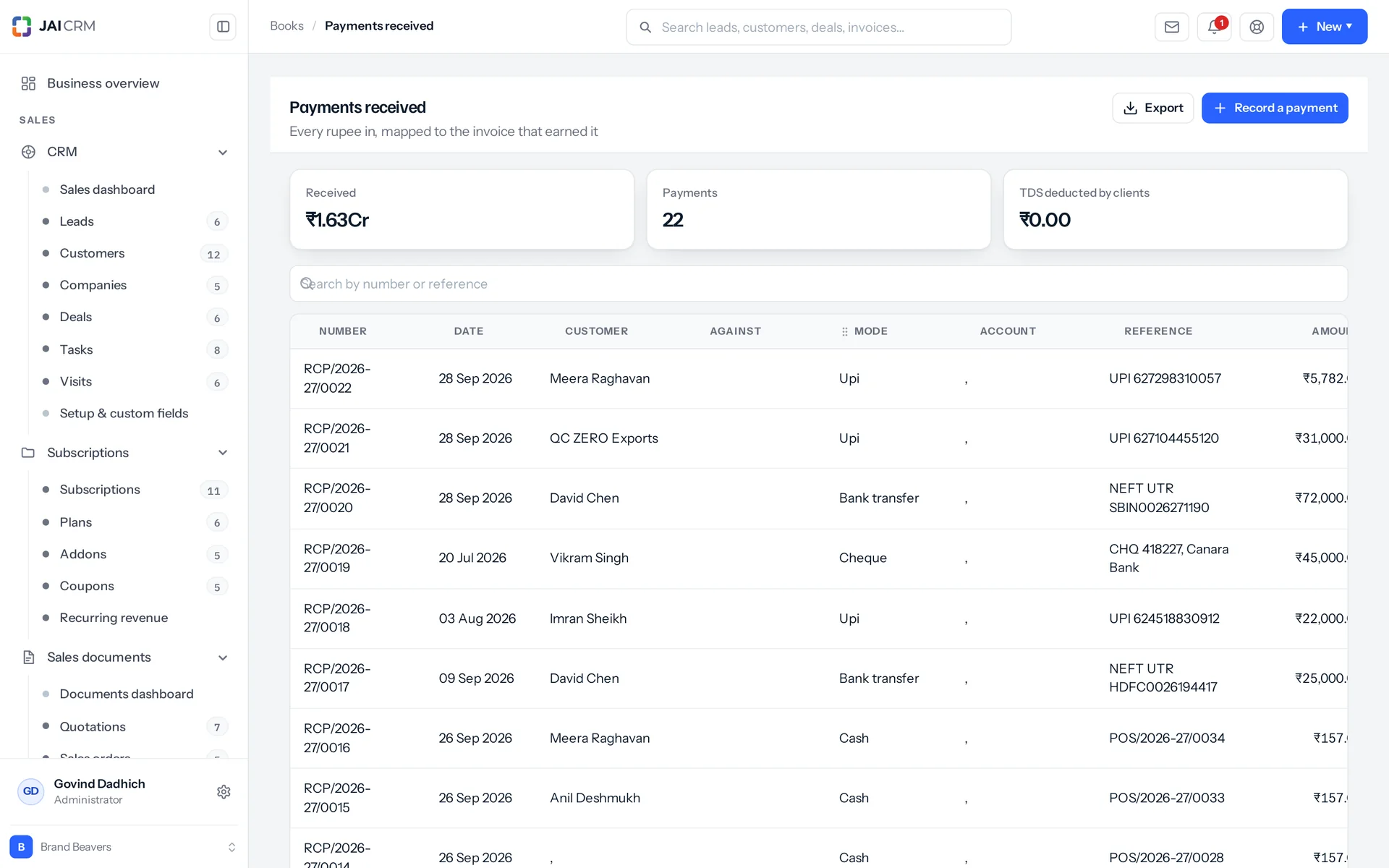
You record the TDS on the payment. The amount paid plus the TDS settles the invoice. A register entry marked deducted by the client is saved with the section, the base amount, the rate worked back out and the financial-year quarter. It stays in step when that payment is edited or deleted. A payment of zero is allowed. A customer who deducts TDS and pays nothing else that month still needs something recorded against the invoice, and refusing it forces someone to invent a rupee. There is a master list of TDS and TCS (tax collected at source) sections. Each holds the rate, the higher rate India applies when the party has no PAN, a yearly threshold below which nothing is deducted, and whether it applies to individuals, companies or both. The document itself can show the section, the rate, the amount and the net payable, so what the customer actually transfers is on the paper.
Can I invoice in another currency, or use JAI CRM outside India?
Yes. One engine runs four tax regimes: Indian GST, VAT, sales tax, or none at all. So a business selling into the Gulf, Africa or the UK does not need a second system to do it. Each document keeps its own total and a base total next to it, and the dashboard shows the split by currency. The HSN column drops off the print outside India. Templates default to en-IN (Indian English), and both the locale and the field labels can be changed. An export invoice is titled EXPORT INVOICE, while a domestic one under GST says TAX INVOICE.