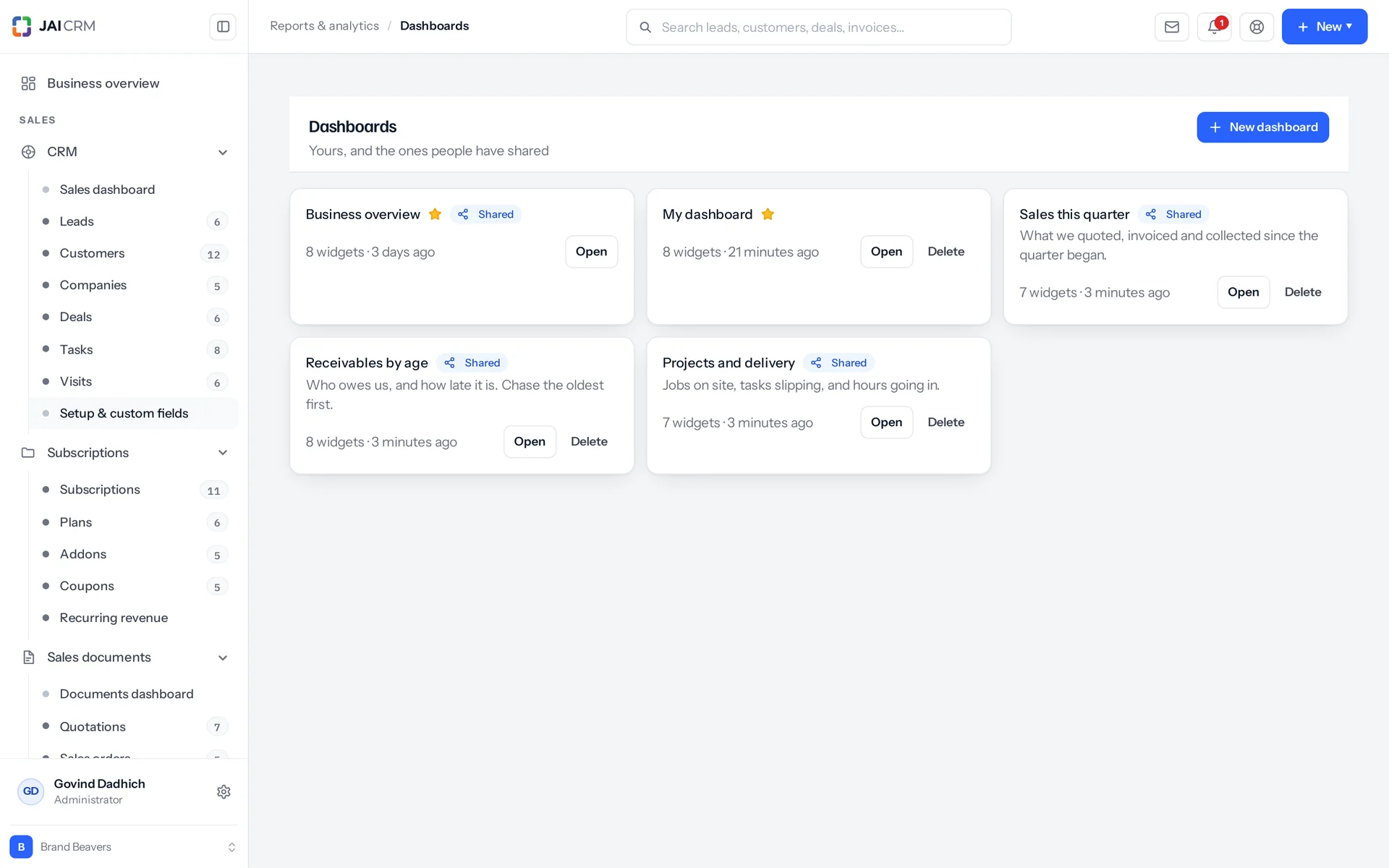
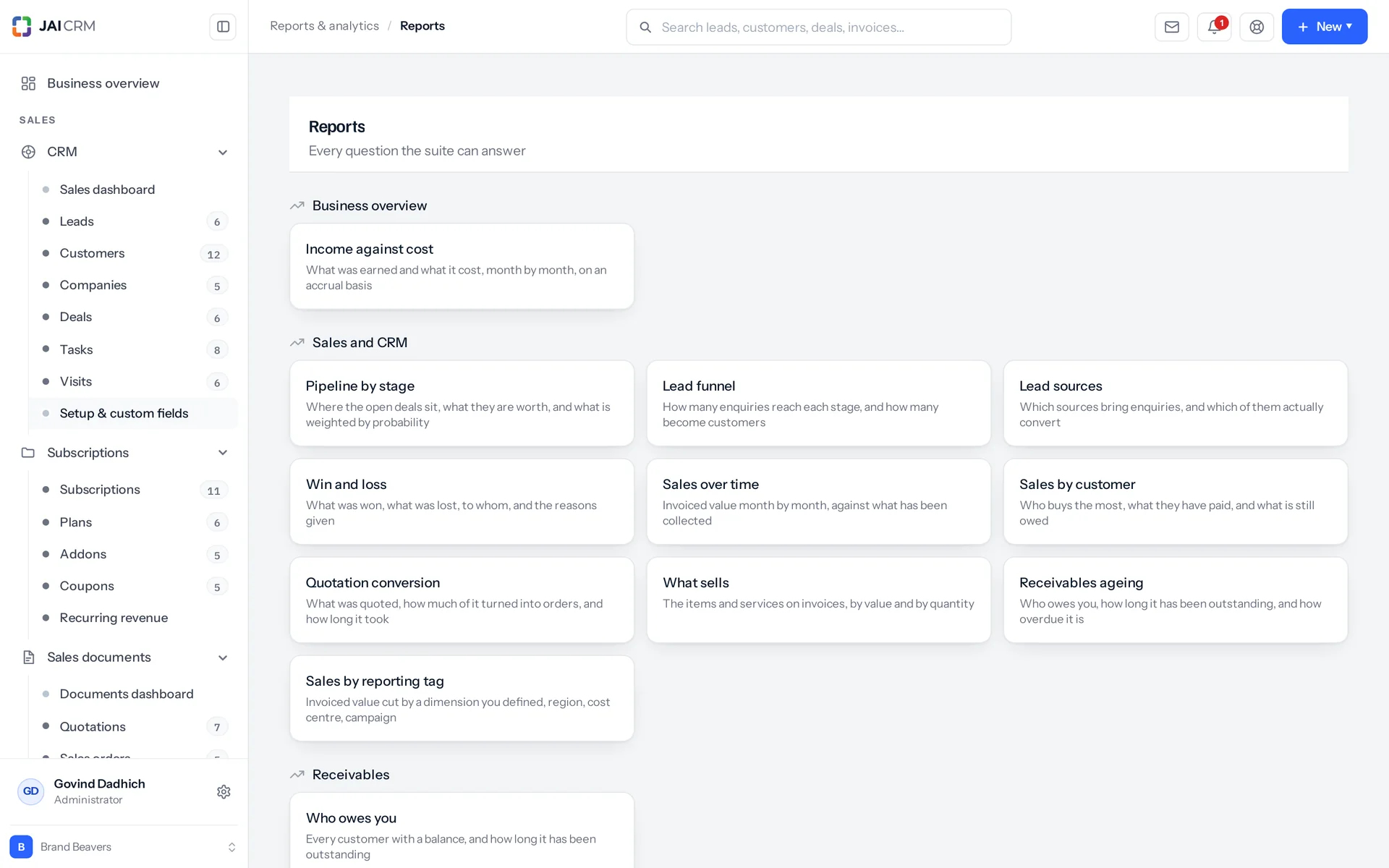
What is Reports & analytics in JAI CRM?
It is the reporting and dashboard software inside JAI CRM. You get 19 built-in reports: four over CRM, five over sales documents, nine over the books, and one that splits sales by your own reporting tags. You can also build dashboards over 51 record types. Every report shows headline figures, a chart and the rows behind them, and it can be emailed to you on a schedule as CSV, PDF or both.
Who is JAI CRM's reporting software for?
It suits owners who want last month's figures on the 1st, accounts teams tracking dues and TDS, sales managers running a weekly pipeline review, and regional managers who report by branch. It also works for accountants or partners who never log in but want the numbers by email. It is not a BI tool, so it will not suit a business that needs to write its own queries.
How much does Reports & analytics cost?
It starts at ₹149 per user per month when you pay annually. If you are billed monthly, it is ₹199 per user per month.
Can I build my own reports in JAI CRM?
Partly. You can build dashboards, and every list has a pivot. A dashboard tile reads any of 51 record types. It measures with a count, a sum or an average over any number field, including your own custom fields. It filters with the same 29 operators the lists use. Every list screen also has three views: list, kanban and pivot. Rows, columns and a measure over your own filters answer most one-off questions. What you cannot do is write a query that joins two modules into one table. The 19 named reports do that work.
Who can see which reports?
Only people with the right access. The report list is filtered twice. First by the plugin that owns each report, so a business without procurement is not offered What went out. Then by permission, so someone without the audit right is not offered Who did what. Inside a report, 17 of the 19 apply the same record limits the list applies. The TDS register and Who did what cover your whole workspace, which is why each needs its own permission. Running a report needs view access on the module that owns the data. Exporting needs the export right on that same module.
My accountant has no login. Can they still get the reports?
Yes. A schedule can send to staff picked from the team list and to plain email addresses typed in, in any mix and any number. They get the CSV, the PDF or both. The headline figures are also shown in the body of the email, so they can read the answer on a phone without opening an attachment.
If I schedule a report to someone else, whose figures do they see?
The creator's. Nobody is signed in when a schedule sends, so it re-checks the permissions of the person who set it up and runs the report as them. You can send a report to someone else, but you cannot use a schedule to show them more than you are allowed to see. An old or system schedule with no creator recorded stays unlimited on purpose. There is nobody to narrow it to, and refusing to send would be worse than sending what it has always sent.
Can I get sales reports by branch, region or cost centre?
Yes, with reporting tags. Create a dimension and give it a tree of answers up to five levels deep. You can also limit it to certain modules, or make it mandatory before a document goes out. Sales by reporting tag then splits invoiced value at the top level, at two levels, or by every value. The design follows Zoho's on purpose, because many businesses already know it. It covers invoiced sales only. Purchases, expenses and the profit-and-loss side do not carry dimensions yet.
Can one invoice be split between two regions?
No. A tag answer applies to the whole document, with one answer per dimension per record. So a mixed invoice lands whole in whichever region you tagged, or in "Not tagged", which the report always shows. If the split matters for reporting, raise two invoices. A document can answer several dimensions at once, such as Region and Cost centre, with up to 20 answers in one save. The report counts only one dimension at a time, because counting both would double the sales figure.
What happens to documents nobody tagged?
They show as their own row, sorted last however big it is. The summary always shows how much sits on documents with no answer, even when that is zero. A report that silently leaves them out is worse than one that shows them. "None missing" is what a reader most wants confirmed before trusting the rest of it.
Will Excel open the CSV export properly, and can I add up the columns?
Yes to both. The CSV holds raw values, not formatted ones, so a spreadsheet can add them up. It also starts with a UTF-8 byte order mark, so every character comes through intact. On screen, in the PDF and in the email, money and counts use Indian digit grouping instead.
Where are the GST returns, the P&L and the stock reports?
They live in the modules they belong to and are linked from the Reports page. There are five money reports: profit and loss and cash flow in Accounting & finance, and the trial balance, balance sheet and general ledger in Accountant. There are four tax reports: GST summary, GSTR-1 (your sales return), GSTR-3B (your summary GST return) and the TDS register. There are four stock reports: valuation, ageing, reorder list and expiry watch. Then payroll history. That is 14 links in all. One overlaps: the TDS register is also one of the 19 reports here. So the page shows it twice, once as a link to the TDS screen and once as a report with a period, a chart and an export.
Can I share a dashboard with my team?
Yes, with named roles or groups. Sharing is its own permission, separate from creating a dashboard at all. You can read a shared dashboard if you own it, are the workspace owner, or match its shared roles or groups. A dashboard marked shared with no role or group named is readable by everyone in the workspace, so name them. Anyone else sees "that dashboard is not shared with you". The person who made it and the workspace owner can change or delete it, and a delete must be confirmed before it happens.