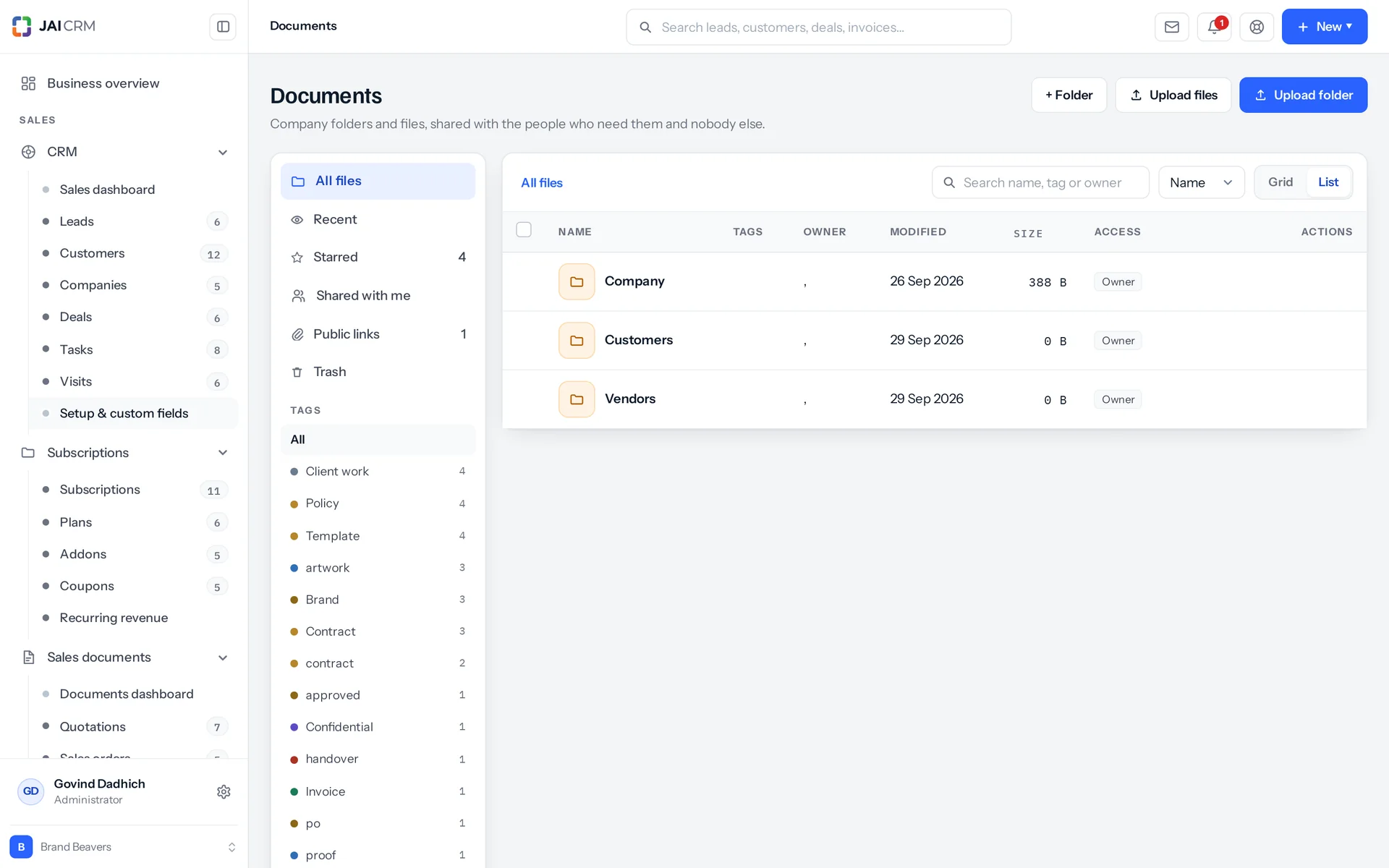
What is document management software in JAI CRM?
It is Documents, the part of JAI CRM that stores your company files. Files sit in folders, and sharing passes down from the folder above. Uploading a new copy keeps earlier versions whole. Files can also attach straight to a business record, such as an invoice or a vendor, and follow that record's permission. Google Drive and Dropbox files can be linked in without being copied.
Who is the JAI CRM Documents module for?
It is for businesses that share files with staff, clients and suppliers and need to know who can open what. It suits professional services, agencies, construction and interiors, engineering and fabrication, manufacturing, pharmaceuticals, IT and software services, real estate, and logistics and transport. Clients and suppliers get access through portal logins, so you do not buy them a seat.
How much does document management in JAI CRM cost?
Documents starts from ₹149 per user per month. Your storage allowance is for the whole workspace (organisation), and adds up three things: your plan's own pool, the plan's per-user amount times the seats in use, and any extra storage bought as a subscription add-on. A plan that says nothing at all about storage gets 5,120 MB.
Can JAI CRM replace Google Drive for company files?
Yes, for company documents inside the business, which is what most people mean. If your work really lives in Google Docs, link the files instead. The files stay on your Drive. The name, folder, tags and, most importantly, the sharing live in JAI CRM, so one set of rules decides who can open them. What you cannot do is edit a document inside JAI CRM. There is no editor, and nothing is ever written back to your Drive.
Can a client or supplier see documents without a paid user seat?
Yes, through a portal login. Customer portal logins and vendor portal logins are share audiences in their own right, on their own tabs in the share dialog, listed apart from staff. Share a folder with one and they see that folder and nothing above it. A portal login only ever gets view access to files. There is no anonymous link for a stranger with no account anywhere. If a bank or a one-off buyer needs a document, send them the document.
How does JAI CRM stop staff sharing the wrong folder with a customer?
Three safeguards, all in the same share dialog. First, clients and suppliers sit on their own tabs, away from staff. Second, groups are not offered at all, only circles, because a group can hold a client contact and a supplier, and one wrong row from a long list is how the finance folder gets shared outside. Third, a share must name exactly one audience. Anything else is refused with "Share with exactly one of a person, a team, a role or everyone", so a half-filled form never saves something nobody meant.
What happens to our documents when an employee leaves?
Files they uploaded stay. Their name stays on the activity rows they wrote, because it is stored on the row, not looked up, so their history still reads afterwards. They stay in the storage breakdown too, marked (removed), because their files did not leave with them. Files they linked from their own Google Drive or Dropbox stop opening once the connection goes. The file then says why instead of coming back empty: "This file lives on Google Drive and the account that linked it has been disconnected. Reconnect it, or ask whoever linked it to."
How much storage do we get, and what happens when it is full?
Your allowance is for the whole workspace (organisation), and is three things added together: your plan's own pool, the plan's per-user amount times the seats in use, and any extra storage bought as an add-on. A plan that says nothing at all about storage gets 5,120 MB. The check runs inside the one function every upload in the product passes through, so it cannot be skipped. An upload that would take you over the limit is refused before a byte is saved, and the message shows both numbers.
Can I let someone view a file but not download it?
No. A share gives view or edit, and anybody who can view a file can download it. We would rather say that plainly than sell you a switch. A read-only viewer is beaten by a phone camera anyway, and the control that really works is who you shared it with. If a document must not leave the building, put it in a folder that only the people who need it can reach.
Can I search the text inside documents in JAI CRM?
No. There is no full-text search of what is inside a file. The search box on the files screen narrows what is already in front of you, by name, by tag and by owner. It does not search the whole store. To make a scan easy to find, give it tags or attach it to the record it belongs to. An attachment carries a label in your own words, separate from the file name, which is exactly what scan_0412.pdf needs.
Does connecting Google Drive give JAI CRM access to all my files?
No, and that was a deliberate choice, not an oversight. JAI CRM asks for two permissions (scopes): drive.file, which covers only the files you pick in Google's own picker, and your account's e-mail address. It does not ask for the wider drive.readonly. One result is that you cannot browse your Drive inside JAI CRM. You pick files in Google's picker, and the screen says so plainly instead of showing an empty list that makes you think your Drive is empty.
Can I set who sees what across the whole business, module by module?
Yes, there is such a layer, but Documents is deliberately not one of the modules it covers. For leads, invoices, purchase orders and the rest, each module gets a default: private, or public at read, read and write, or read, write and delete. Named rules sit on top. They share either by owner ("what this role and its subordinates own") or by criteria ("whatever matches this condition, whoever owns it"). A rule can only ever grant more, never less. So to know the least somebody can see, read the default and stop. The file store sits outside all of that. Its folders and shares, described on this page, are the only thing that decides who opens a file.
What happens when I delete a file in JAI CRM?
Deleting moves it to the trash. Delete forever is a separate action on something already in the trash. That runs in order: first the activity rows, the shares and the links, then the file's record, then the file itself. The record is the proof the file existed, so it goes before the thing it points to. Emptying the trash does the same for everything in it you have edit access to, earlier versions included. Deleting a folder trashes everything under it, and you are told how many files that is before you confirm.