What is the Exhibitions module in JAI CRM?
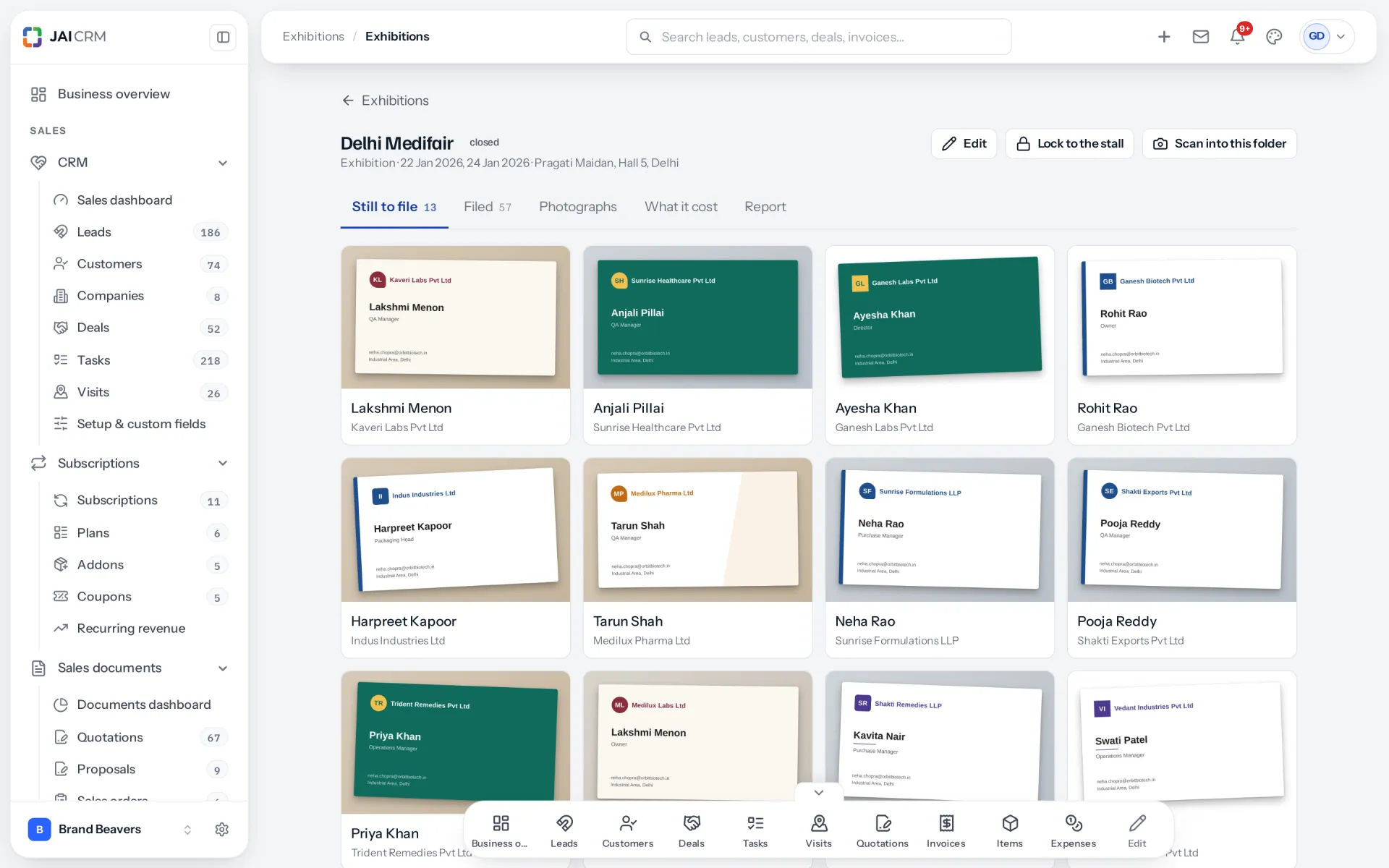
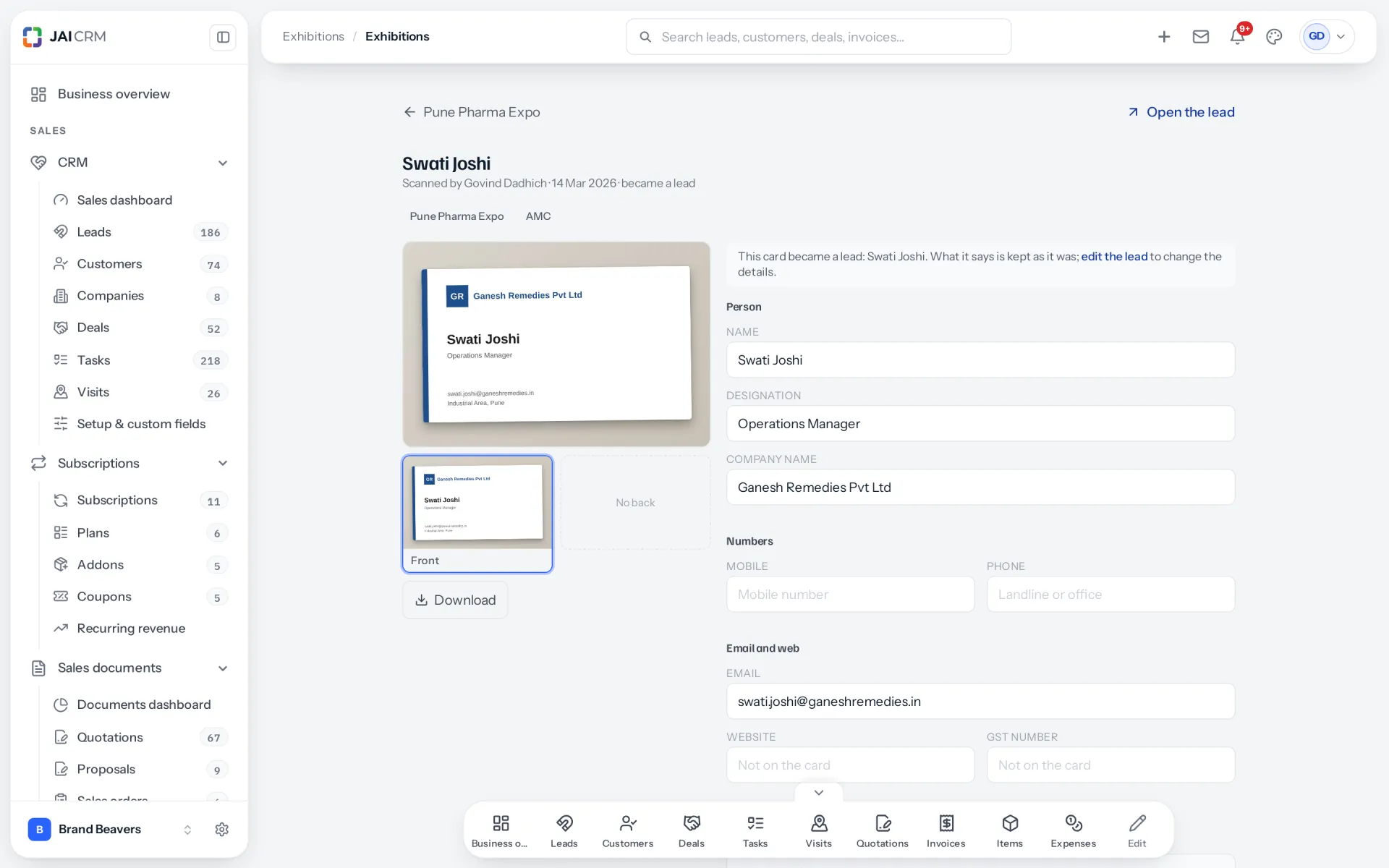
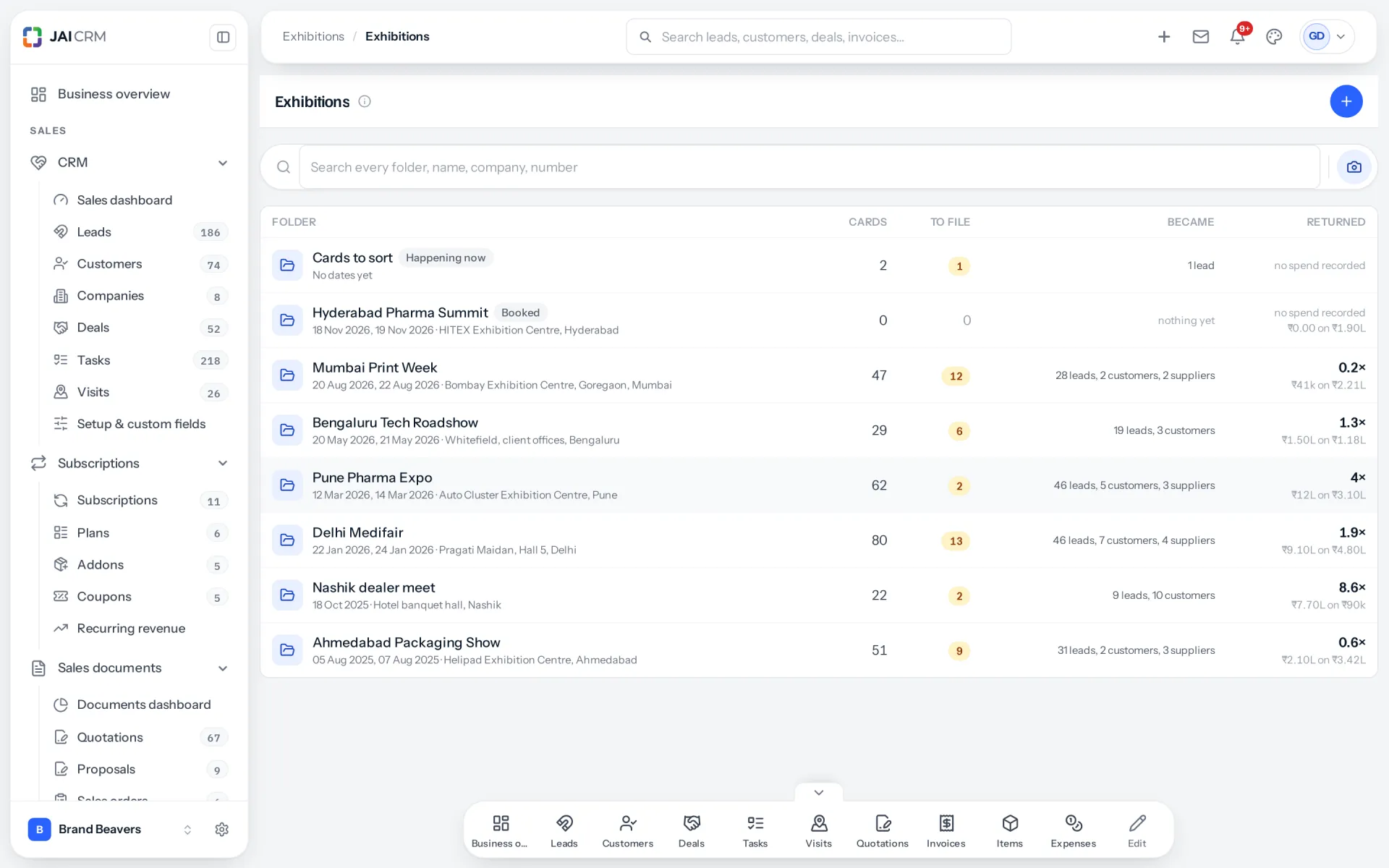
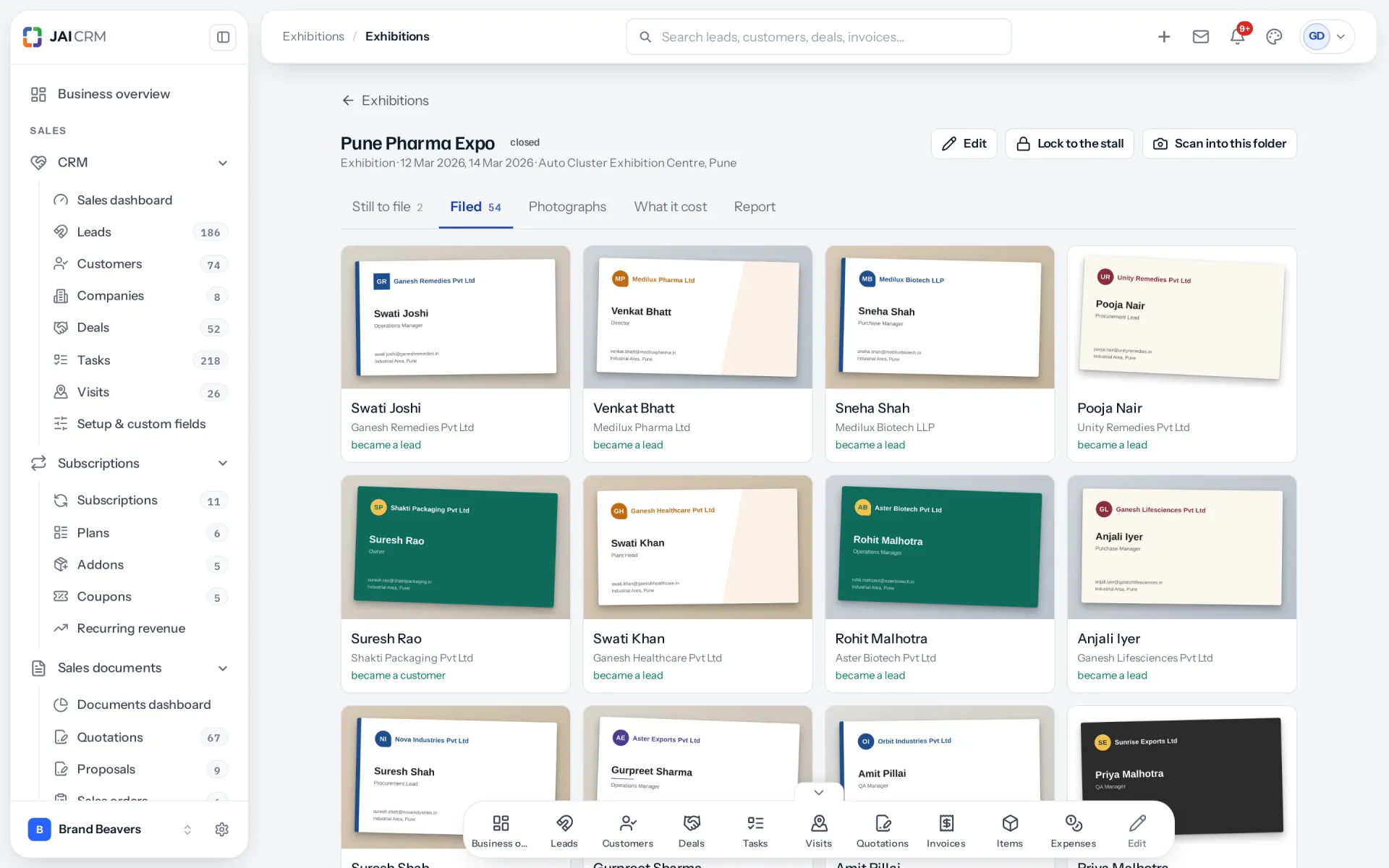
The Exhibitions module is a visiting card scanner joined to your CRM. You scan cards at a stall, add a short voice note, and file each card as a lead, a customer or a supplier with a follow-up task. A report then shows what the exhibition cost against the money it actually brought in.
How much does Exhibitions cost?
Nothing extra. Exhibitions is included in every plan that has CRM and Sales Documents, starting with CRM + Sales Documents from ₹149 per user per month. If your business is on one of those plans, it is already switched on.
Which modules does Exhibitions need?
CRM and Sales Documents. A card becomes a lead or a customer in CRM, and what an exhibition earned is counted from invoices in Sales Documents. Vendors is optional: it lets you file a card as a supplier you met at the fair.
Can I scan visiting cards without internet at an exhibition?
Yes. Cards and voice notes are kept on the phone and sent by themselves when the connection returns. The scanner never waits for the network, and it tells you the cards are kept on the phone rather than showing an error.
Does it read both sides of a visiting card?
Yes. Scan the front, then add the back. The details on the back are merged in without overwriting anything you have already corrected. A QR code on the card is read too.
Does it use AI to read cards?
Where your workspace has its own AI key, cards can be read with AI, which is a switch under Settings, on by default. Otherwise they are read by our own reader on our own server. Either way, fields the reader is unsure about are underlined for you to check.
What happens to the voice note?
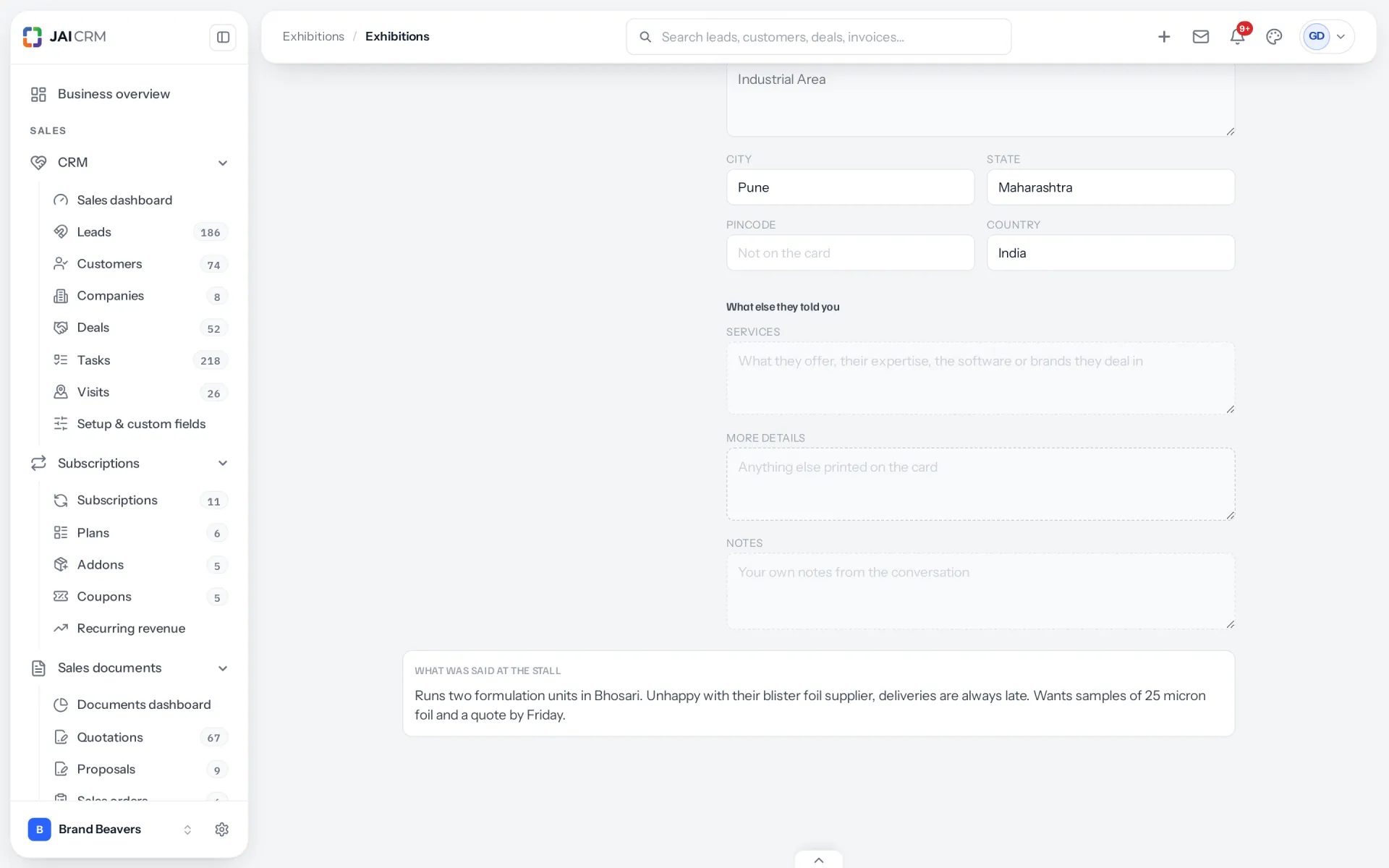
It is written out as text and attached to the person when the card is filed. The follow-up task carries it too, so whoever makes the call knows what was said at the stall.
Will it create a duplicate if the person is already a customer?
It checks first. Each card is matched against your customers, leads and suppliers by GSTIN, mobile number, email, and company with city. A match is shown for you to choose. File against it and the existing record is marked as met at the exhibition.
How is the return on an exhibition worked out?
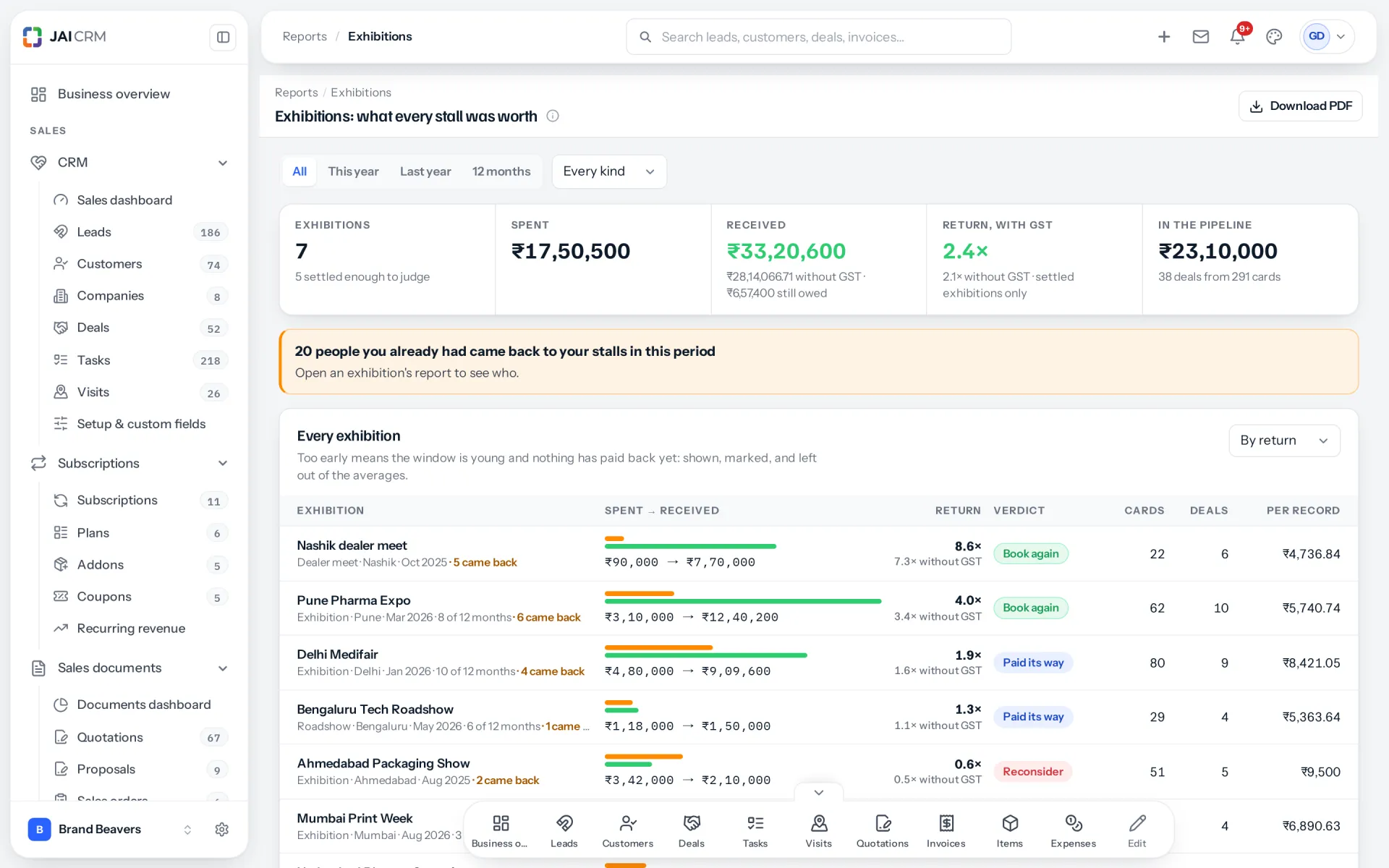
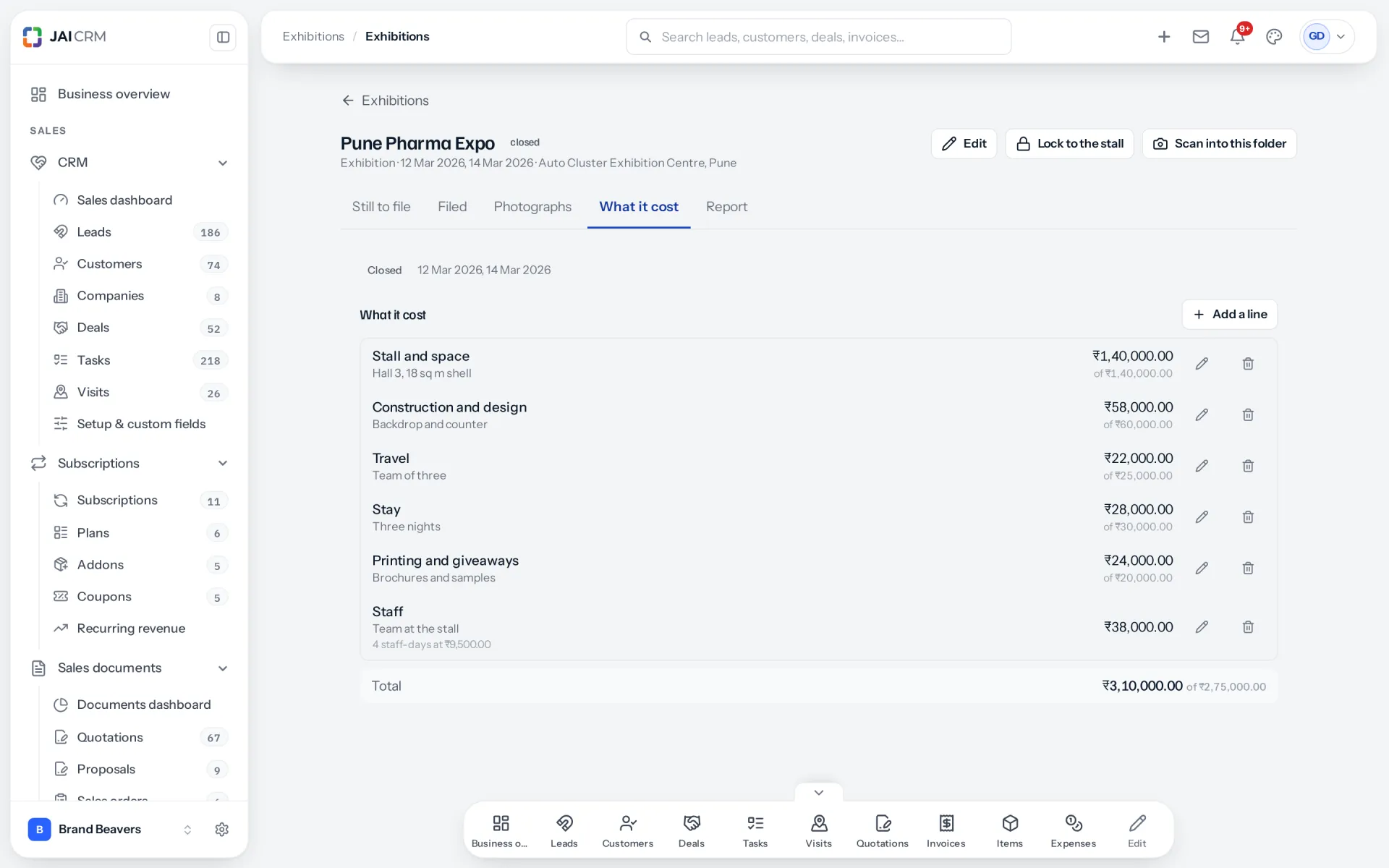
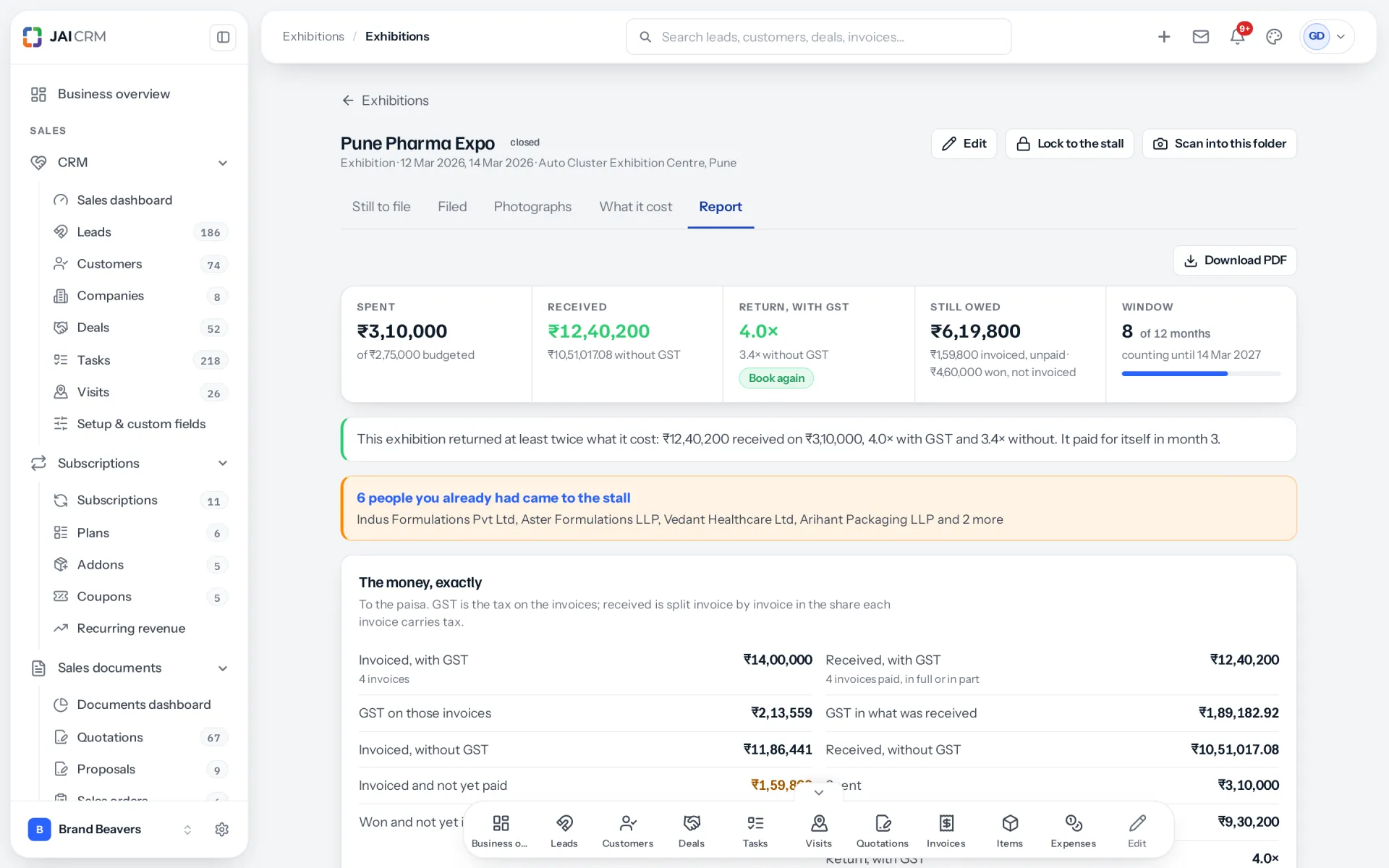
Money received from people you met at the exhibition, divided by everything it cost, staff days included. Only payments count, not quotes or pipeline. Sales won but not yet paid are shown separately as owed.
How long after an exhibition are sales counted?
Twelve months after the last day, unless you choose a different period on the exhibition. Before four months, a low return is shown as too early rather than failed, because business buyers rarely pay within weeks of a fair.
Can I see which salesperson brought in the most from a fair?
Yes. The report credits each sale to the person who scanned the card that started it, and shows business that did not come from a card on its own line.
Can a temporary helper scan cards without seeing my CRM?
Yes. The right to scan is its own permission: they can add cards and see their own, and nothing else. Stall mode can also lock a shared phone to the scanner until somebody enters a staff PIN.
When is the follow-up task due?
Forty-eight hours after the card is filed, for every card, assigned to the record's owner. There is no screen yet to change that period.
Can I record a supplier I met at the fair?
Yes, with the Vendors module. A card filed as a supplier waits among suppliers to be approved, with no follow-up task, so nobody orders from them before they have been checked.
Does it record consent for marketing under the DPDP Act?
Not on screen yet. A card can store whether the person agreed, but no screen sets it today. Until it does, note consent yourself before adding anybody from a fair to newsletters or campaigns.
Does Exhibitions work for conferences and dealer meets too?
Yes. Despite the name, each one can be an exhibition, a conference, a roadshow, a dealer meet, a webinar, or a kind you name. Each has its own cards, photographs, costs and report.