What is the CRM in JAI CRM?
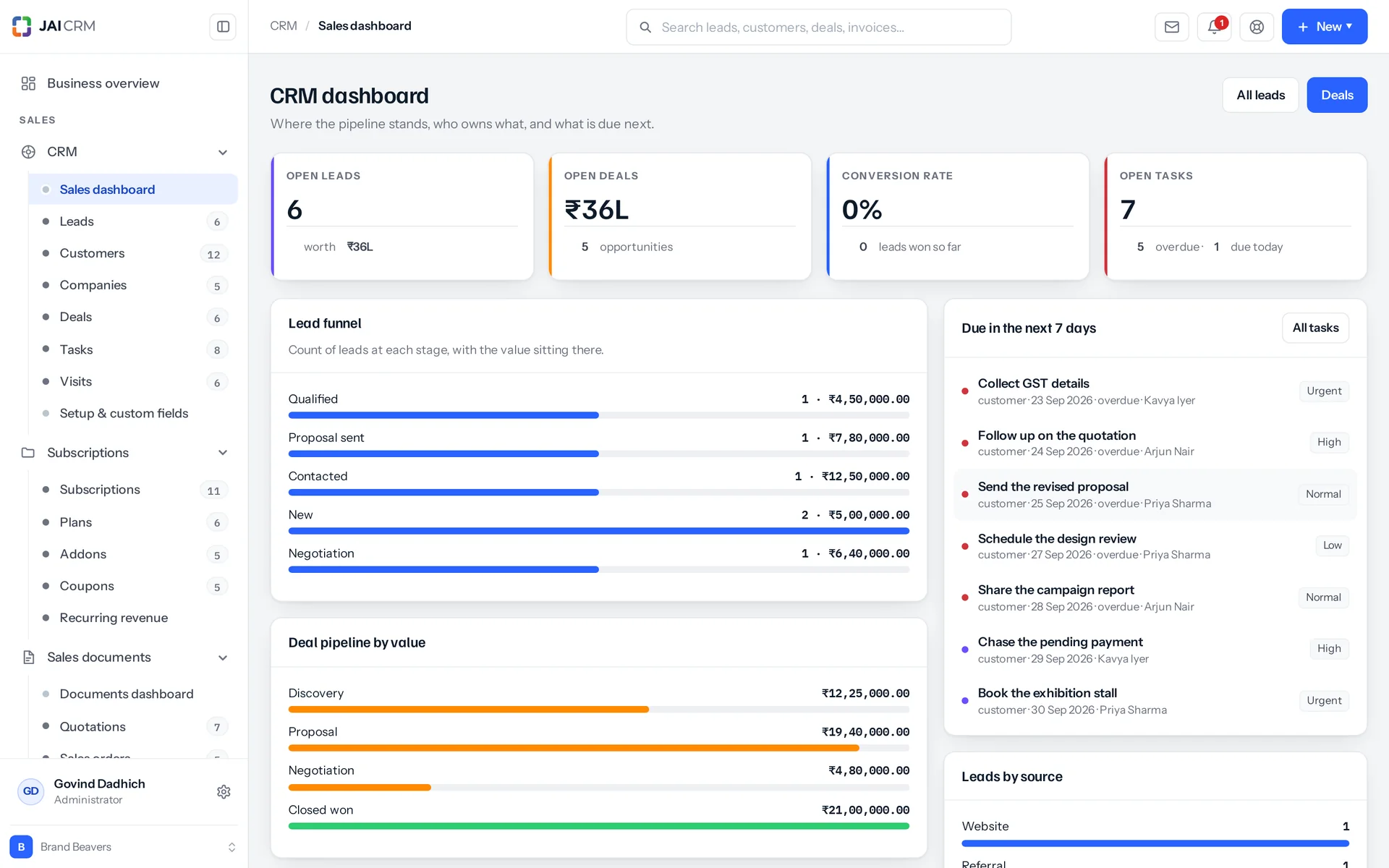
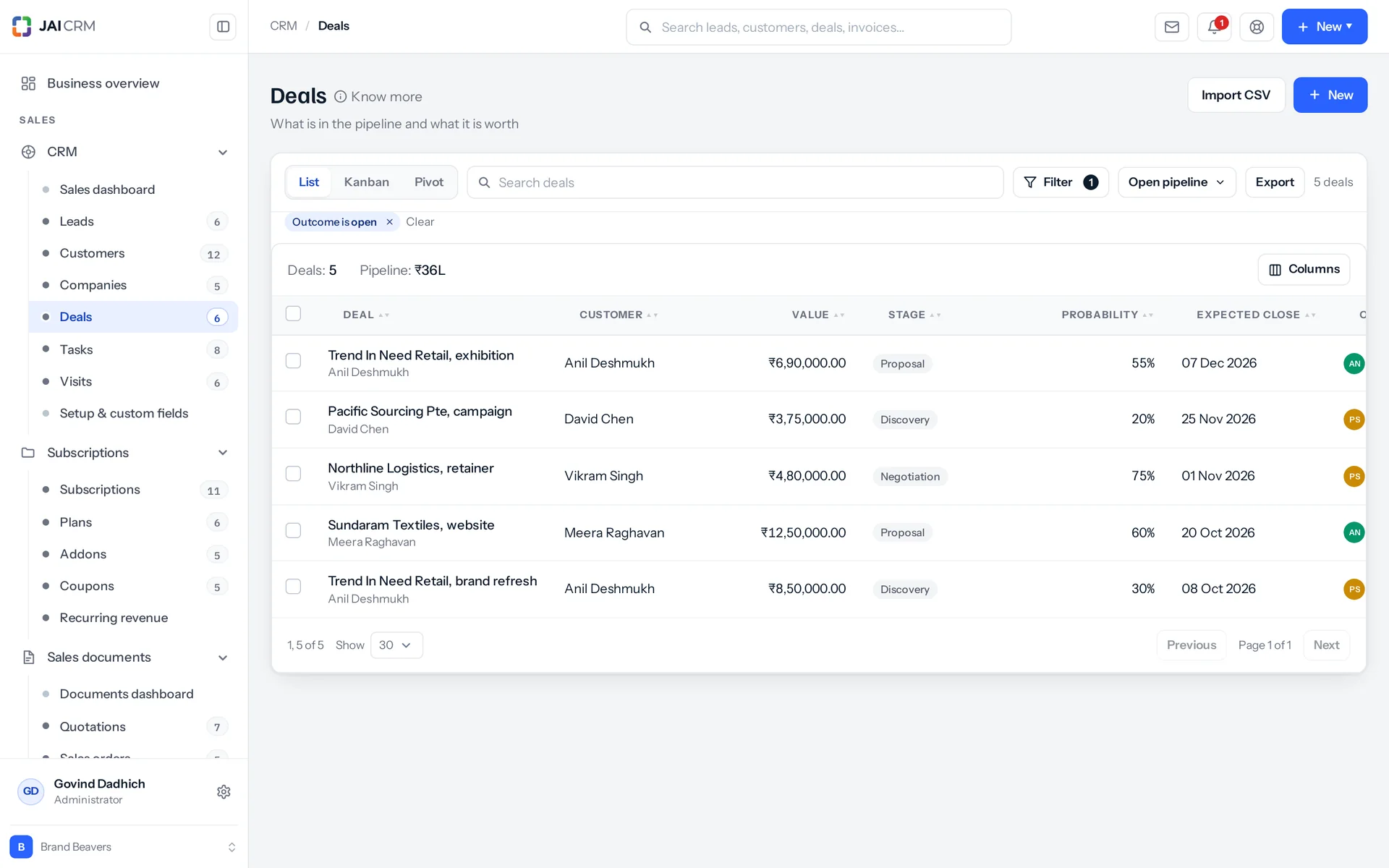
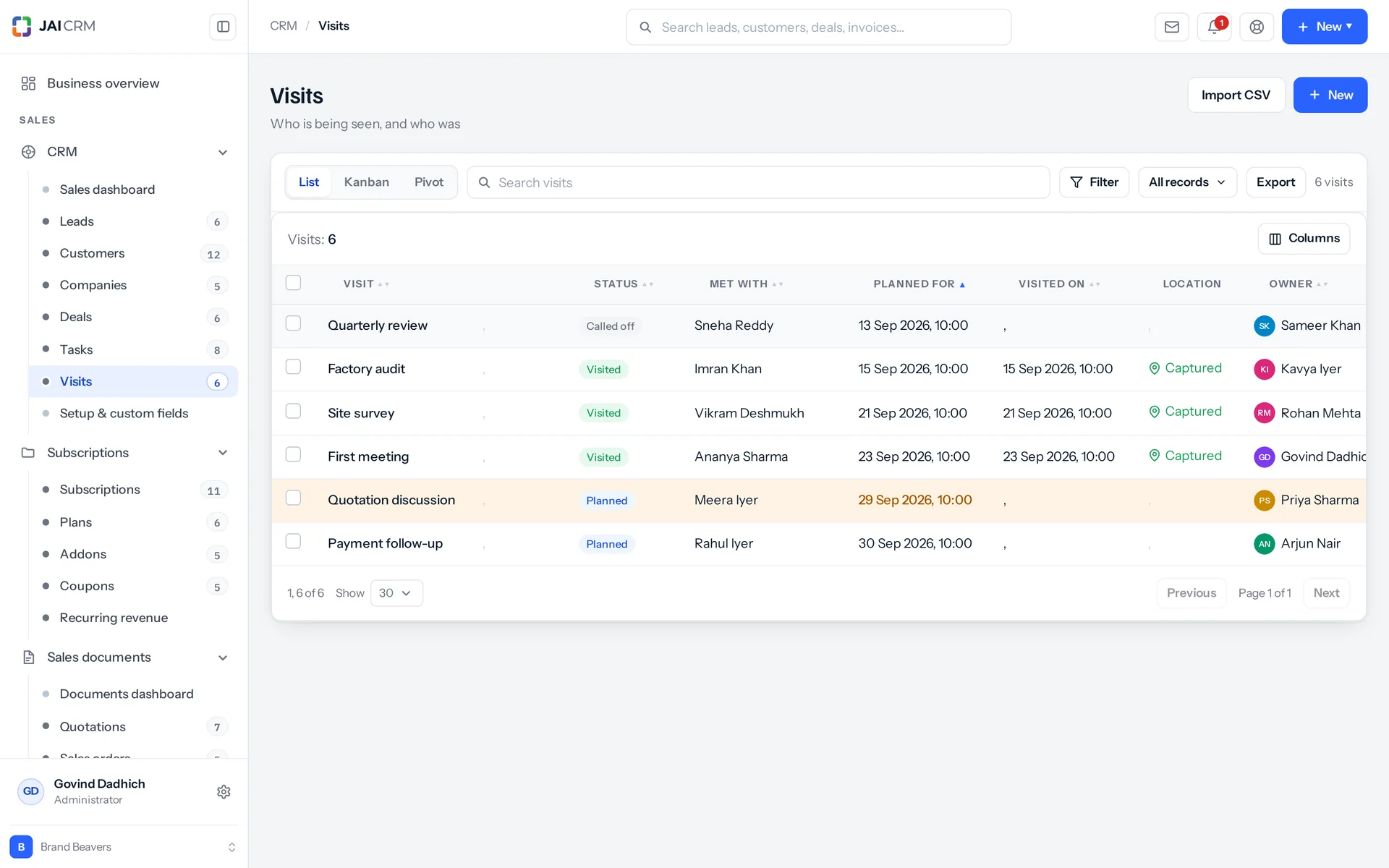
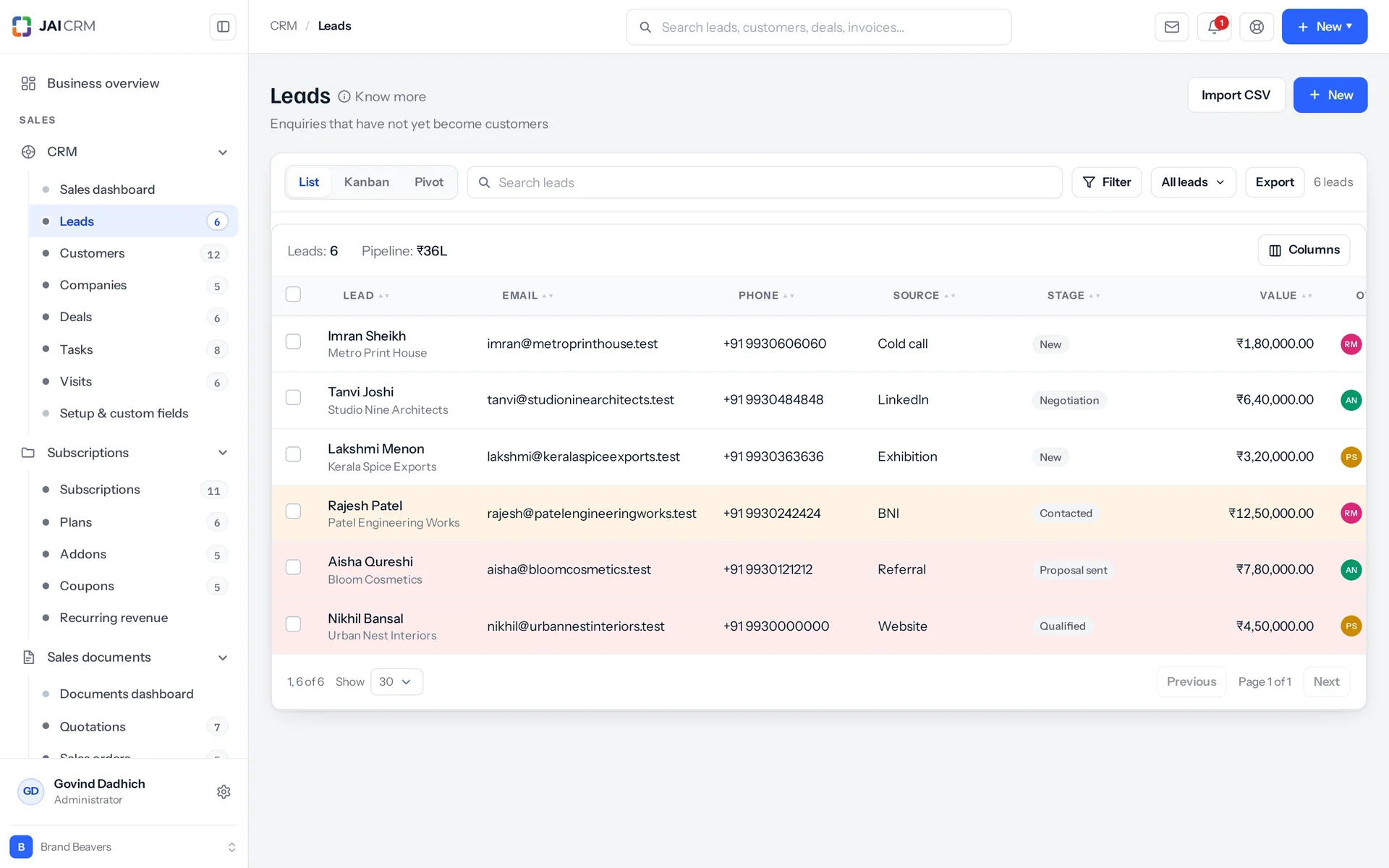
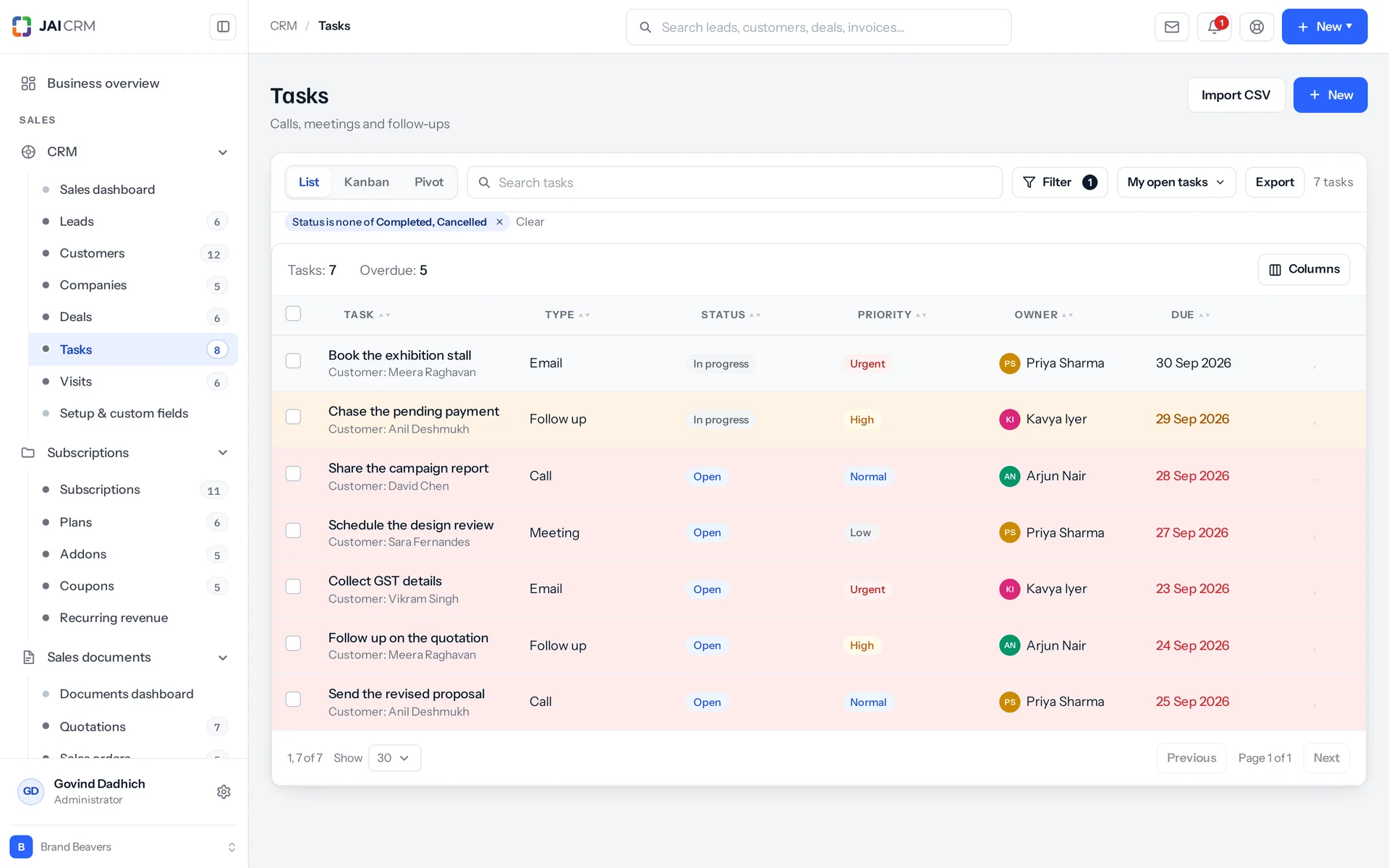
It is the part of JAI CRM that tracks your sales, from the first enquiry to the GST invoice. It is built for Indian businesses of about 5 to 200 people. It keeps leads, deals, site visits with the location captured, and the full history of what was said. A won deal becomes a quotation, an order and a tax invoice with nothing retyped. It is one of 17 modules, and you can buy it on its own.
How much does CRM cost in JAI CRM?
CRM on its own costs ₹149 per user per month, billed annually, plus GST. Monthly billing is also available and costs a little more. There is no minimum number of users. The price includes the settings, reports, documents and notifications that go with it, and 1 GB of storage per workspace (organisation). The 14-day trial does not ask for a card.
Is JAI CRM good for a small business?
Yes. Small businesses are what it was built for. It is aimed at businesses of about 5 to 200 people. There is no minimum number of users, and a one-person business is a normal customer. CRM starts at ₹149 per user per month on the annual plan, plus GST. The 14-day trial does not ask for a card.
Does JAI CRM handle GST properly, or is that an add-on?
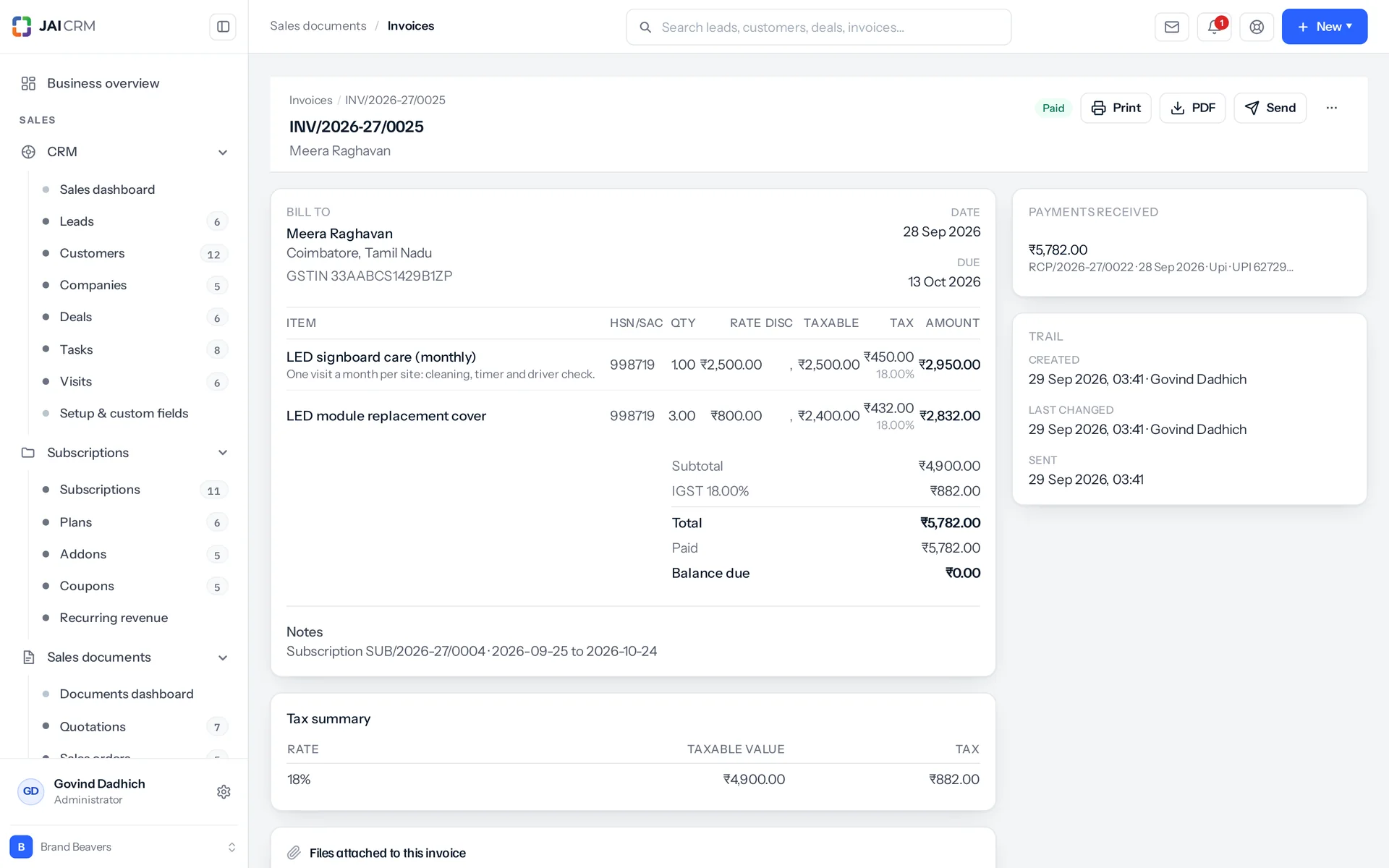
GST is handled on the document itself. Place of supply comes from the state codes of the two parties. So a sale within one state splits into CGST and SGST, and a sale between states charges IGST, without anyone choosing. HSN and SAC codes (tax codes for goods and for services), the taxable value shown apart from the tax, reverse charge, exports under LUT, composition dealers, rate-dependent slabs and cess are all normal cases here. Invoices are ready for e-invoicing and e-way bills.
Can I use JAI CRM outside India?
Yes. The tax system is a setting on your workspace, not built into the core. You can choose Indian GST, VAT, sales tax or no tax system at all. Each customer can have their own currency and their own price list. So the same product can run a factory in Gujarat, a trading company in the Gulf and a consultancy in East Africa.
Does JAI CRM have a mobile app?
Yes, there is an Android app, and it is where the field features prove their worth. You can log a visit on the spot, with the location captured from the device: latitude, longitude, accuracy and the moment it was taken. You can add photos and the name of whoever actually answered the door.
How does JAI CRM stop the same customer being entered twice?
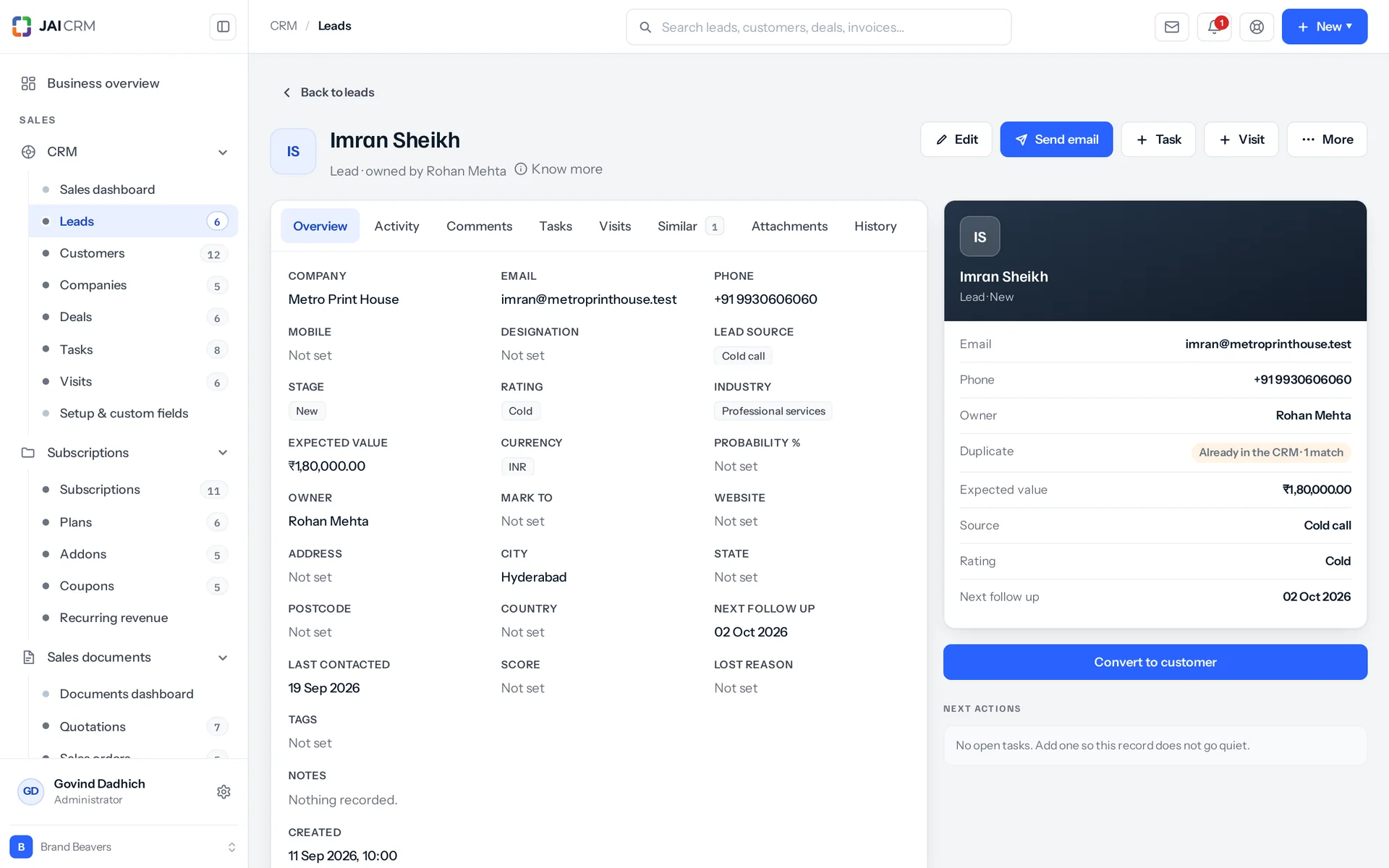
It checks while the record is being saved, across leads, customers, companies and vendors at once. It matches after tidying up how things were typed, not letter by letter. So “+91 98200 00000” and “9820000000” count as one number, and “Kirti Engineering Pvt Ltd” and “Kirti Engineering” as one business. You choose whether a match is blocked outright or allowed in and flagged. A Similar tab on the record shows exactly what it matched on.
Can I add my own fields and my own lists in JAI CRM?
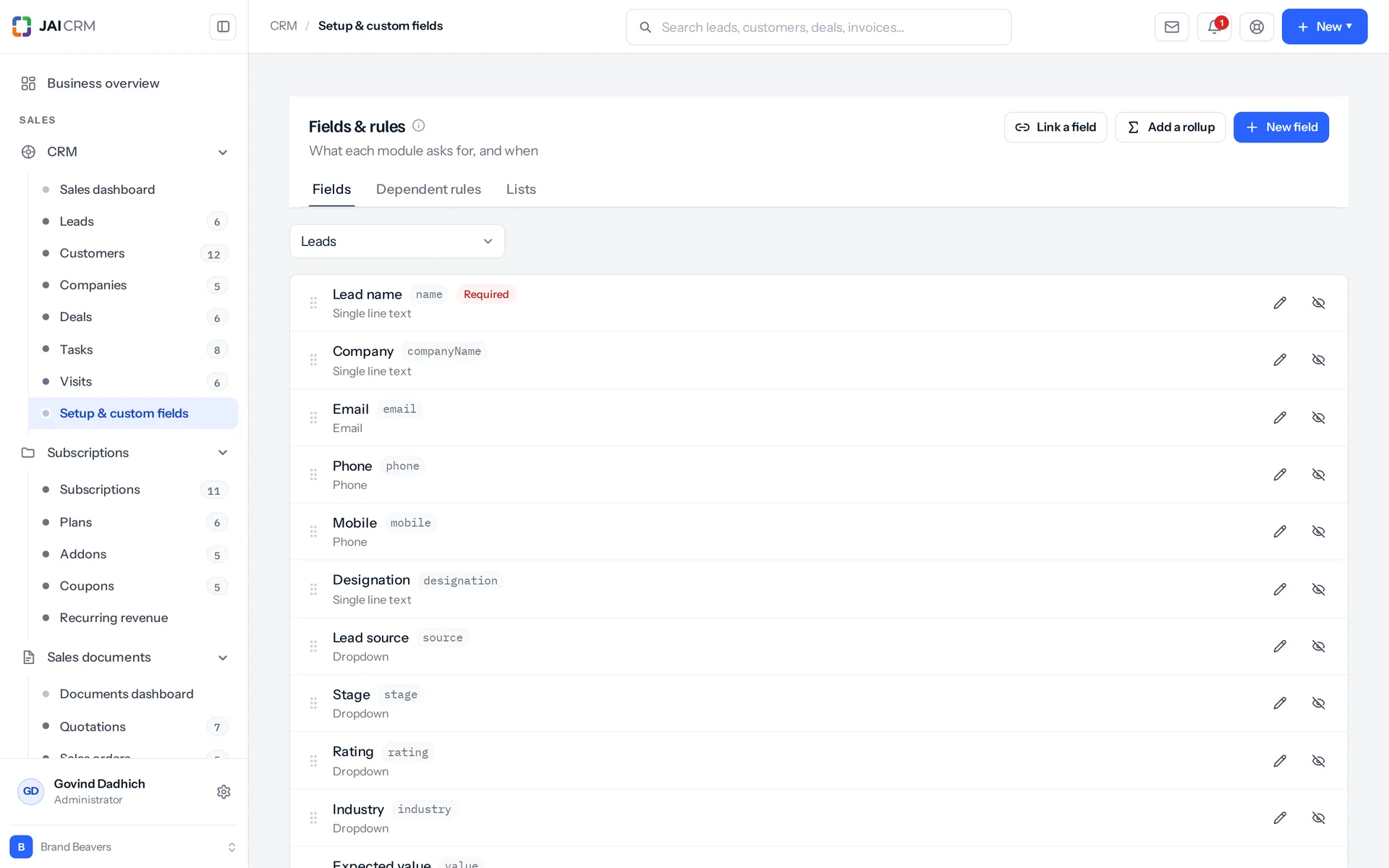
Yes, without writing any code. There are 34 field types, from a plain text box to a formula, a rollup, a rating, a signature, an auto-number or a captured location. You can also create whole modules of your own, such as site visits, sample requests, complaints, inspections or AMC renewals. Each one comes with its own list, board, filters, saved views, import, export, permissions and audit trail.
Can I stop salespeople seeing each other's customers?
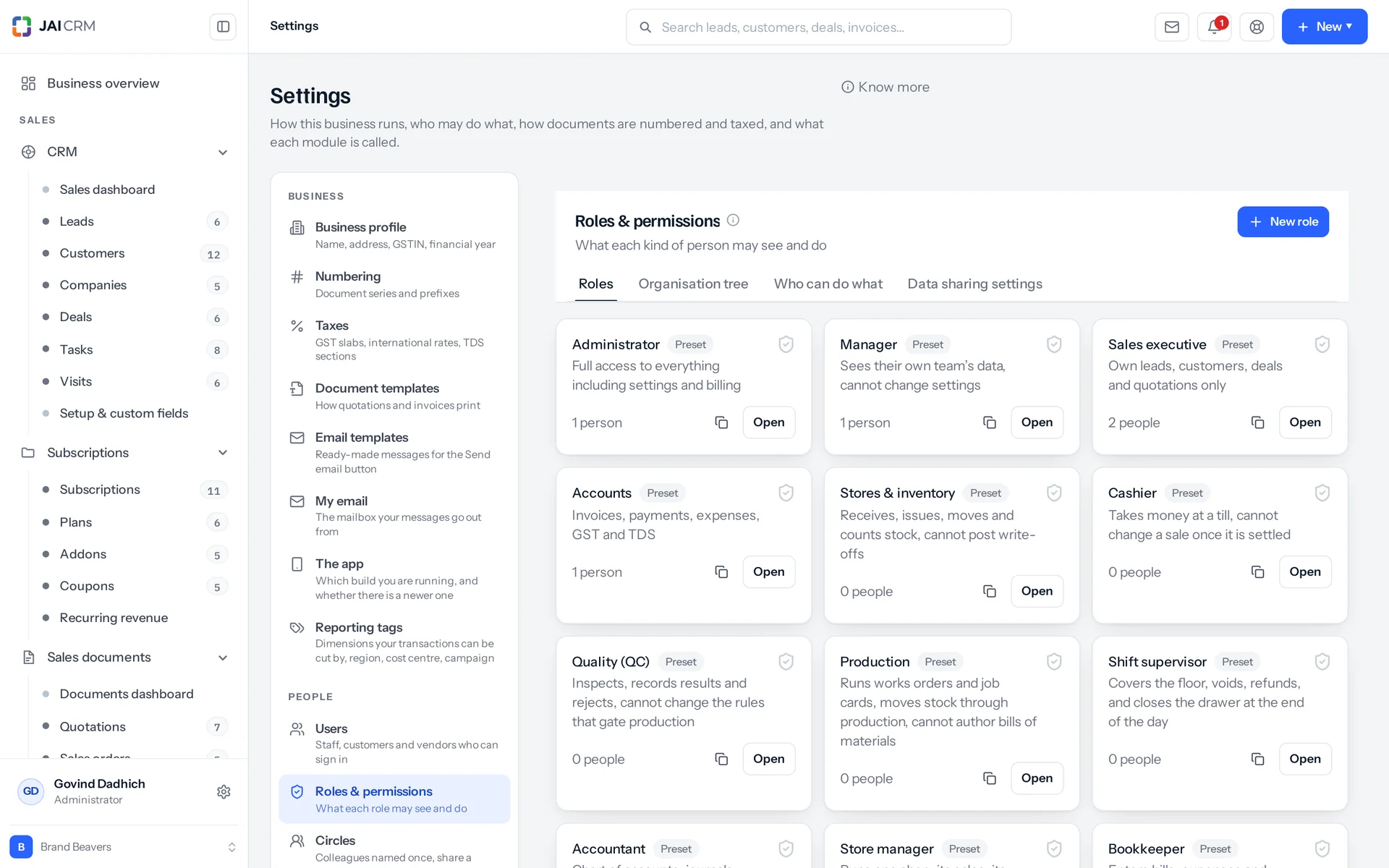
Yes, that is the default. Everyone sees the records they own or are assigned to, and nothing else. To widen that to their team or the whole workspace, you change their role. Because the widest access wins, you can give one manager the full view without changing anything for the six people who share their role. Sharing rules cover the exceptions, and every change is on the audit trail.
Can JAI CRM replace my accounting software?
It can. A won deal becomes a quotation, then a sales order, then a tax invoice and a receipt, and each document knows the one it came from. Full Suite adds books, GST returns, TDS (tax deducted at source) and payroll. You can keep your current accounts software if you prefer. But most people move because keeping two systems means matching up two lists of who owes what.
Can I import the data I already have into JAI CRM?
Yes. Upload a CSV file or paste straight from a spreadsheet, and match your columns to fields. Then decide what happens when a row already exists: skip it, update it, or stop the import so you can check. Everything is checked before a single row is saved, and any row that fails is reported with the reason.
What happens when my JAI CRM trial ends?
Nothing is deleted. The workspace stops accepting new work until you start a plan, and your data stays exactly where it is. When you pay, everything opens again: the same records, the same custom fields and the same history.
How is JAI CRM different from Zoho CRM or HubSpot?
They are larger companies with more integrations. For a 200-person firm with an IT team, they are a sensible buy. The differences here are in how the product is built. The CRM and GST invoicing are one product, not two you connect. Site visits with captured locations are built in, not added through customisation. A module you do not use is not in the menu at all, instead of sitting there greyed out. The bill is in rupees. And there is no implementation partner between you and getting started.
Can I change my JAI CRM plan or cancel later?
Yes, in either direction, whenever you like. Nothing is re-entered when you move between plans, and nothing is lost. Annual billing is charged once at the start and works out cheaper per month. Monthly billing can be stopped at the end of any cycle.