
Every meeting is a Charcha meeting. Made from the calendar or from a chat, it goes on everybody’s calendar, into Charcha with a card, and, when it is about a lead, customer or deal, onto that record’s page.
Online or in person
- Online: paste a link, or press Make one for a Google Meet, Teams or Zoom link on your own account (see Video meetings).
- In person: write the place. Its panel then has Directions, which opens Google Maps.
Inviting customers
Add a customer’s email under Customers to invite by email. They get the invitation from your own connected email (Settings, My email) with a calendar file that opens in whatever calendar they use. Move the meeting and they get the new time; cancel it and they are told. If your email is not connected, the bell says the invitation was not sent.
The briefing
Fifteen minutes before a meeting about a lead, customer or deal, everybody going who can open that record gets a note: when you last spoke, what is unpaid and which quotations are open. Open the meeting on the calendar for the whole briefing, with the last two conversations.
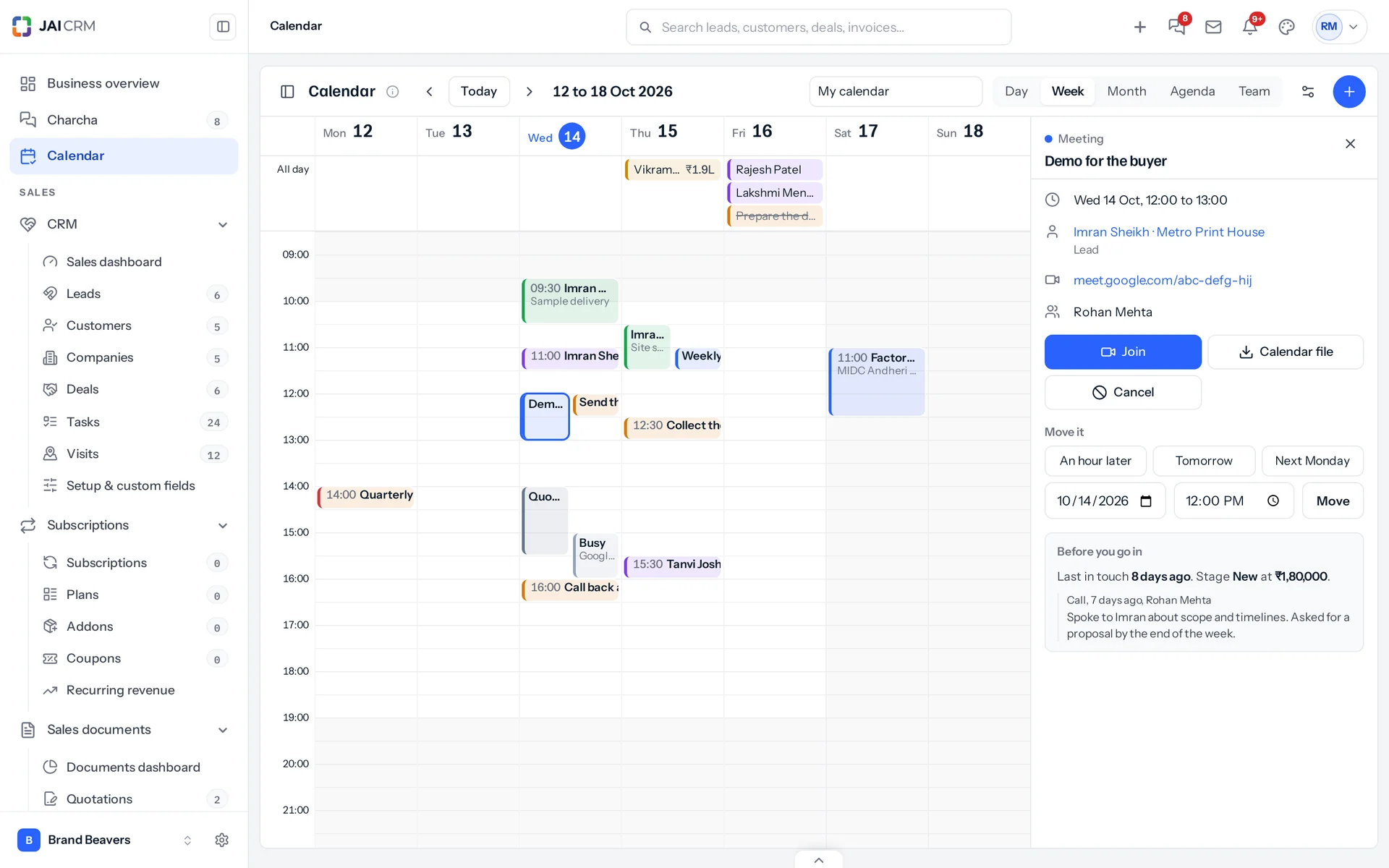
How did it go?
- When a meeting about a record ends, the person who set it gets How did it go? in the bell, and the meeting waits under How did it go? on the left.
- Choose Went well, moving ahead, Needs a follow-up, Not interested or Did not happen, and add a line of notes.
- Leave Book the next step ticked and choose a day: a lead gets its next follow-up, a customer or deal a follow-up task. The note is saved on the record.
A visit still open an hour after its time asks Did the visit happen? the same way: done with a note, or cancelled.
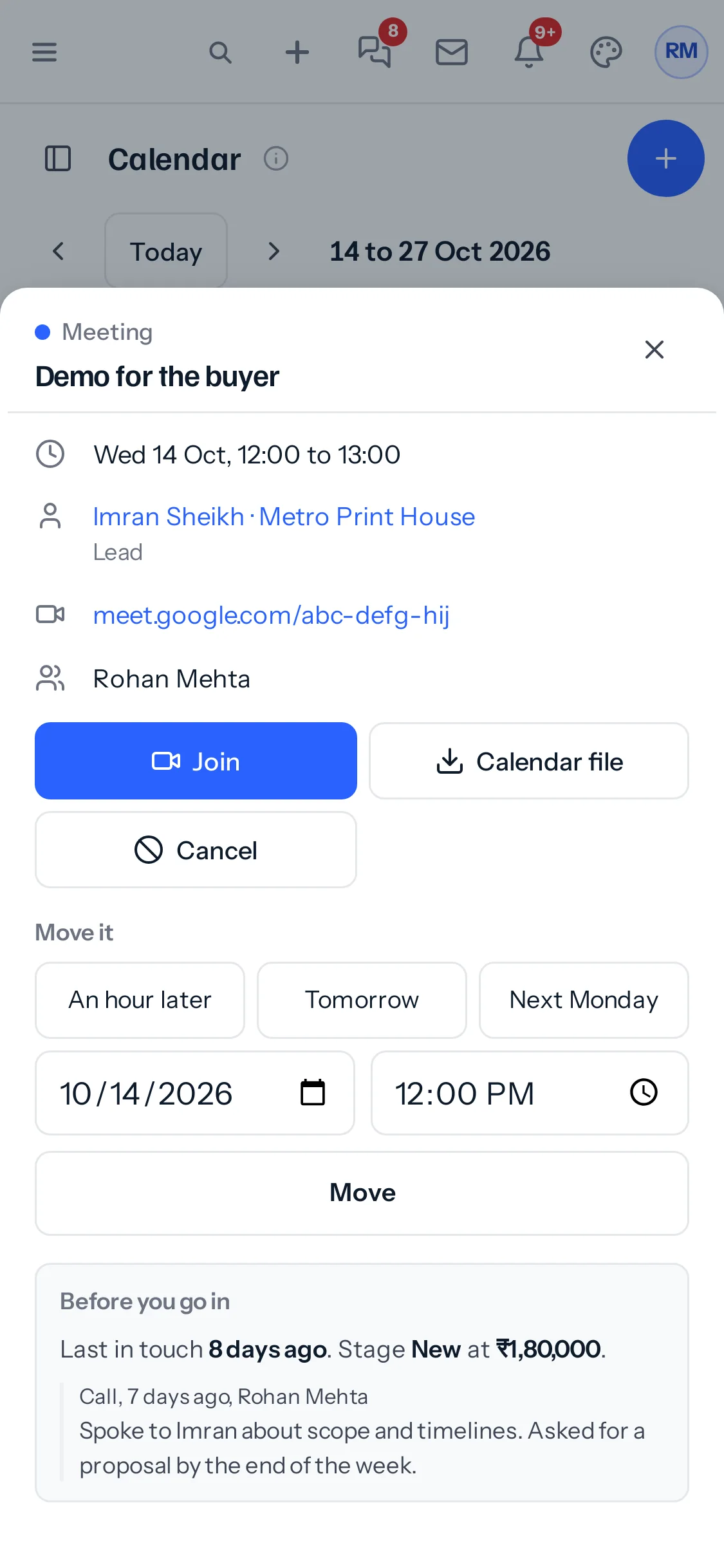
A meeting card in a chat has Open in calendar once your business has the calendar. Without it, the card keeps Add to calendar, which downloads a calendar file.
Something missing or wrong here? Tell us. A question that needed asking usually means a page that needed writing.