
Settings, Calendar is for whoever runs the business’s settings. Changes save as you make them.
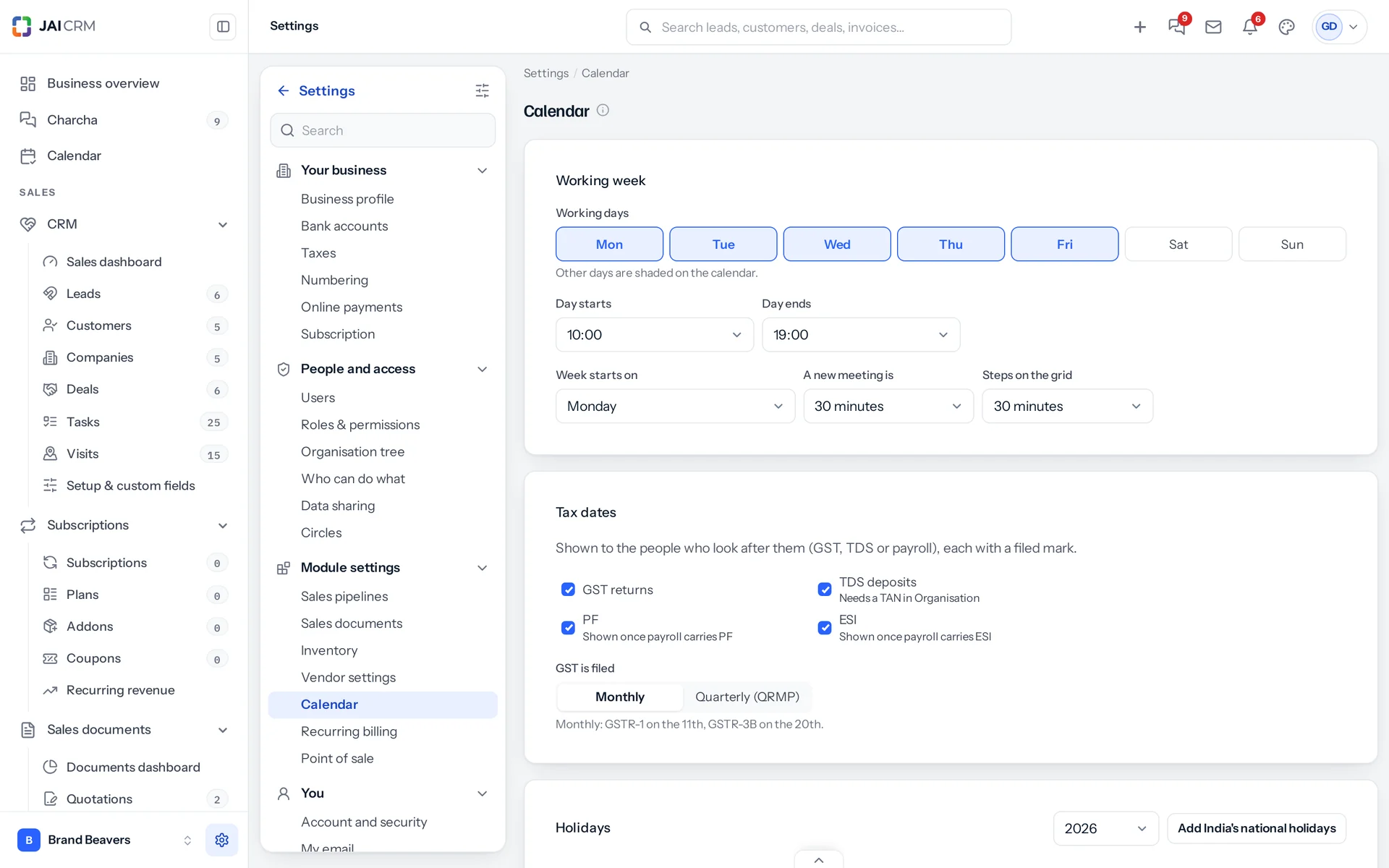
- Working days and the hours of the day: other days and hours are shaded.
- Week starts on Monday, Sunday or Saturday; a new meeting is 15 to 90 minutes long; the grid moves in 15 or 30 minute steps.
- Tax dates: tick GST returns, TDS deposits, PF and ESI, and choose whether GST is filed monthly or quarterly (QRMP).
Holidays
- Choose the year and press Add India’s national holidays. They come from the central government’s list for that year; a year whose list is not out yet says so.
- Remove any you do not take, with the bin beside it.
- Add your own: a day, a name, and, when you have more than one branch, which branch.
Your own hours
In Settings, My calendar, My hours sets when your own day starts and ends; blank follows the business.
Something missing or wrong here? Tell us. A question that needed asking usually means a page that needed writing.