
Most businesses already have files on a drive somewhere, and moving all of them is not a project anybody wants. So you can link instead.
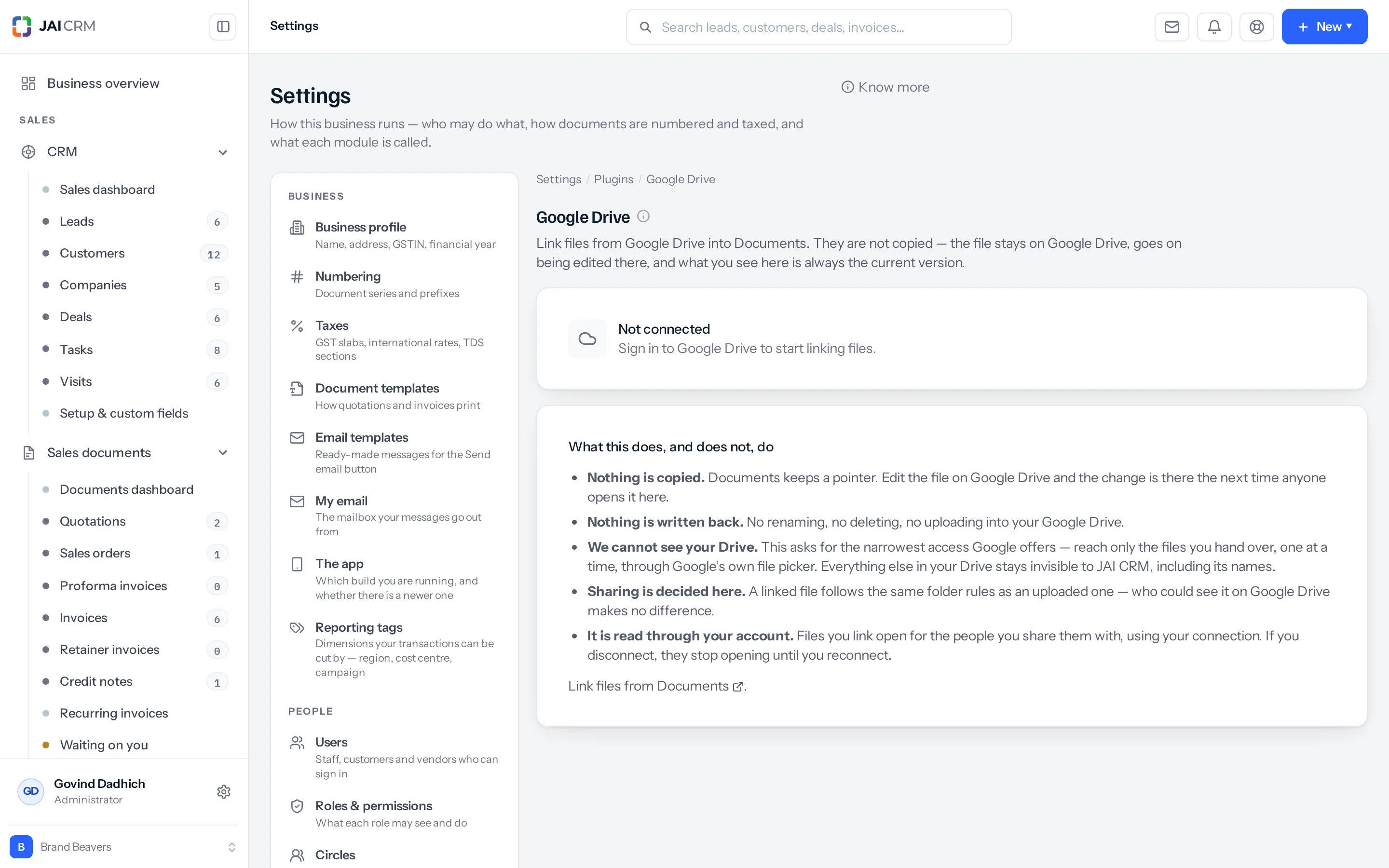
What linking does
A linked file appears in the document store as a pointer. The bytes never move. It stays on the drive it is on, owned by whoever owns it there.
Once it is linked it behaves like anything else here — it sits in a folder, it obeys your sharing rules, it can be attached to a record, it can be tagged and starred.
Three things worth knowing before you connect
| The connection is per person | A file linked by Meera is read back using Meera’s connection. If Meera leaves, her links go with her — which is the right way round. The alternative is one shared service account holding the whole document store open for ever. |
| Sharing is ours, not theirs | Once a file is linked, who can see it is decided by your folder rules here. Not by who could see it on Drive. A document is visible because somebody in JAI CRM shared it. |
| Nothing is ever written back | The permissions asked for are read-only. There is no rename, no delete and no upload to your drive. A document store that can quietly change files on your Google Drive is one nobody should connect to their Google Drive. |
Connecting
Google Drive and Dropbox are integrations, free on every plan that has Documents. Each person connects their own account, and the card in Settings → Integrations says whether you are connected, and how many people are.
- Go to Settings → Integrations and press Set up on the Google Drive or Dropbox card.
- Sign in to your own account and approve the read-only access. You come back to the same Google Drive or Dropbox screen, which names the account now connected.
- In Documents, choose to link from Google Drive or Dropbox and pick the files you want to appear here.
- Put them in a folder and share that folder as usual.
If the connection is not offered at all, this instance has not been given the provider’s keys. The settings screen says so rather than opening a consent page that dies at the redirect.
When a connection stops working
Tokens expire and people revoke access. The connection records why it stopped and when, and shows it on the settings screen.
That is there because a connection that quietly expired is the whole failure mode of an integration nobody is watching — the files stop opening, and the only symptom is somebody saying “that link is broken” three weeks later.
Link or upload?
| Link it | Upload it |
|---|---|
| It changes often and somebody works on it there. | It is finished and you need it kept. |
| It is huge. | It matters that it survives somebody leaving. |
| It belongs to a live job on a drive the team already uses. | It is a contract, a certificate or anything statutory. |
Anything you must be able to produce later should be uploaded, not linked. A linked file depends on an account, a connection and somebody else’s drive continuing to exist. A signed contract should not.
Where to go next
Something missing or wrong here? Tell us. A question that needed asking usually means a page that needed writing.