
A kiosk is a screen a customer uses without help. It takes an order, takes the money, prints a number, and goes back to sleep ready for the next person.
It is a route of its own
The kiosk is deliberately not inside Point of sale in the sidebar. It lives at its own address, because a screen standing unattended in a lobby must not be one mis-tap away from your customer list.
Nothing on it navigates anywhere. There is no menu, no breadcrumb and no back button out of it. A customer poking at the corners of the screen finds nothing, which is the intended result.
How it is set up
- Register a till and set its mode to Kiosk.
- Turn Takes cash off — there is nobody to run a drawer.
- Pair the device, so it has a key of its own and nobody has to sign in.
- Set the headline, the colour and the logo on the shop.
The key a paired device holds can sell and nothing else. It cannot read a customer, cannot see the day’s takings, cannot change a price. A tablet lifted from the lobby is a tablet that can ring up a sale at one shop.
What the customer does
- Touches the screen to wake it.
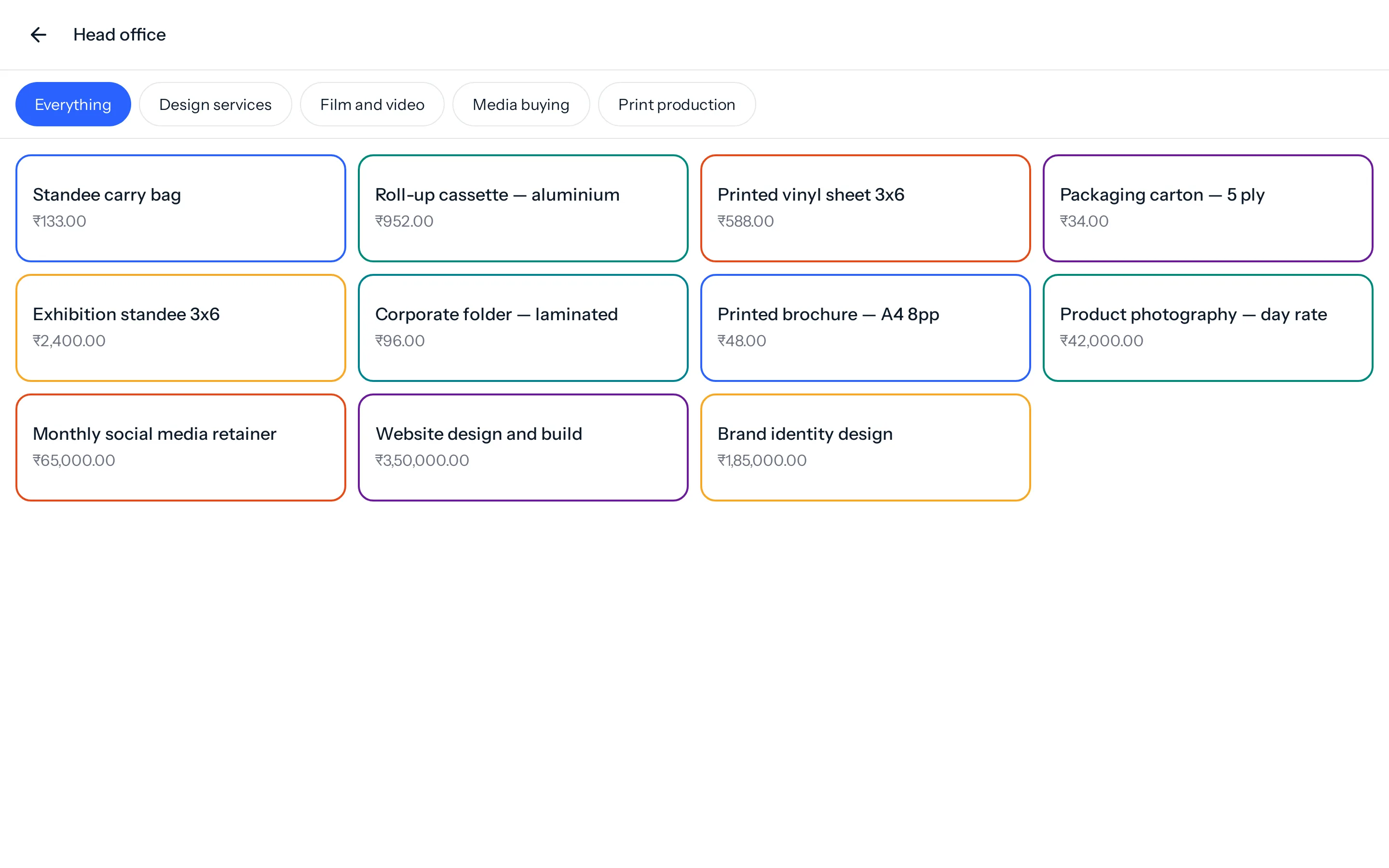
- Picks a category, or scrolls.
- Taps what they want.
- Pays by scanning a UPI code with the amount already in it, then presses I’ve paid.
- Optionally leaves a phone number.
- Is shown their order number.
Then it resets itself. Nobody has to clear it between customers, and one person’s abandoned basket is never handed to the next person who walks up.
The phone number
| Setting | What the customer sees |
|---|---|
| Never ask | Nothing. Fastest, and right for a busy lobby. |
| Optional | A box they may skip. |
| Required | They cannot pay without one. |
It is asked at the end, with the payment, rather than at the start. A screen that demands a phone number before showing anything is a screen people walk away from.
Required is a real cost. It is worth it where you genuinely need to call somebody when their order is ready, and it is not worth it anywhere else. Every field between a customer and paying you is a chance for them to stop.
No cash, on purpose
A kiosk takes UPI. It does not take cash, because cash needs a drawer and a drawer needs somebody answerable for it — a machine in a lobby has nobody, so it has neither, and it is never counted at the end of the day.
It cannot yet confirm that a payment arrived, and you should not leave one unattended until it can. There is no gateway behind the QR code, so the kiosk asks the customer to press I’ve paid and takes them at their word. Until that is connected, use a kiosk where somebody can see it, or take the money at the counter. Card is not accepted at a kiosk at all.
Something missing or wrong here? Tell us. A question that needed asking usually means a page that needed writing.