
Nobody starts with no suppliers. They start with a spreadsheet, or a list in an old system, or both.
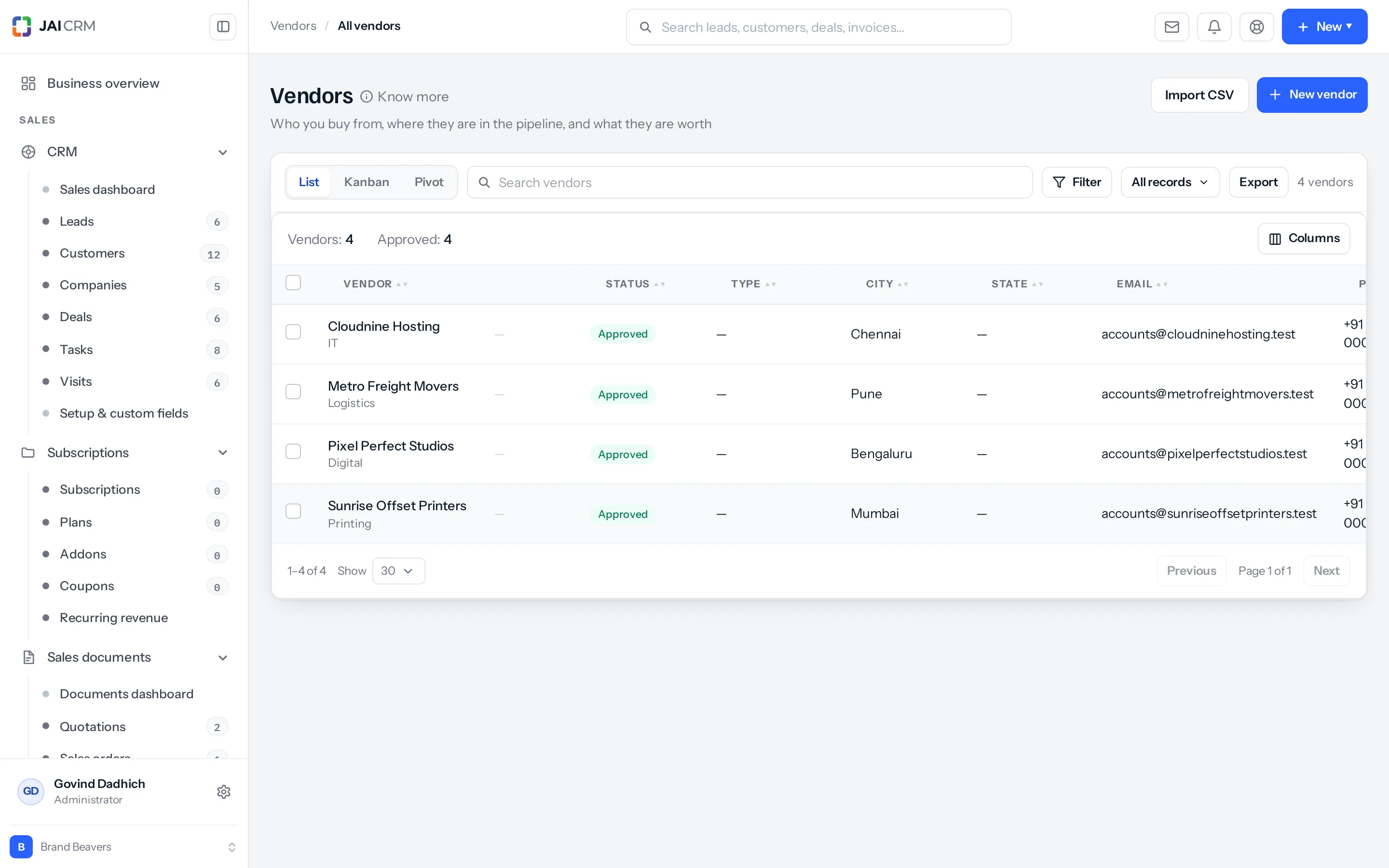
The Import CSV button sits at the top of the vendor list, beside New vendor.
Before you import
- Take the duplicates out. A supplier list that has been added to for years always has some, usually spelled slightly differently.
- Make sure every row has a name, a vendor type, a business type and a mobile — the four the form requires.
- Put each vendor’s trade in its own column.
- Keep GSTIN and PAN as text, or a spreadsheet will helpfully mangle them.
Mapping
Your headings will not match ours and do not need to. You map them on the way in, once.
Everybody arrives in the pool
Imported vendors start at pool — collected, nothing verified. This is the single most important thing about the import and it is worth being glad about rather than annoyed by.
An import cannot approve anybody. If it could, one spreadsheet would clear two hundred suppliers to be paid, and nobody would have looked at any of them. Approving is a decision a person makes, one vendor at a time.
So after an import, the next job is to walk the list and approve the ones you actually use. Usually that is a fraction of what came in, and finding that out is useful in itself.
Do it in two passes
- Import five rows first.
- Open one and check it — the trade, the phone, the GSTIN.
- Fix the mapping if anything landed in the wrong field.
- Then import the rest.
Five rows imported wrongly is a minute. Five hundred is an afternoon and a grudge.
A column layout that works
| Column | Required | Notes |
|---|---|---|
| Vendor name | Yes | The trading name people use. |
| Vendor type | Yes | One of the eight. |
| Business type | Yes | Proprietorship, partnership, private limited. |
| Mobile | Yes | Ten digits, as text. |
| No | Worth having before the first order. | |
| Categories | No | What they supply. Its own column. |
| GSTIN | No | As text, or a spreadsheet will eat it. |
| PAN | No | As text. |
| City and State | No | Useful for grouping later. |
Format GSTIN and PAN columns as text before you type anything into them. A spreadsheet will otherwise read them as numbers or dates and silently change them, and you will not notice until a return is rejected.
After the import
- Sort by name and look for near-duplicates the de-duplication missed.
- Work through and approve only the ones you actually use.
- Collect PAN for anyone you will pay, before you pay them.
- Verify the bank account for anyone you will pay. The dashboard will keep reminding you.
The import gets the names in. Everything that makes a vendor safe to pay is still a decision somebody has to make, one at a time — which is the correct shape for this.
A worked import
A spreadsheet of 180 suppliers collected over six years.
- Sort by name and delete the duplicates. There are always some — expect to lose 15 or 20.
- Delete anybody you have not used in three years. They are not suppliers, they are history.
- Format the GSTIN and PAN columns as text before touching anything else.
- Fill the four required columns for what remains.
- Import five rows. Open one. Check the trade and the phone landed in the right fields.
- Import the rest. All of them arrive in pool.
- Approve the twelve you actually buy from. Leave the other 140 in the pool.
That last step is the point of the whole exercise. Out of 180 names, a business of this size genuinely buys from a dozen or so, and finding that out is worth more than the import.
Where to go next
Something missing or wrong here? Tell us. A question that needed asking usually means a page that needed writing.