
One screen serves both drives, and the route says which. Everything on the Google Drive page is true here too: nothing is copied, nothing is written back, sharing is decided in Documents rather than on Dropbox, and a linked file is read through the account that linked it.
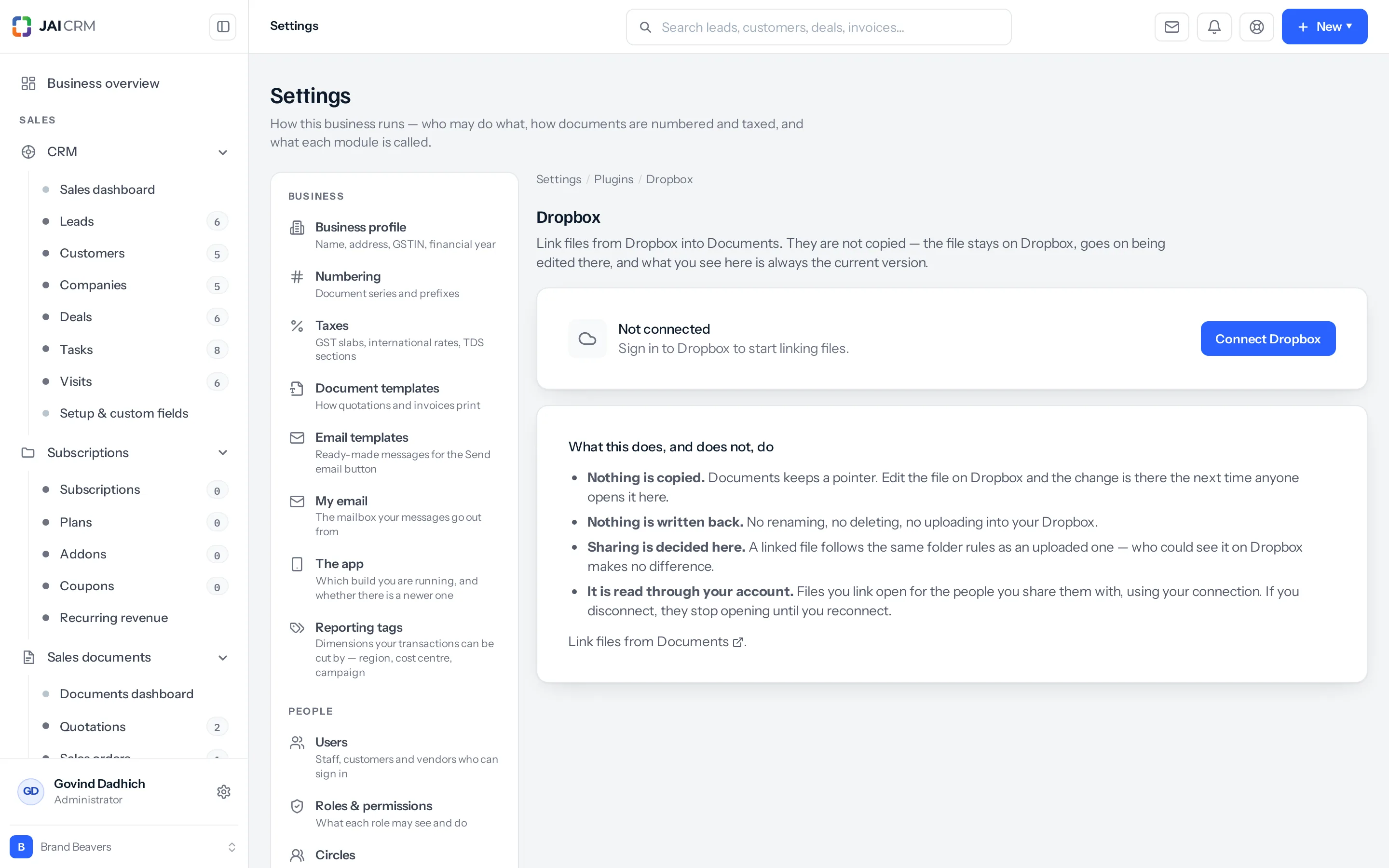
Connecting it
- Reach the screen from Settings → Integrations: press Set up on the Dropbox card.
- Press Connect Dropbox.
- Sign in to Dropbox and agree to what it asks for.
- You are returned here, and the card names the account that is connected.
- Link files from Documents, which then offers Dropbox as a place to pick them from.
Dropbox needs the Documents module. It is free on every plan that has Documents, and where Documents is off its card says Needs Documents, because a drive with nowhere to put what it finds is not worth connecting. Each person connects their own Dropbox, so the card says whether you are connected, and how many people are.
The one difference
Google Drive carries an extra promise that Dropbox does not: Google offers an access level narrow enough that we can reach only the files you hand over one at a time, and the rest of your Drive stays invisible to us, names included. That guarantee is Google’s, and the Drive page says so because it is worth saying.
Dropbox’s permissions work differently, so the Dropbox screen does not make that claim. Everything else — nothing copied, nothing written back, sharing decided here, read through your account — is identical.
The one that surprises people
As with Drive: a linked file is read through the account that linked it. Disconnect, and every file you linked stops opening for everybody it was shared with until it is connected again. Nothing is deleted on either side, but a colleague opening it the next morning gets an error with nothing in their screen to explain it.
Link what is still being worked on. Upload what has to keep opening.
If you never connect it
Documents holds uploaded files and works exactly as it does now. Nothing else changes.
Something missing or wrong here? Tell us. A question that needed asking usually means a page that needed writing.