
Every mailbox is private to the person who connected it until an administrator says otherwise. That is the answer that cannot be wrong while nobody has decided, and it is where every business starts. The workspace email has its own choice, Who uses the workspace email.
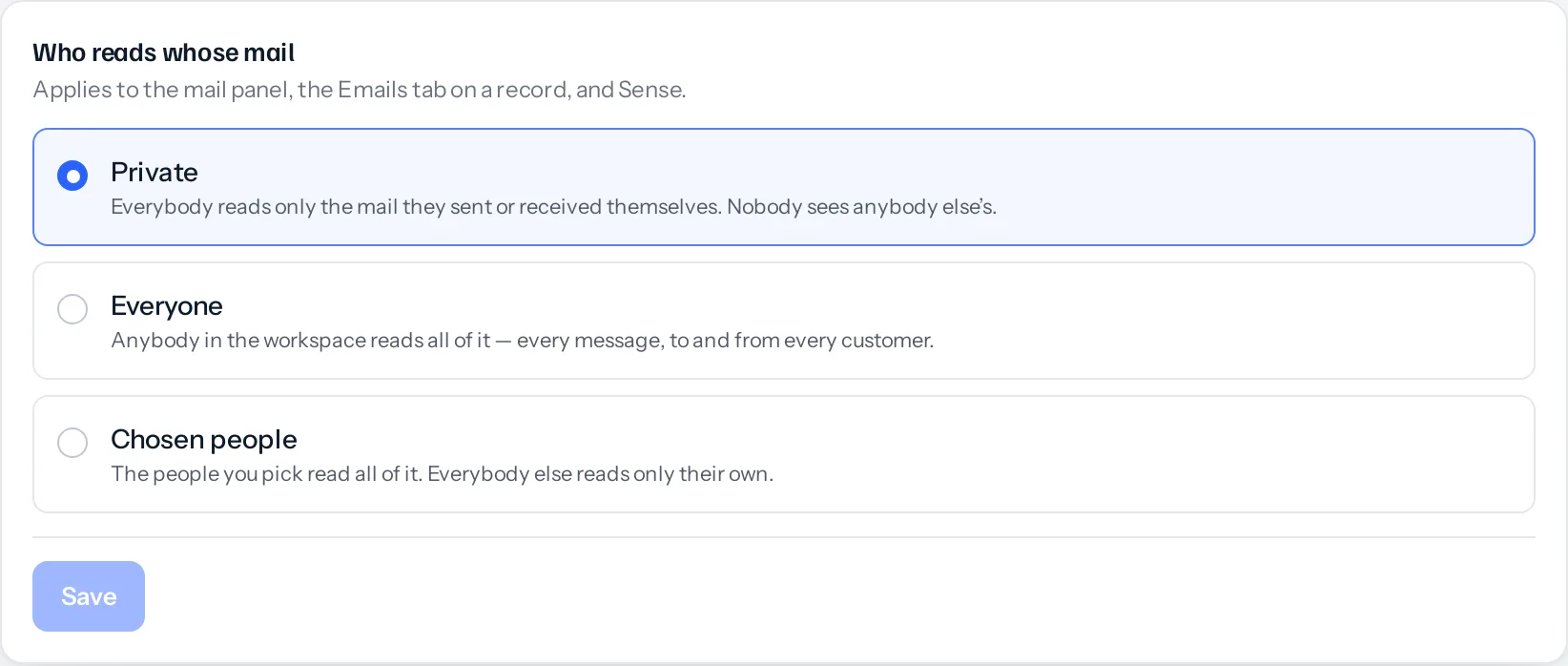
The three settings
| Setting | What it does | When to use it |
|---|---|---|
| Private | Everybody reads only the mail they sent or received themselves | The default. Right for most businesses, and right until somebody has a reason |
| Everyone | Anybody in the workspace reads all of it: every message, to and from every customer | A small team who already share an inbox and treat correspondence as the business’s rather than the person’s |
| Chosen people | The people you pick read all of it. Everybody else reads only their own | An owner or a sales manager who needs to see what was promised, without opening every person’s mail to every colleague |
How to change it
- Go to Settings → My email → Workspace email.
- Find Who reads whose mail.
- Choose Private, Everyone or Chosen people.
- For Chosen people, tick who. A custom list with nobody on it is refused rather than saved: it would be private wearing a misleading name.
- Save. The screen tells you what you have just done before you press it.
Widening this covers mail that is ALREADY there, not only what arrives next. Somebody given access this afternoon can read what was sent last month. That is usually what is wanted, and it is worth knowing before rather than after.
What follows the setting, and what does not
- Reading follows it: the mail panel, the Emails tab on a record, and Sense.
- Replying follows it too. Whatever somebody may read, they may answer. Covering for a colleague on leave is the case that makes shared mail worth having, and it is useless if the answer cannot be sent.
- It is not impersonation. A reply goes out through the replier’s own mailbox under their own name, so the customer sees who actually wrote to them.
- Marking read becomes shared: in a shared workspace, one person opening a message clears the badge for everybody. That is how a shared mailbox behaves and is the point of sharing it.
- Stars, Trash and drafts stay personal whatever the setting. A colleague starring or deleting an email you can both read changes nothing in your folders, and nobody can open your drafts.
What is not here yet
Excluding a domain, so personal mail through a work mailbox stays private whatever the setting says, is not built. It is named here rather than left for somebody to discover: a privacy control that is approximately right is worse than one that is plainly absent.
Something missing or wrong here? Tell us. A question that needed asking usually means a page that needed writing.