
There is no Save button. A draft is kept a moment after you stop typing, and again when you close the email. Saved to Drafts beside the title, or at the top of a reply, says it has been.
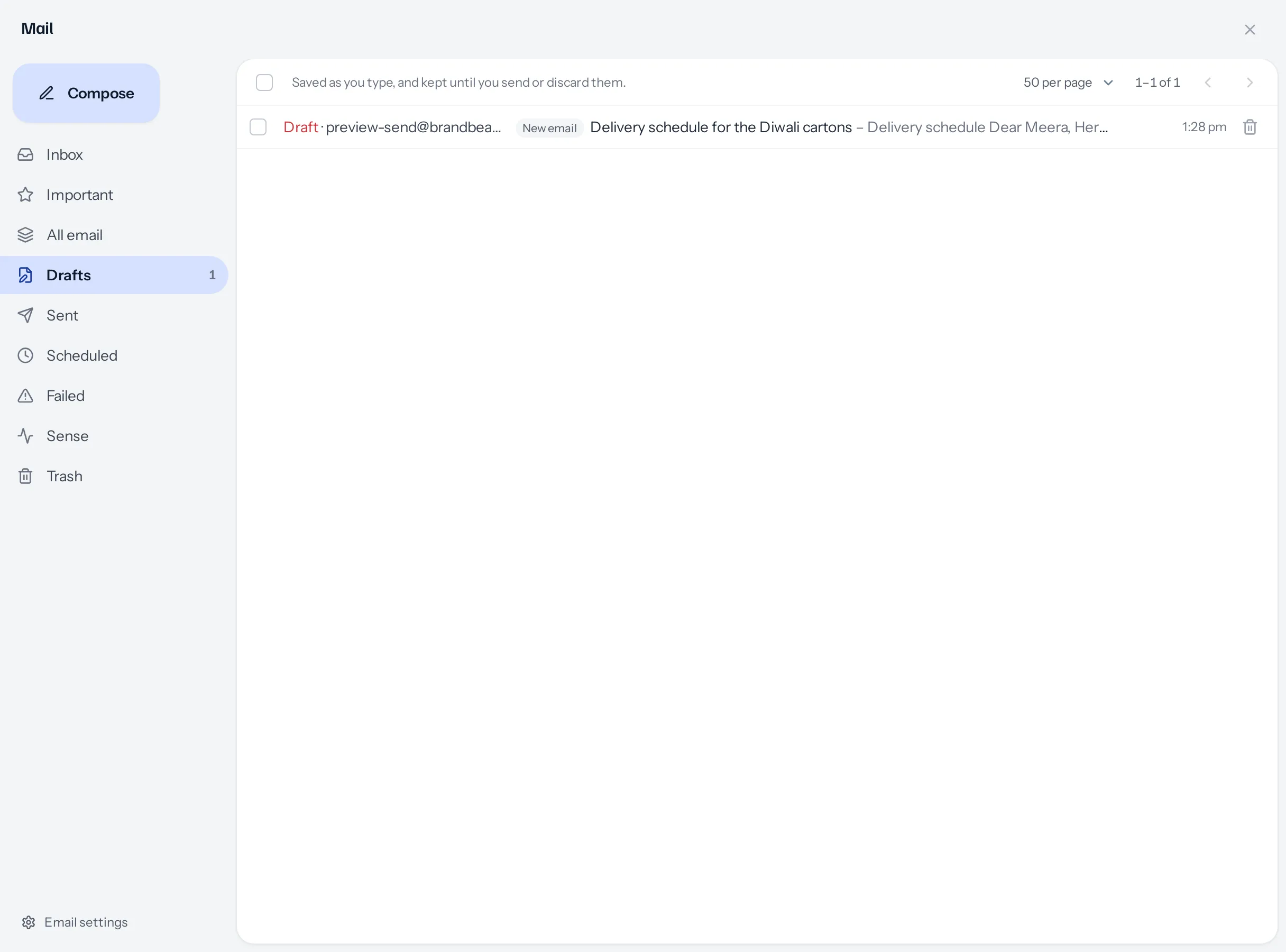
Where drafts come from
| Written in | Label in Drafts | Kept from |
|---|---|---|
| Compose | New email | The first thing you write or change |
| A reply or a reply all | Reply | The first thing you write or change |
| A forward | Forward | The first thing you write or change |
| Send email on a lead, customer or vendor | From a record | The first thing you write or change |
| Send on a quotation, invoice or other document | The document, for example Invoice INV/2026-27/0007 | The moment it opens |
A document’s email is a draft from the moment it opens because it opens already written: closing it without sending is itself something to come back to.
Opening one
- A new email opens in Compose as you left it, recipients, files and all.
- A reply or forward opens its conversation, with the reply open under it.
- An email from a record or document opens the same compose screen inside the panel, with the record or document behind it, so the PDF, the button and the status change still happen on Send. It says Your draft from the date, as you left it, with Start again.
- Pressing Send email on the same record, or Send on the same document, finds the same draft rather than starting a second one.
Sending, and throwing one away
- Sending removes the draft. If the mail server refuses the email, the draft stays, with everything in it.
- The bin at the bottom of an email, the bin on a row in Drafts, or ticking several and pressing Discard, throws drafts away. You are asked first, and it cannot be undone. Nothing was sent.
- Closing an email keeps it. Only the bin discards.
Whose drafts
Yours alone. Nobody else can list, open, change or send your drafts, whatever your business has decided about who reads whose mail: unsent words belong to the person writing them.
A draft written on a record or a document that has since been deleted, or that you can no longer open, cannot be reopened. Drafts says so, and you can discard it.
A worked example
Priya starts a reply to a customer asking about delivery, is called into a meeting, and closes the panel. That evening she opens Drafts, sees Reply with the customer’s subject, and taps it: the conversation opens with her half-written reply under it. She finishes it and sends; the draft disappears from Drafts and the reply appears in Sent.
Something missing or wrong here? Tell us. A question that needed asking usually means a page that needed writing.