
Many businesses do not find their customers themselves. An architect specifies your tiles, an interior designer brings a client to your showroom, a builder sends every flat owner in a new tower. These people are your channel partners. They usually take a commission, and they keep sending business only if they are looked after.
The Channel Partners module answers three questions: who referred this customer, what has that referral turned into, and how much has each partner brought in. You record the partner once, on the lead or the customer. From then on every deal, quotation, sales order and invoice for that customer is credited to the partner automatically, and their page adds it all up.
How it works, in one line each
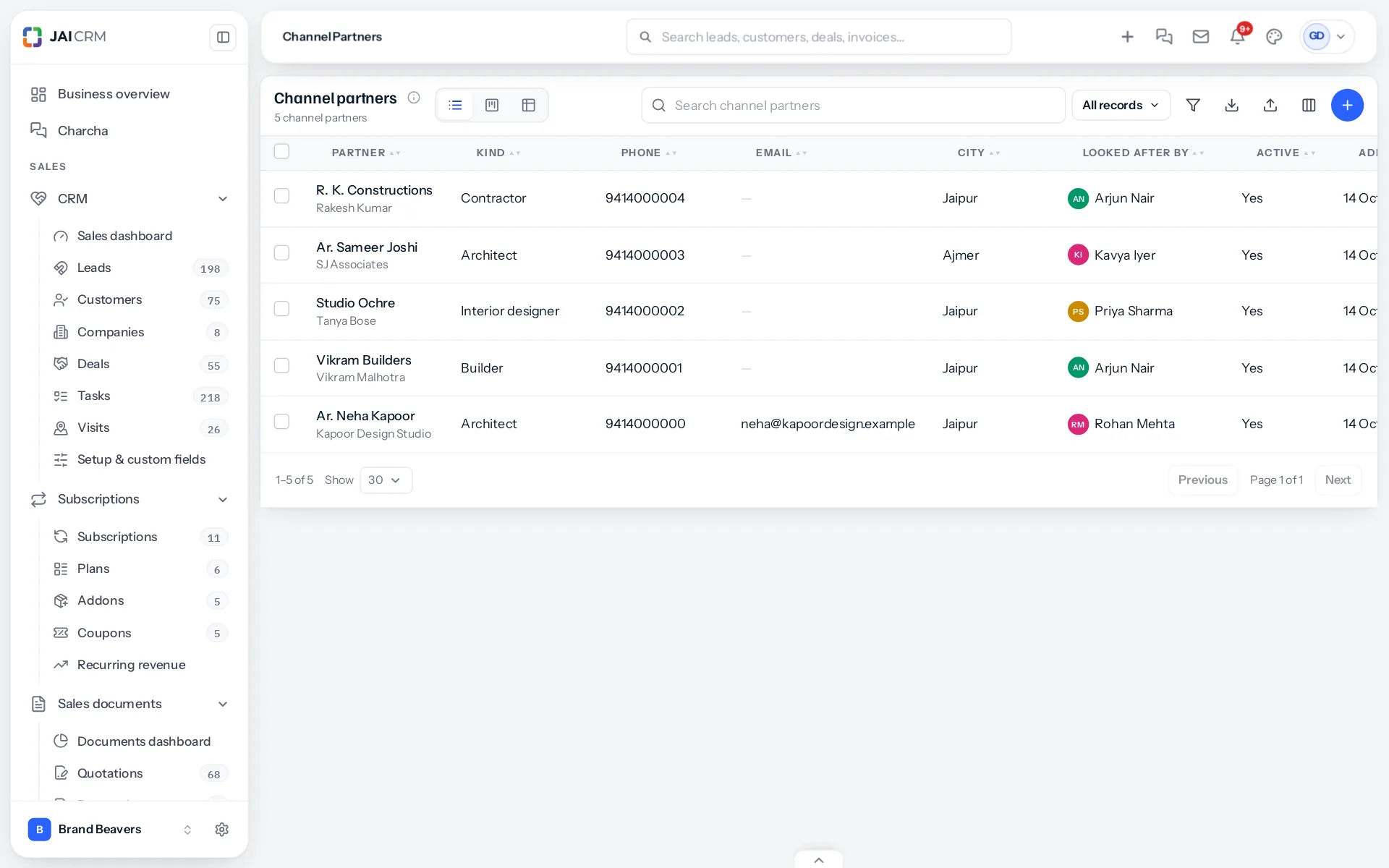
- You add your partners: a name, their firm, what kind of partner they are, and who in your team looks after them.
- When a referral arrives, you choose the partner in Referred by on the new lead (or on the customer, if you skip the lead).
- When the lead becomes a customer, the customer keeps the partner and the date of the referral.
- Every deal, quotation, order and invoice raised for that customer is stamped with the partner as it is made. A document made from another keeps its partner.
- The partner’s page and the reports add up what they brought in: referrals, customers, deals, won value, quoted, invoiced and collected.
What it does not do
- It does not take the customer away from your salesperson. The lead still goes to whoever your assignment rules choose; the partner is recorded beside it.
- It does not change figures after the event. What a partner was credited with stays credited, unless somebody changes it by hand and says why.
- It does not pay commission yet. The figures it keeps are the ones commission will be worked out on; paying it is part of the Targets and Commission module.
Channel Partners is a separate module in the Full Suite plan. It appears only for a business that has it switched on, and nothing about your leads, customers or documents changes until it is. See Switching Channel Partners on.
Who it is for
- Building materials and interiors: tiles, marble, sanitaryware, modular kitchens, furniture and lighting, where architects and designers decide what their clients buy.
- Real estate and construction: brokers and builders who bring buyers, tenants or projects.
- Services sold through advisers: chartered accountants recommending software, consultants recommending a contractor, doctors referring to a laboratory.
- Any business that pays, or would like to pay, a referral fee and wants the figure to be right.
What you can answer once it is running
- Which architect brought in the most money collected this year, and which brought many enquiries that never bought.
- Whether builders or interior designers send the customers you win more often.
- Which partners have gone quiet, so somebody calls them before they recommend a competitor.
- What a partner is owed commission on, without a salesperson rebuilding it from memory at the end of the month.
The pages in this section follow the order you will meet things: switching the module on, adding partners, recording referrals, settling two partners who claim the same customer, how long a referral counts, correcting mistakes, and then the partner’s page, the reports and the permissions.
Something missing or wrong here? Tell us. A question that needed asking usually means a page that needed writing.