
Everything works the same on a phone and in the JAI CRM Android app. It is laid out for one hand.
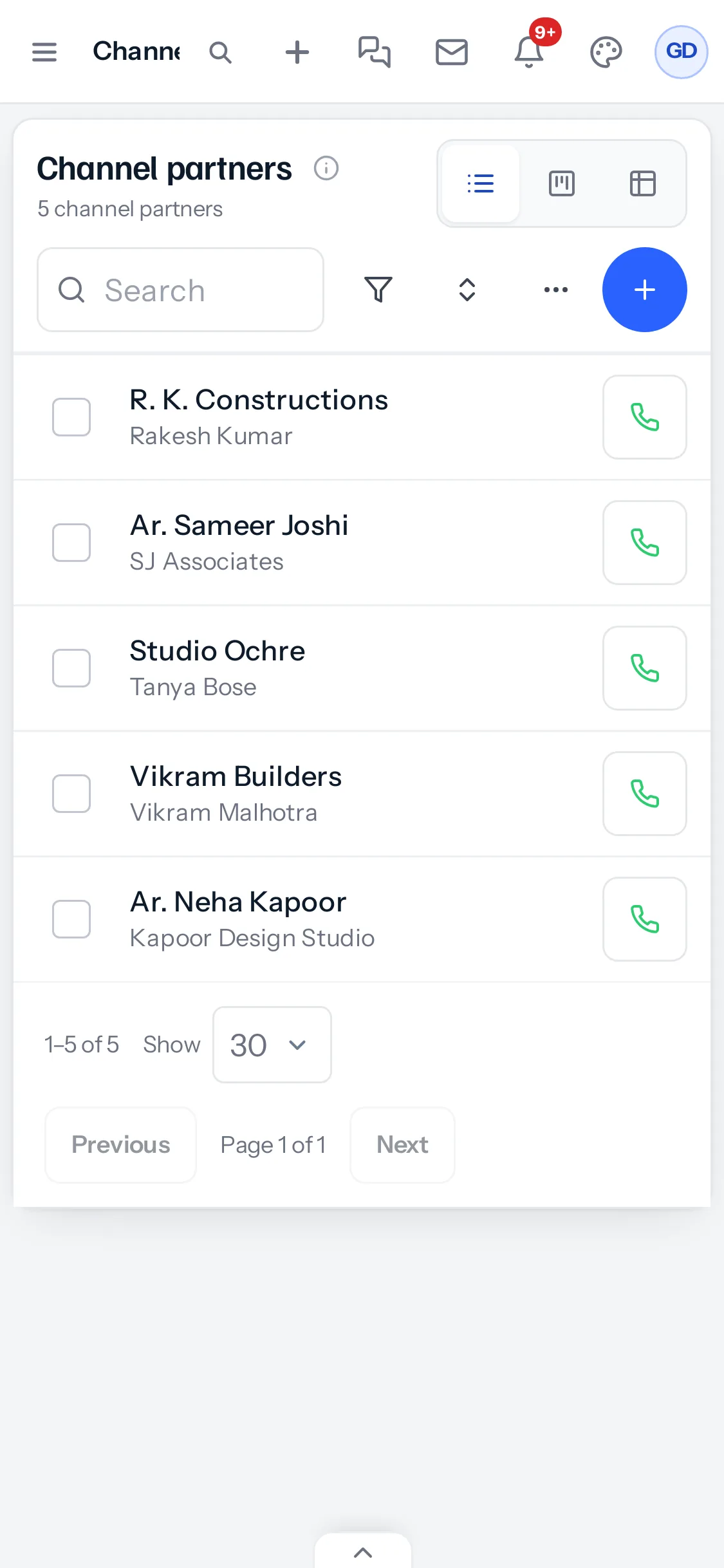
The list
Each partner shows their name and firm, with a green call button. Search, filters and the board are at the top; the blue + adds a partner.
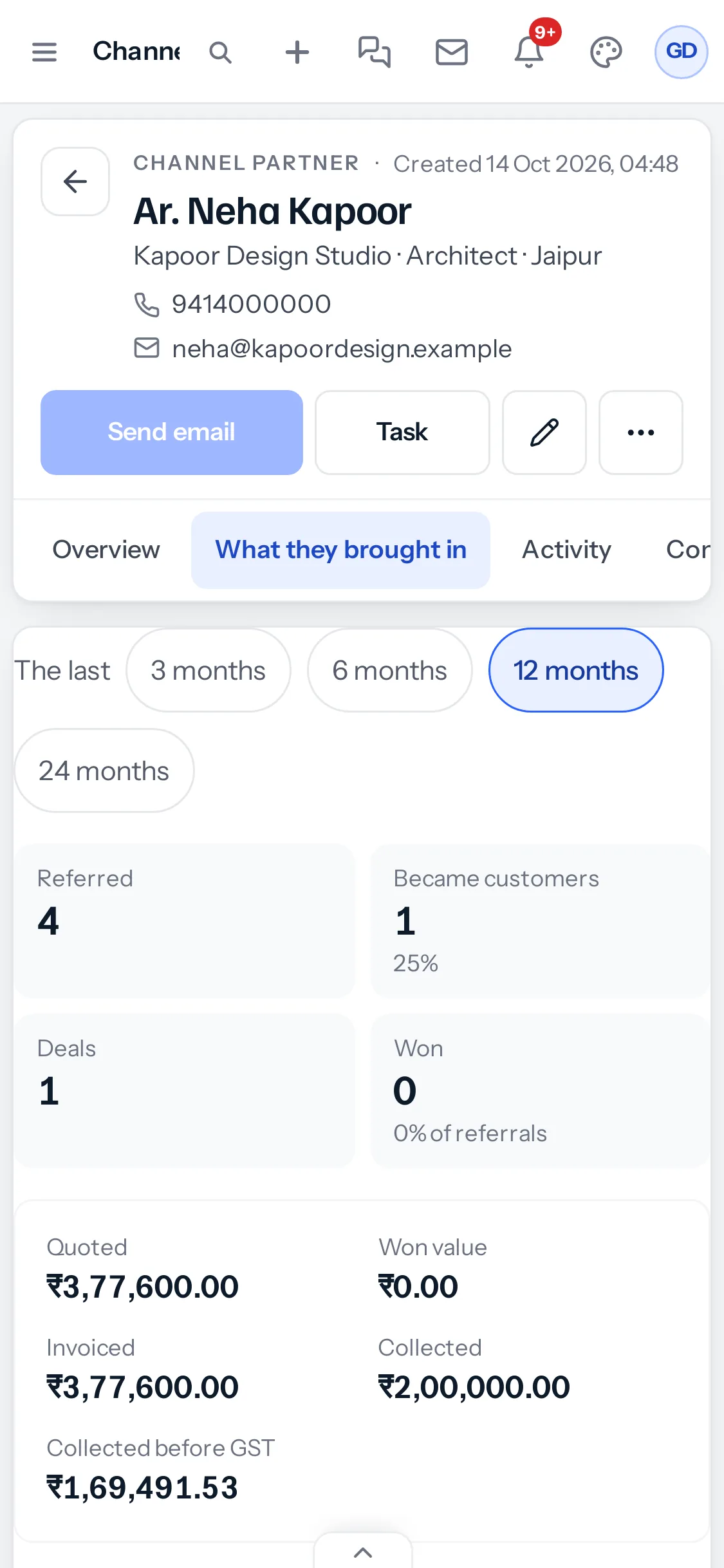
A partner's page
The figures stack in two columns, and the period buttons wrap onto a second line. Swipe the tabs sideways to reach Leads, Deals and Invoices.
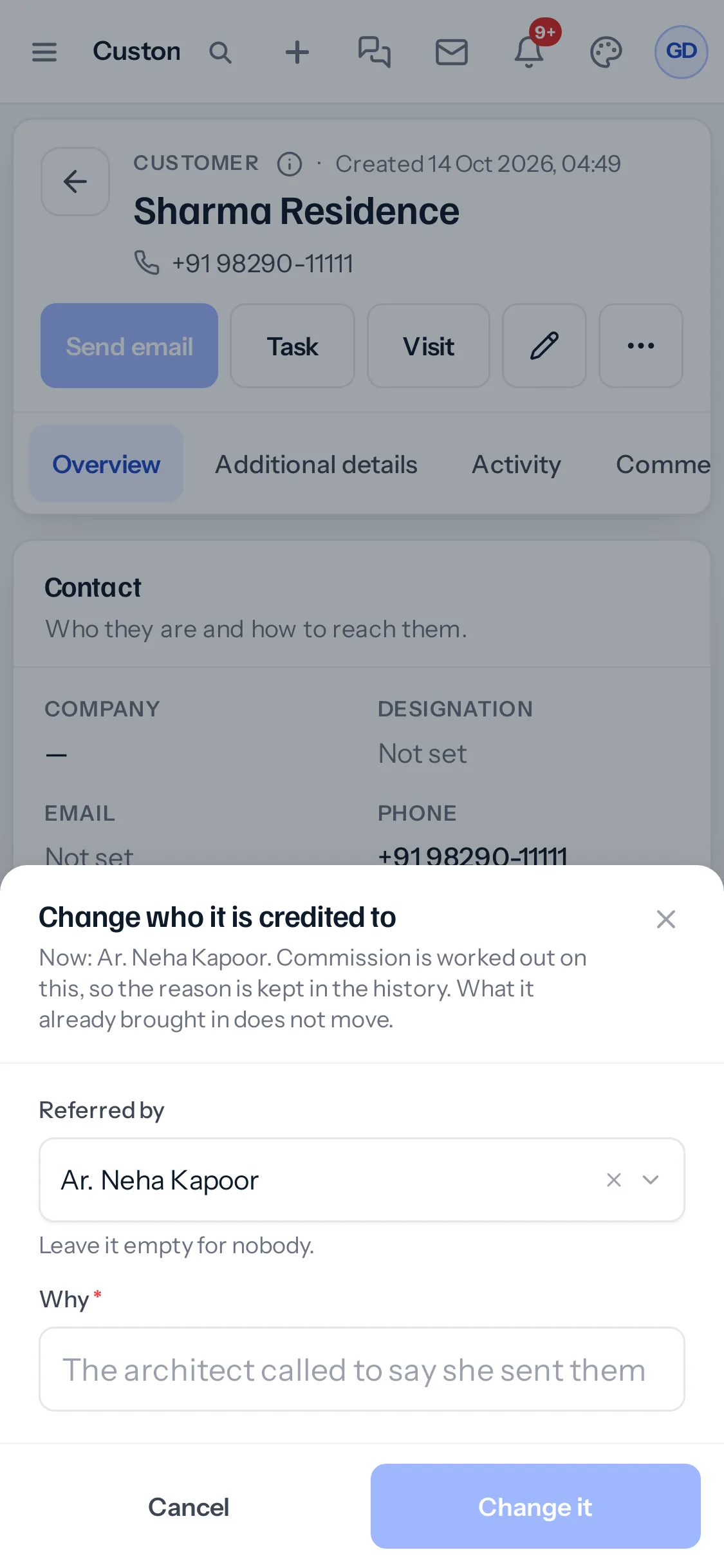
Changing who a record is credited to
Press Change beside Referred by. The window opens from the bottom of the screen, with the partner box, Why, and Change it within reach of your thumb.
Recording a referral on a phone
Add the lead from the + at the top, scroll to the end of the form and choose the partner in Referred by. The question about two partners opens over the form in the same way, with Go back and Give it to within reach.
Reports open on a phone too, with the totals first and the table scrolling sideways inside its card, so the page itself does not.
Adding a partner
Press the blue + on the list. The form opens across the whole screen, with the same boxes as on a computer and Save at the bottom.
In the Android app
The Android app shows the same screens as the browser on a phone. Once the module is switched on, Channel Partners appears in the app’s menu after the app has updated to the latest version.
Two partners, one customer, on a phone
The question opens from the bottom of the screen over the lead form, with Go back and Give it to side by side. Going back leaves the form exactly as you filled it in, so you only need to change Referred by and save again.
Something missing or wrong here? Tell us. A question that needed asking usually means a page that needed writing.