
Typing sixty boxes for five people is slow, and most targets are the same month after month. Two buttons on Sales targets do the typing for you. Neither saves anything by itself: look at the result, change what needs changing, then press Save.
Copy last month
Copy last month takes each person’s figure from the month before the quarter you are looking at, and puts it into that quarter’s empty boxes. A box you have already typed in is left alone. Looking at Q3, October to December, it copies September’s figures.
Q1 starts the year, so there is nothing before it to copy. Type April’s figures in, then move to Q2 and copy from there.
A message says how many boxes were filled. If it says nothing was copied, the month before had no figures.
Spread a yearly figure
Spread a yearly figure opens a small window. Choose the person or circle, type the year’s figure before GST, and it shows about how much that is each month. Spread it divides it into twelve equal months from April to March. Unlike copying, spreading replaces months already typed in, because it is meant for setting the whole year at once.
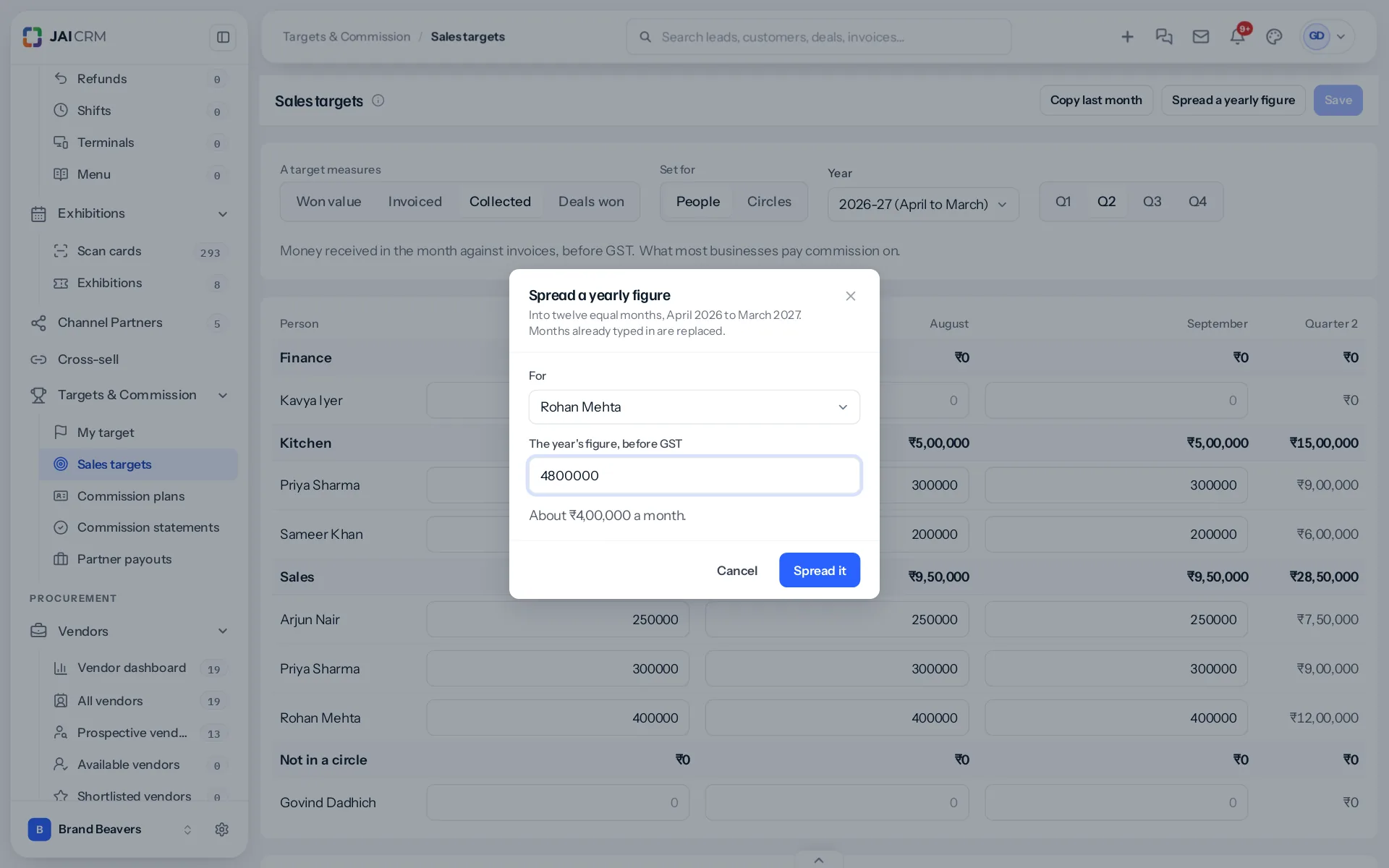
With the measure set to Deals won, the window asks for deals won in the year instead.
Seasons
Most businesses are not even across the year. Spread first, then raise the busy months and lower the quiet ones by hand. A tiles showroom might raise October and November for the wedding season and lower the monsoon months; the total stays what you meant if you move the same amount both ways.
People joining and leaving
The grid lists active staff only. Somebody who has left drops off, and their saved targets stay for the months they worked. A new joiner appears once they have accepted their invitation; give them a lower target for their first months while they learn.
Before saving
Save stays greyed out until something has changed, so you can tell at a glance whether there is anything to keep. After saving, a message says how many figures were saved and how many were cleared.
For circles
With Set for on Circles, both buttons work on the circles’ rows instead: copying fills each circle’s empty months, and spreading offers the circles to choose from.
Back to setting sales targets.
Something missing or wrong here? Tell us. A question that needed asking usually means a page that needed writing.