
Each statement waits for somebody to agree it before it is paid. That check is where a manager catches an invoice credited to the wrong person, a deal that should not count, or a credit note that belongs elsewhere.
Approving
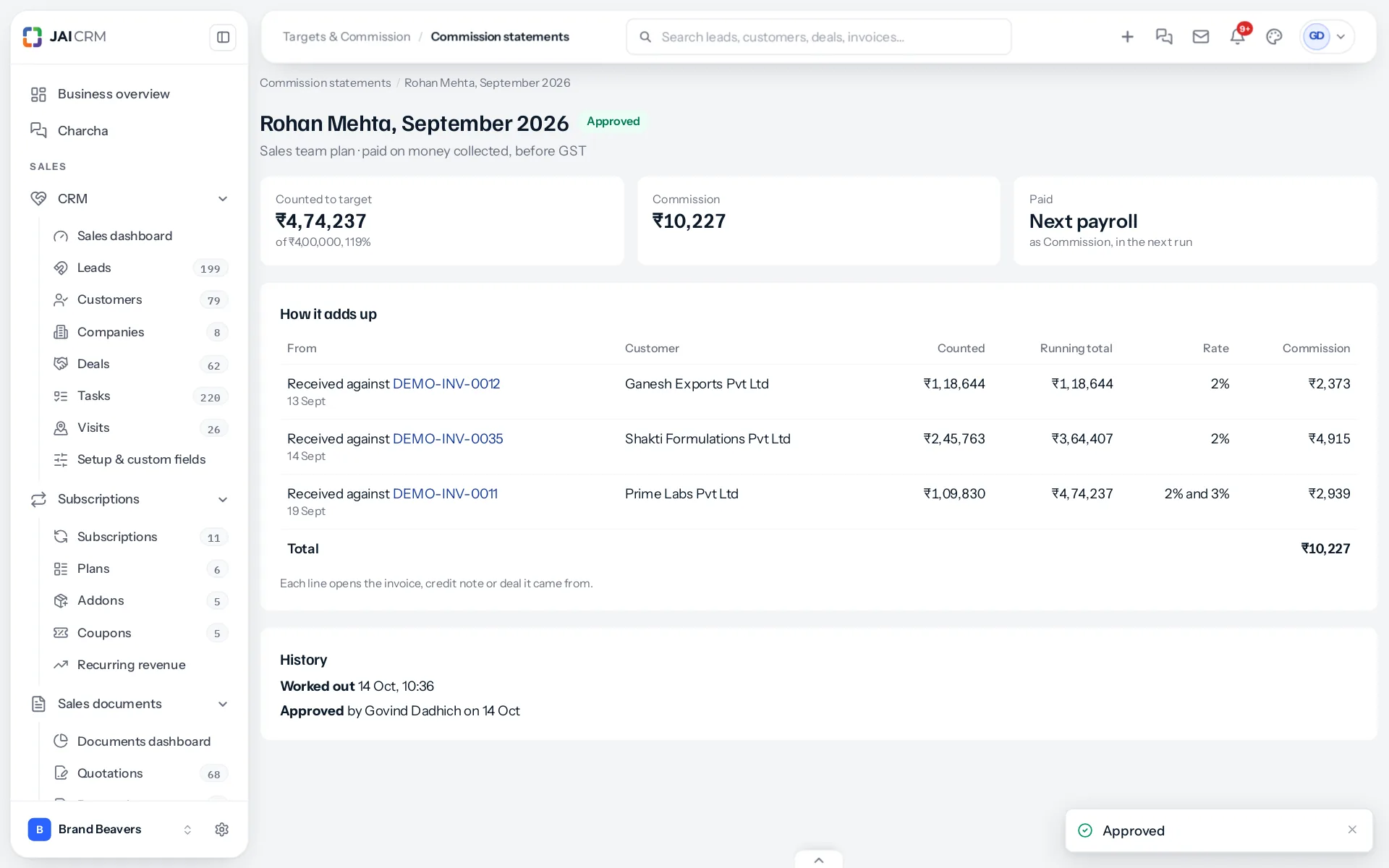
Open a statement and press Approve ₹27,000; the button carries the amount, so nobody approves a figure they did not see. The statement is fixed from that moment: it is never worked out again, and the History at the bottom records who approved it and when.
Sending back
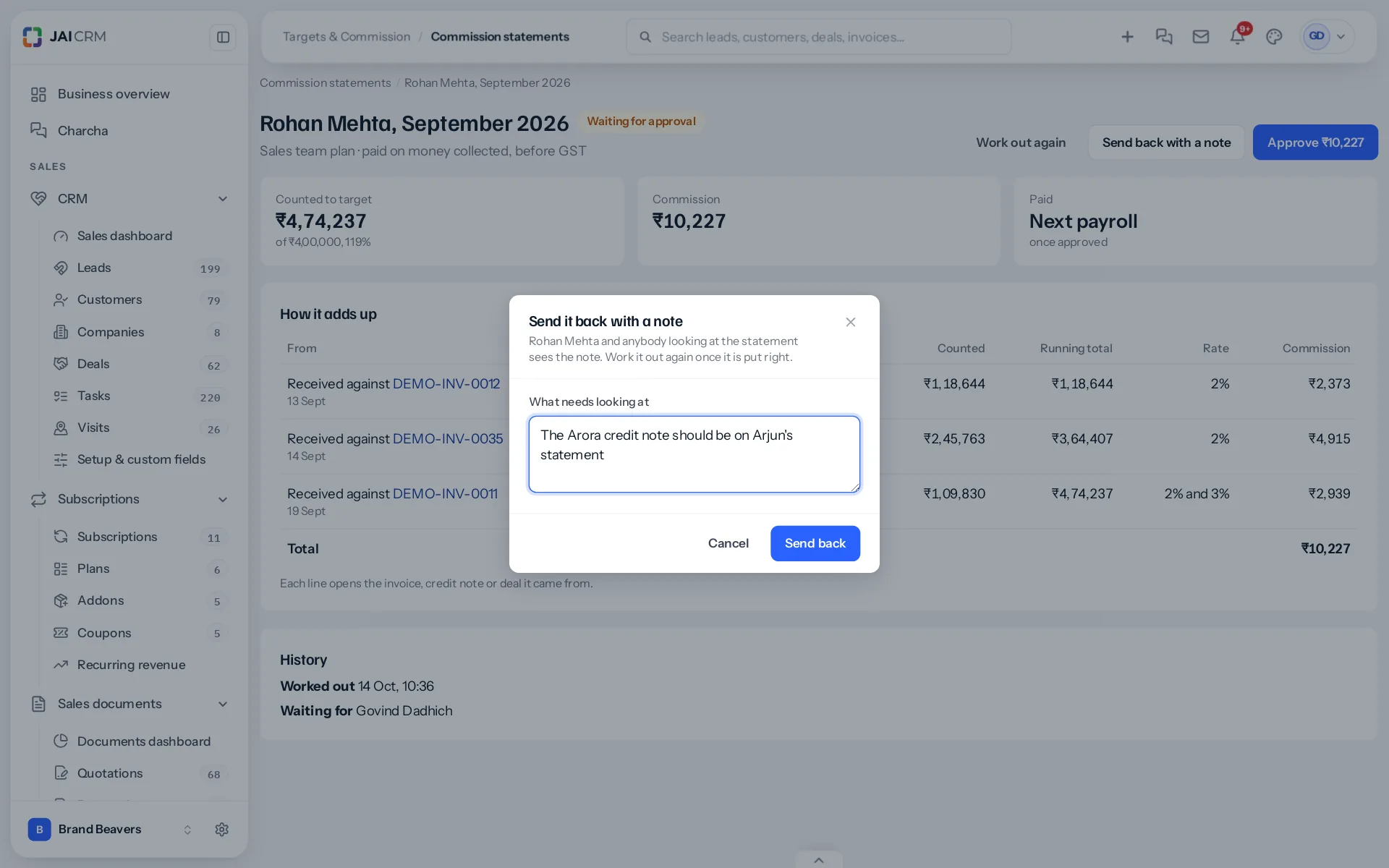
Send back with a note asks what needs looking at, for example “The Arora credit note should be on Arjun’s statement”. A note is required. The person and anybody looking at the statement sees it. Once the cause is put right, such as the credit note’s invoice moved to the right owner, press Work out again; the statement returns to waiting with the corrected figures.
Who approves
Each plan names a person under Approved each month by. The statement’s History shows “Waiting for” that person, so everybody knows whose desk it is on. Anybody with Approve on Commission statements can approve, so a holiday does not hold up salaries.
Nobody approves their own
A sales head on a commission plan cannot approve their own statement, even with every permission. The buttons do not appear on their own statement, and the request is refused if tried another way. Somebody else agrees it.
Approving changes what is paid
- On a plan paid with salary, an approved statement goes into the next payroll run that is worked out. Commission in payroll explains how.
- On a plan paid outside payroll, approval is the record that it is owed. Pay it your own way, by bank transfer or otherwise.
Good habits
- Approve after the 7th, once the first week’s late payments have been counted.
- Read the lines in red first; returns and bounces are where mistakes hide.
- Use a note rather than a phone call, so the reason stays with the statement.
What the salesperson sees
Once approved, the commission card on their My target says “Approved, on the Sales team plan” with the approved figure, and opens the statement line by line. Before that it says the figure is earned so far and approved at month end.
Something missing or wrong here? Tell us. A question that needed asking usually means a page that needed writing.