
Not every email is a reply. Write with AI in Compose writes a new one from a sentence: say what it is for, and it writes the subject and the whole message, using what the CRM holds on the person you are writing to.
Steps
- Open the mail panel at the top of the screen and press Compose.
- Put who it is going to in To: pick them from the list, or type the address and press Enter.
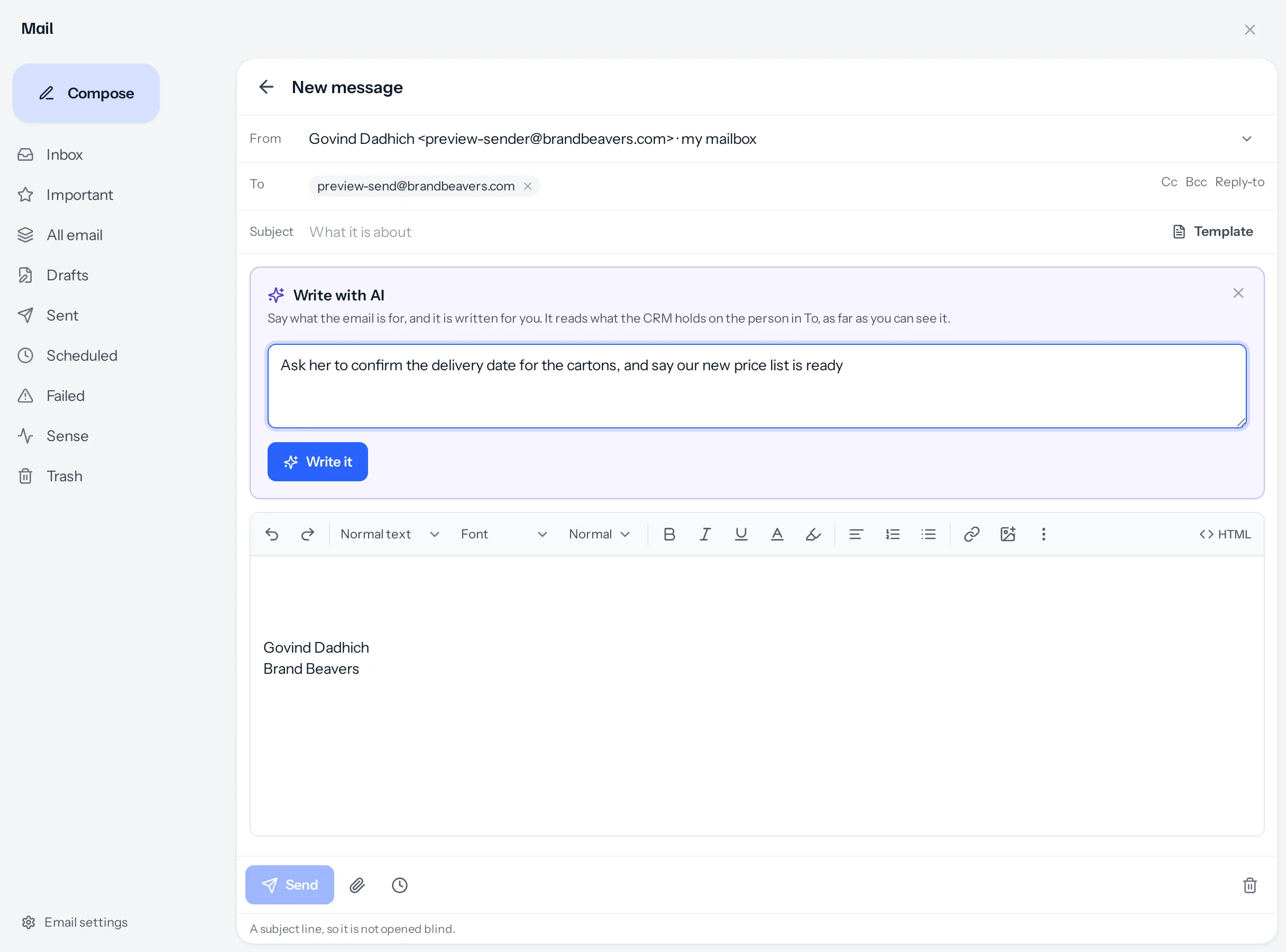
- Press Write with AI beside the subject, and say what the email is for, in your own words.
- Press Write it. If the address belongs to more than one record, choose which one it is about (see below).
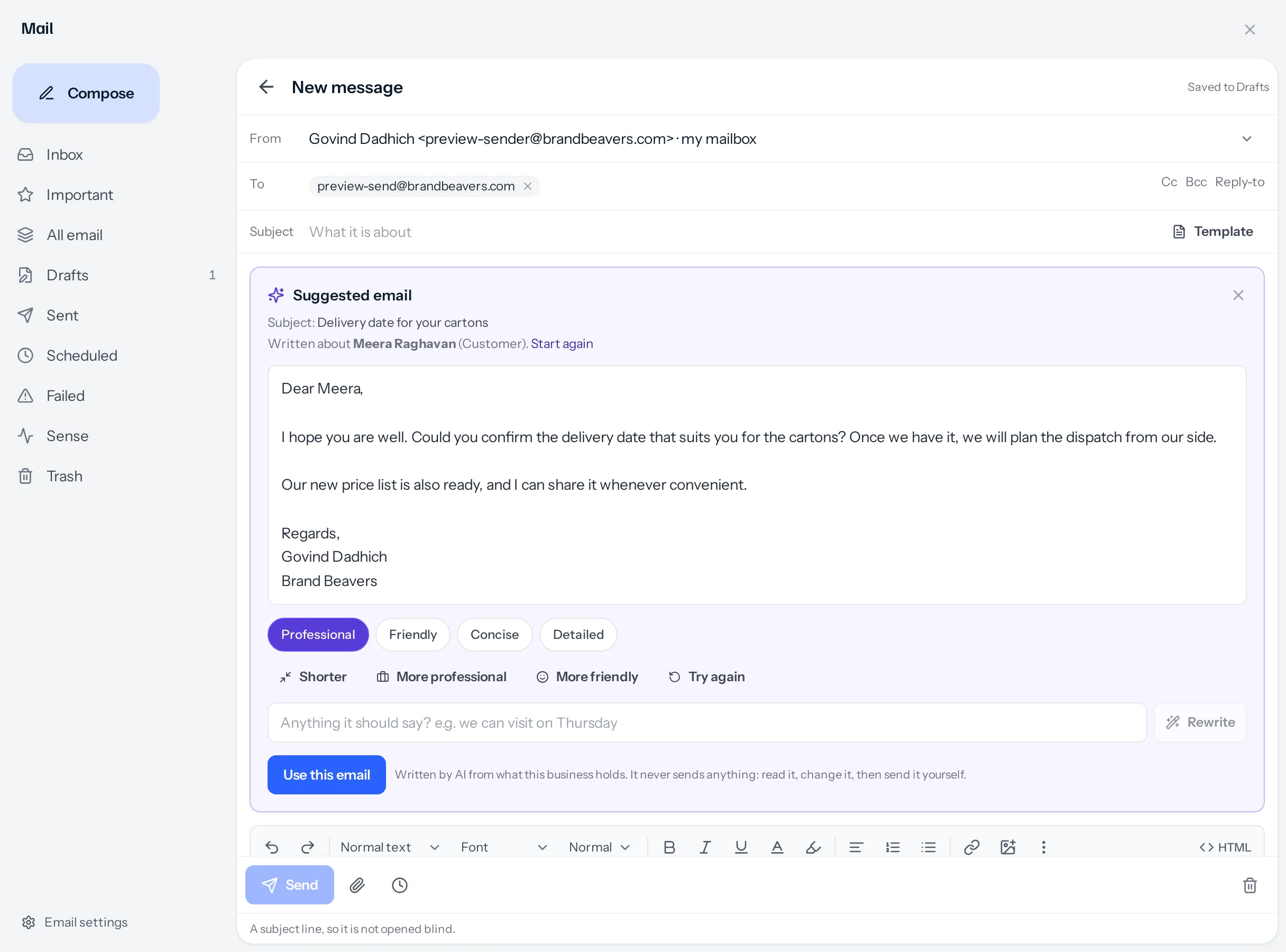
- Read the draft. Change the style, make it shorter or friendlier, or add something in Anything it should say? and press Rewrite.
- Press Use this email. The subject and the message move into the email, where you edit them and press Send.
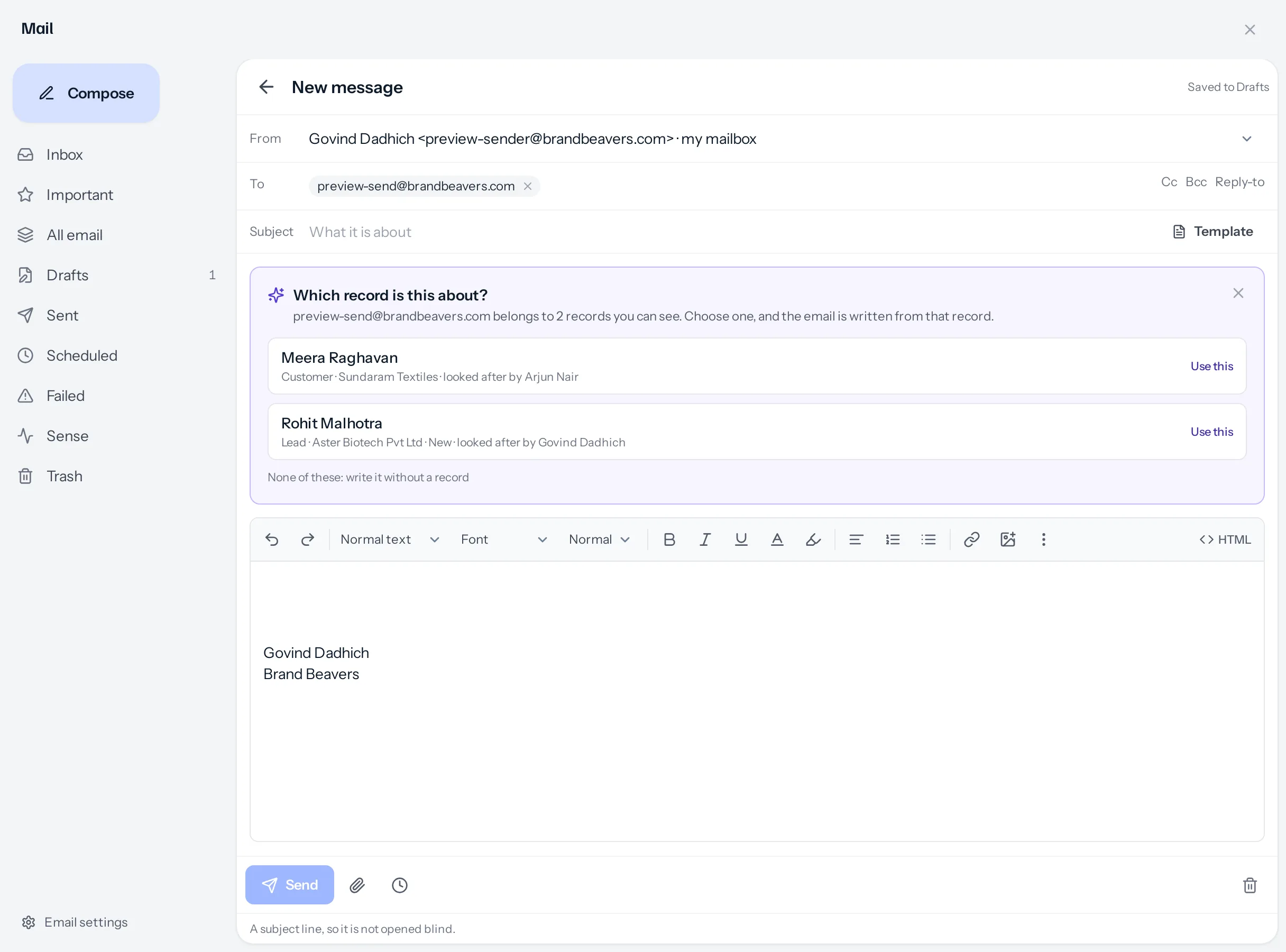
When the address belongs to more than one record
One address can be on a customer and on a lead, or on the same person entered twice. Before writing anything, it asks Which record is this about? and lists each one with what it is, the company and who looks after it. Choose one, or None of these to write without a record. Picking the recipient from the list in To answers the question for you.
What it reads
Only what you could open yourself:
- The lead, customer or vendor behind the address, if you may open it: name, company, stage and who looks after them.
- Their open quotations (number, subject, status and validity, never the amounts) and open tasks.
- The last conversations with them: notes, calls, meetings, and the email you may read.
- What is already in the subject and the message, so a half-written email can be finished rather than replaced.
With nobody in To, or an address the CRM does not know, it writes from your request alone.
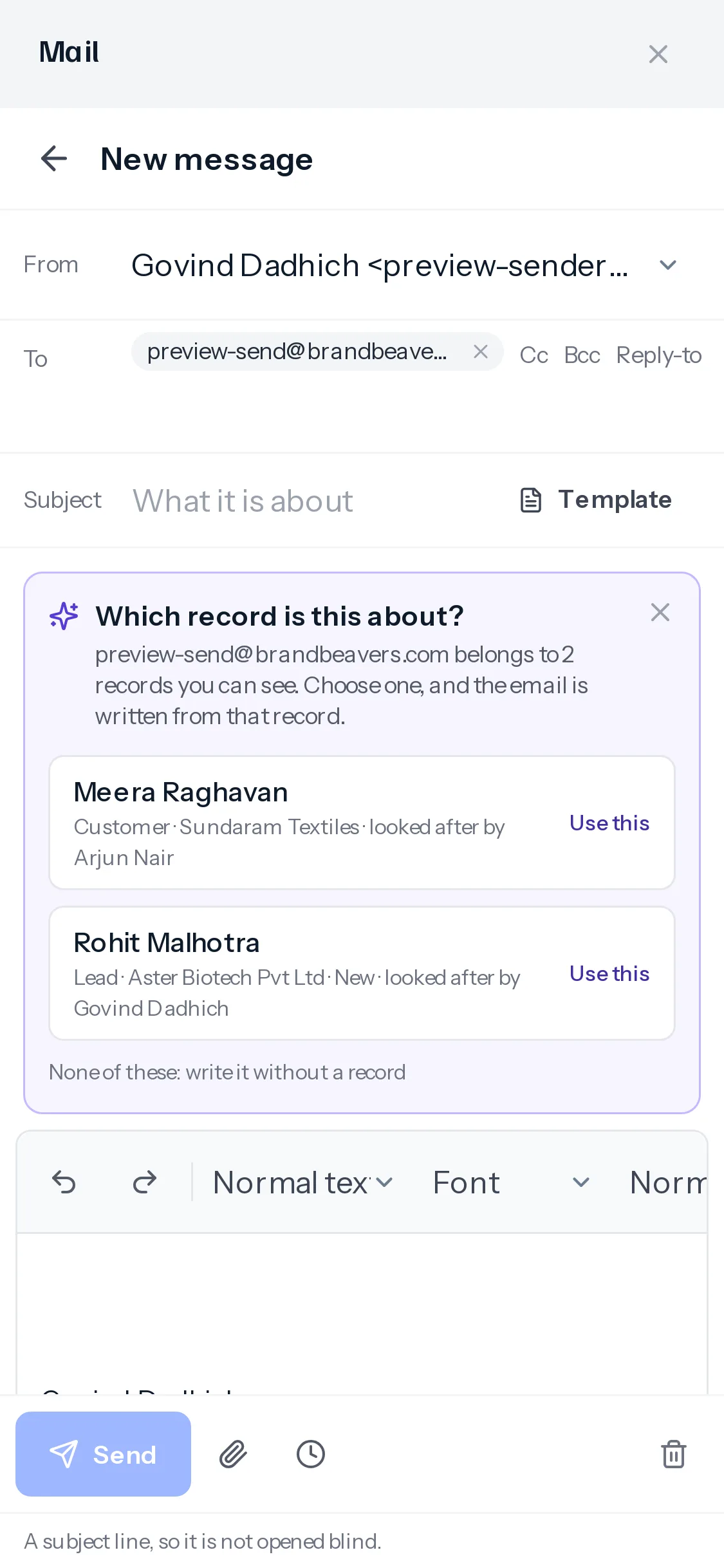
On a phone
What it will not do
- It never sends: Use this email puts the words in the message, and you send it.
- It never states a price, a delivery date or any other commitment you did not give it; where one is needed it leaves a gap in square brackets.
- It never writes a web address.
It is switched on and off with the rest of AI writing in Settings › AI writing, and its model can be chosen separately, as Writing a new email.
Something missing or wrong here? Tell us. A question that needed asking usually means a page that needed writing.