
Hover over a chat in the list and press the three dots, or press and hold it on a phone. The same choices are in the More menu at the top right of an open conversation.
| Choice | What it does |
|---|---|
| Pin to the top | Keeps the chat above all the others. |
| Mute | For 8 hours, a week or always. A muted chat still counts its unread messages, in grey, and a mention of you still reaches the bell. |
| Mark unread | Leaves it marked so you come back to it. Opening it clears the mark. |
| Archive | Moves it out of the list, into Archived. It comes back when somebody writes, unless it is also muted. |
| Delete chat for me | In a direct chat: every message goes from your screen and the chat leaves your list until somebody writes. The other person keeps theirs. In a group or channel this is Clear chat for me. |
Set a status
- Press your own picture at the top of the Charcha list.
- Choose a suggestion, such as In a meeting or Visiting a customer, or write your own.
- Choose when it clears: 30 minutes, an hour, four hours, today, this week, or never.
- Turn on Pause my notifications if you want no Charcha notifications until it clears, and press Save.
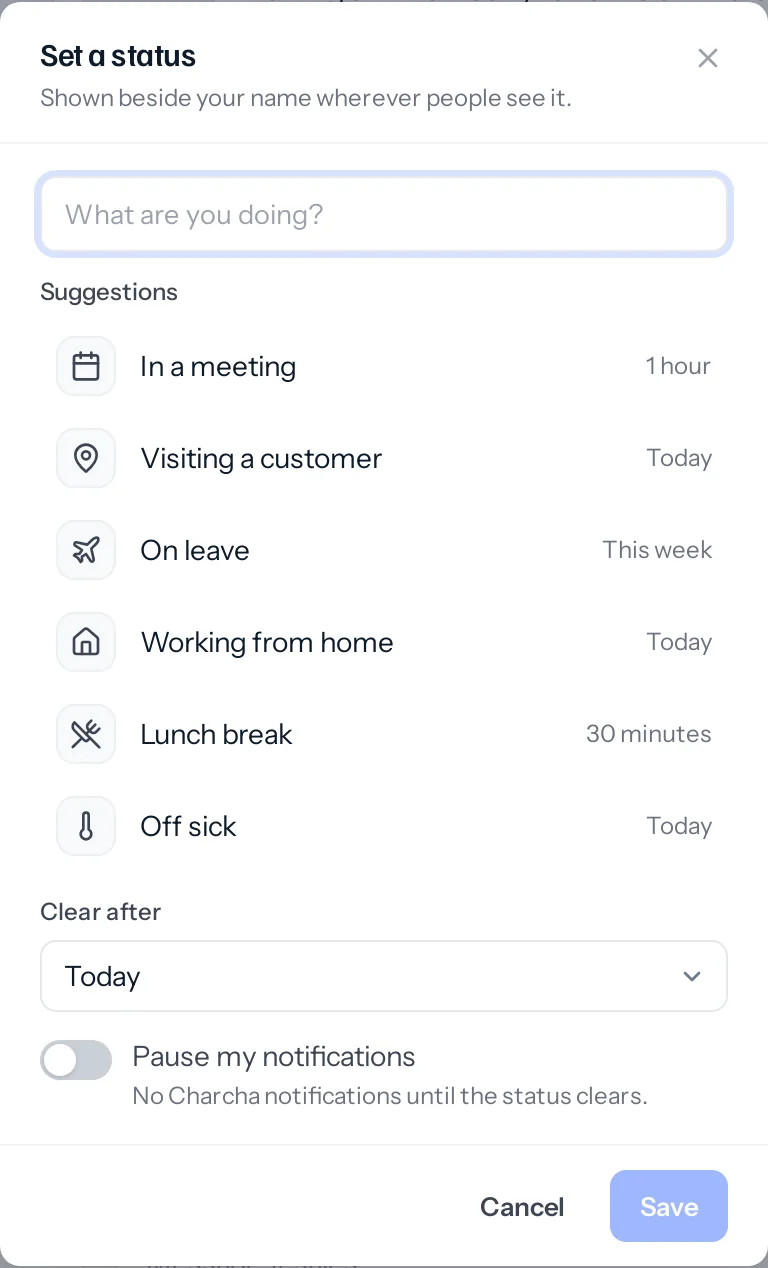
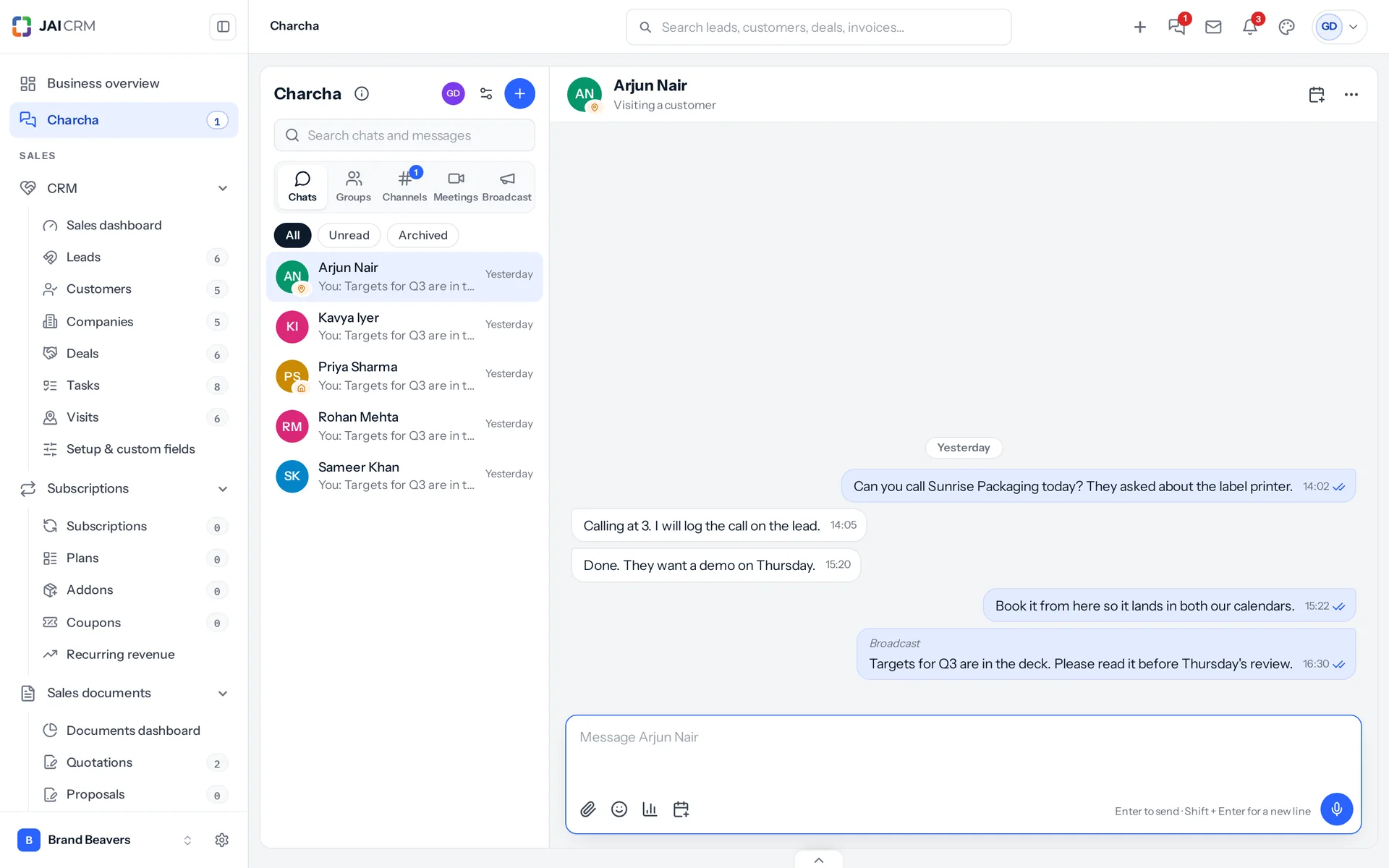
Your status shows beside your name in chats, in the member list and in the header of a direct chat. Somebody marked on leave in Payroll shows as On leave without setting anything; a status they set themselves shows instead.
Something missing or wrong here? Tell us. A question that needed asking usually means a page that needed writing.