
A broadcast goes down the reporting line, which comes from which role reports to which in Settings, Roles. A manager reaches the people under them and nobody else. The owner can reach the whole business. Broadcasting is a right on the role.
- Press + in Charcha and choose New broadcast, or press New broadcast in the Broadcast section.
- Choose who: Everyone under you, Just the level below you, or Choose people from among those under you. The owner also sees Everyone in the business.
- Write the message and press Send.
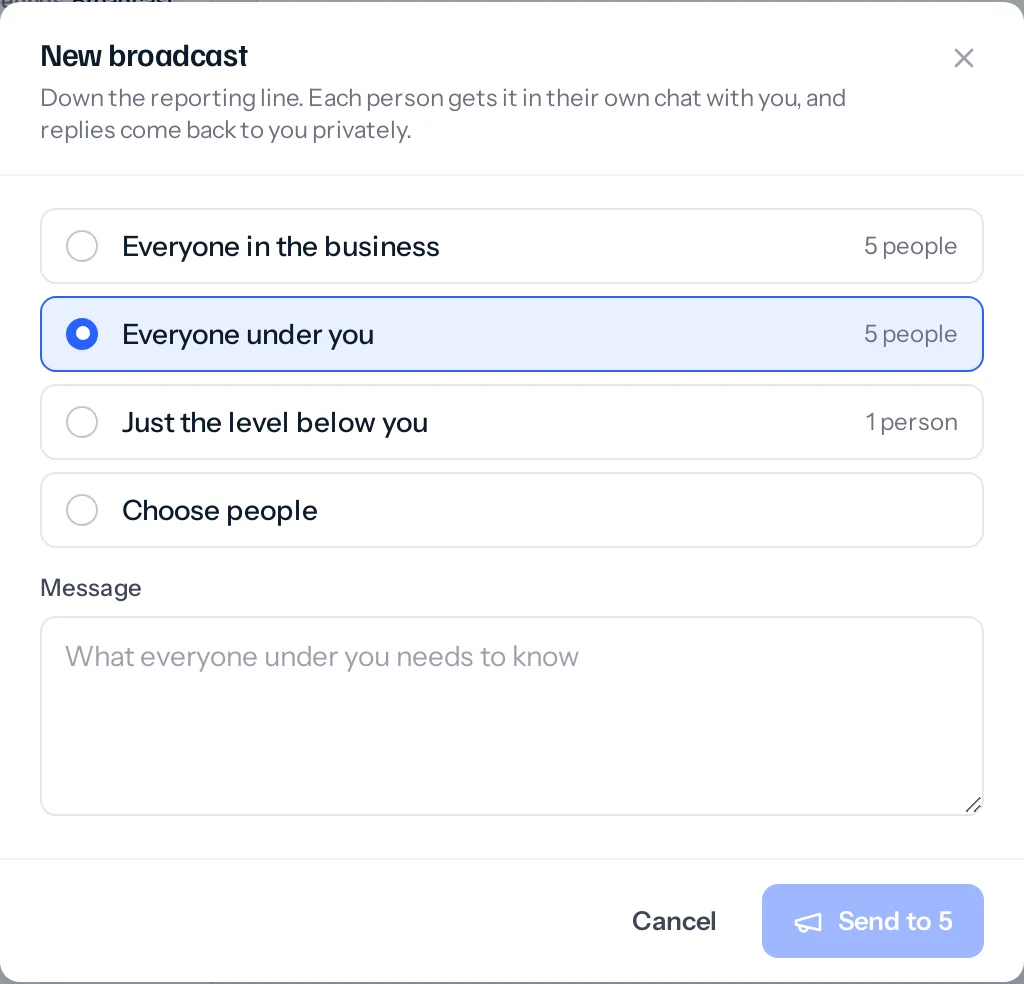
Each person receives it in their own direct chat with you, marked Broadcast, with a notification in the bell. When they reply, the reply comes back to you privately, not to everyone.
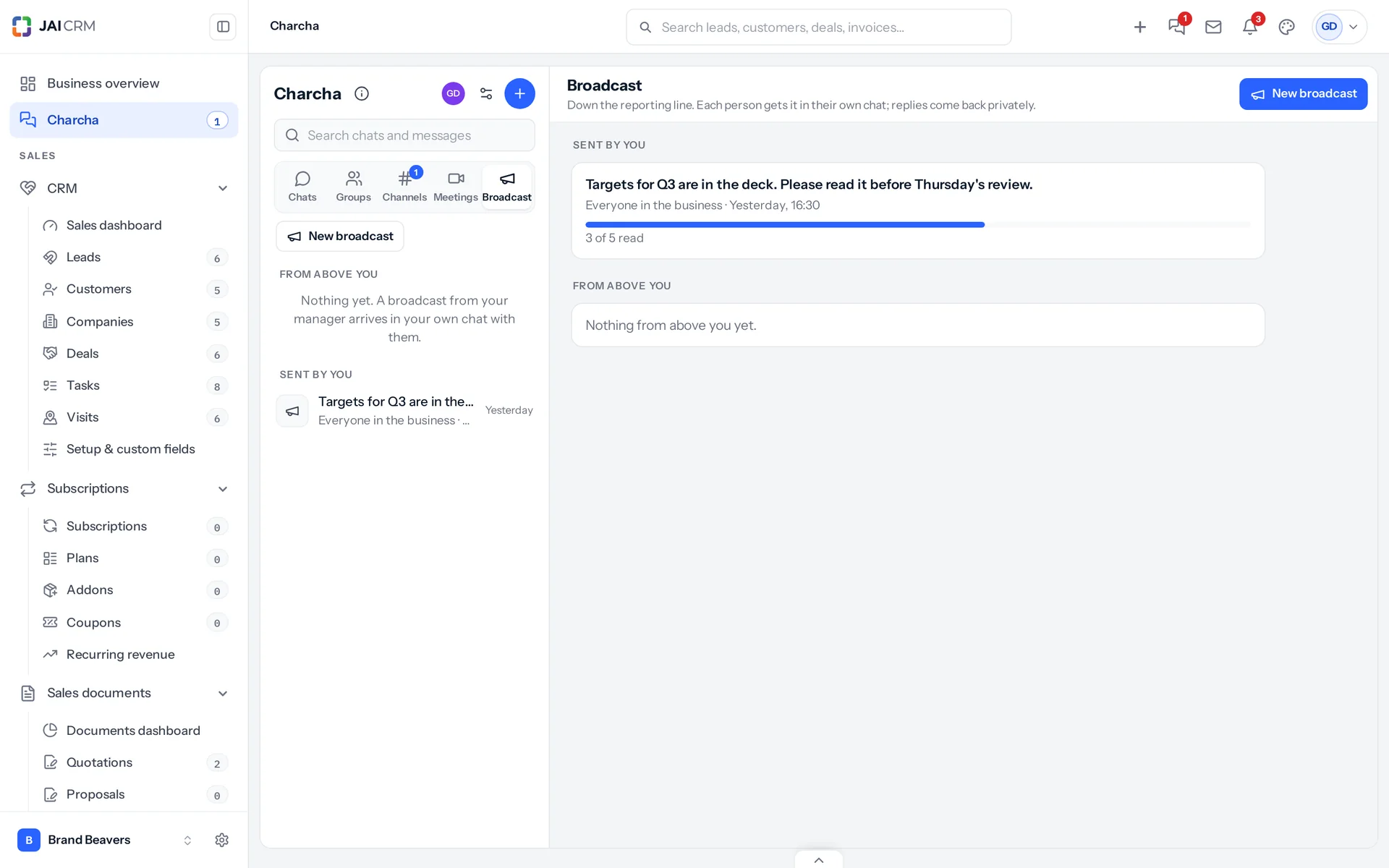
The Broadcast section lists what you have sent, with how many of the people it reached have read each one, and what has come to you from above.
Something missing or wrong here? Tell us. A question that needed asking usually means a page that needed writing.