
Talk about a customer in the place where the customer is. Every lead, deal, task and invoice can have one Charcha conversation of its own, inside the record, so nobody has to find the right group or explain which lead they mean.
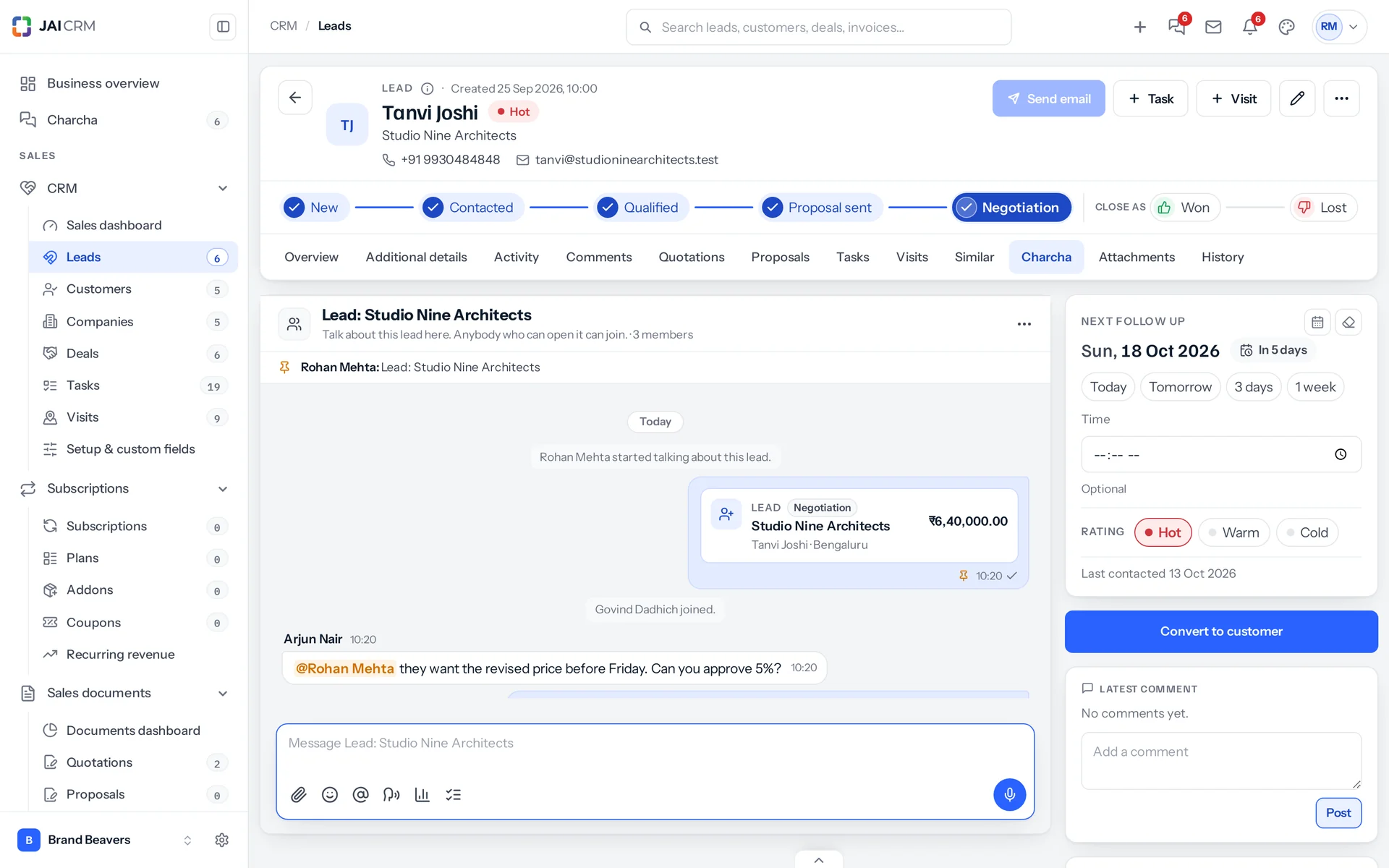
Start the conversation
- Open the lead, deal, task or invoice. On a lead, deal or task, choose the Charcha tab; on an invoice, scroll to the Charcha card under the comments.
- Press Start the conversation.
- Write, and type @ to mention somebody in it.
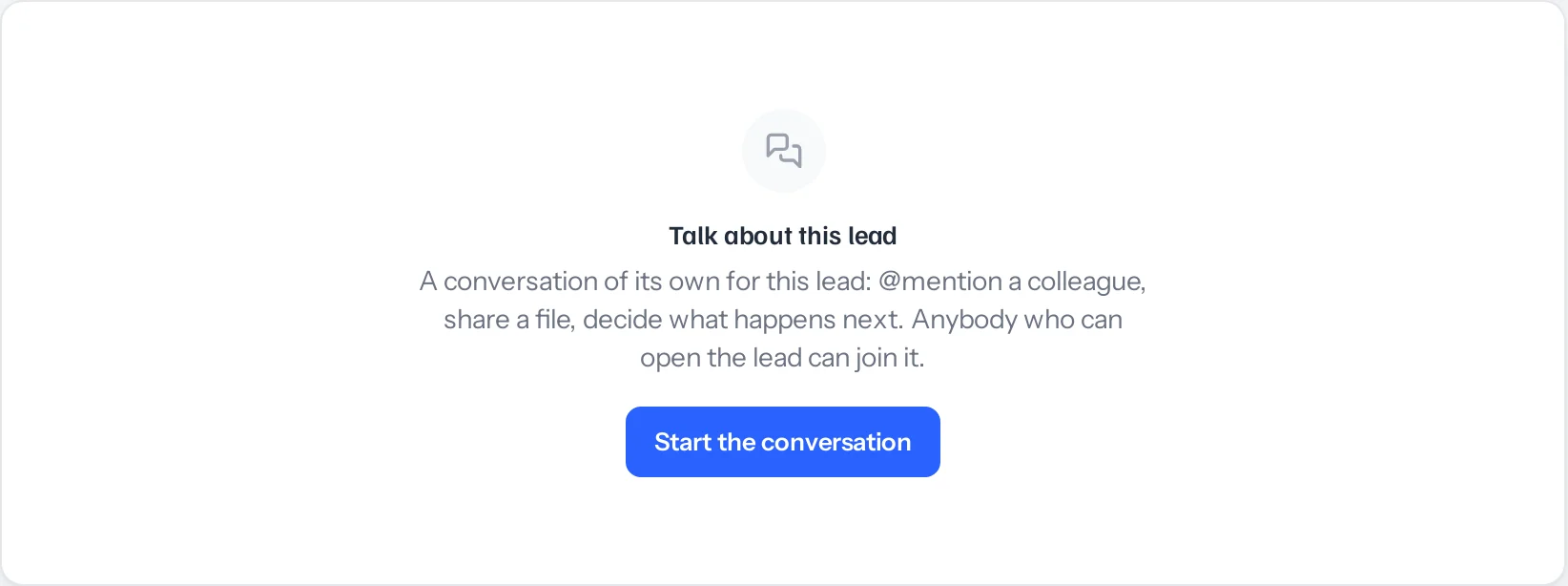
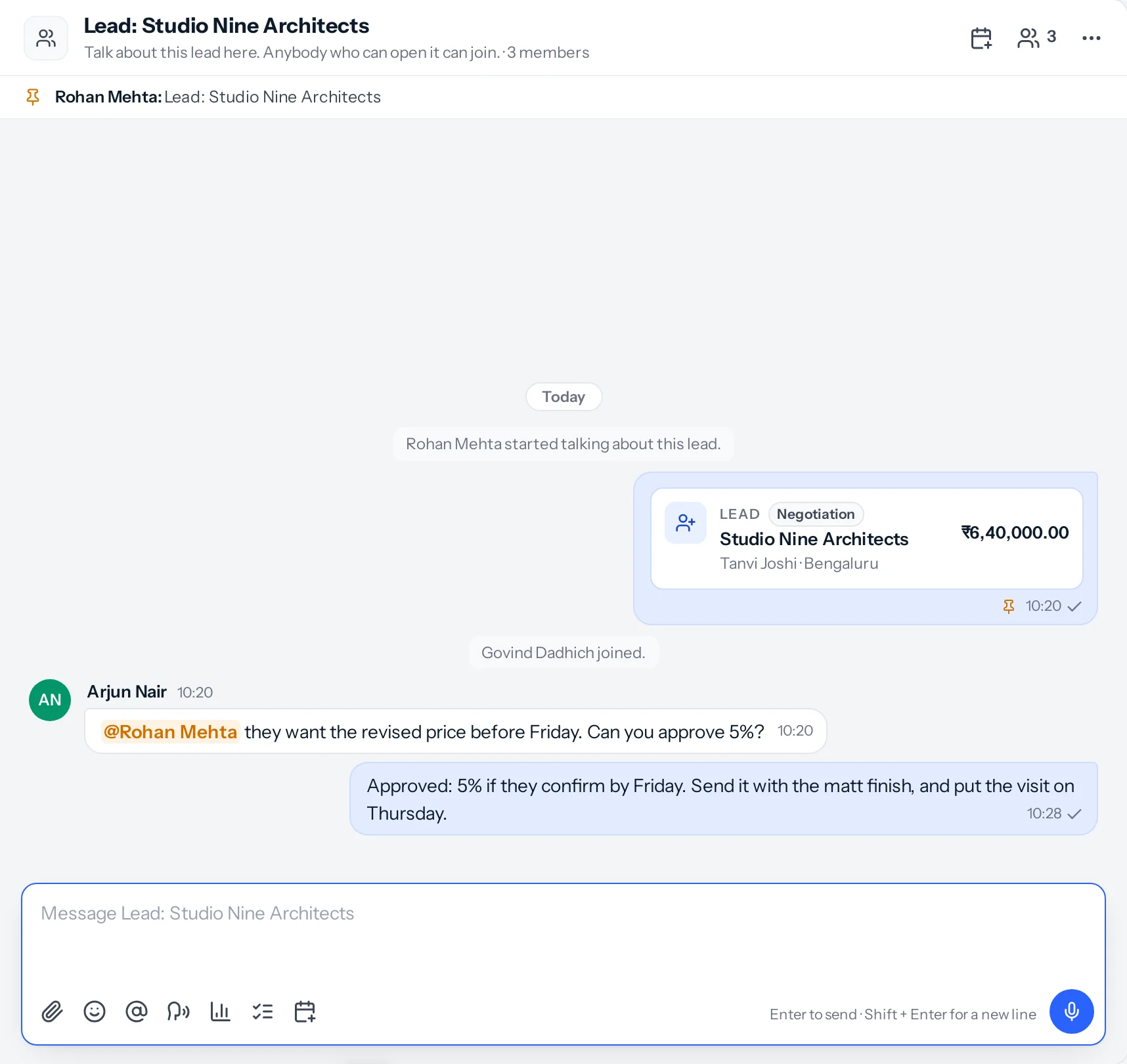
It starts with you and whoever owns the record. The record’s card is pinned at the top, showing its stage or status and value as they are now, and a line says who started it. If two people press Start at the same moment, they get the same conversation.
Who can read it
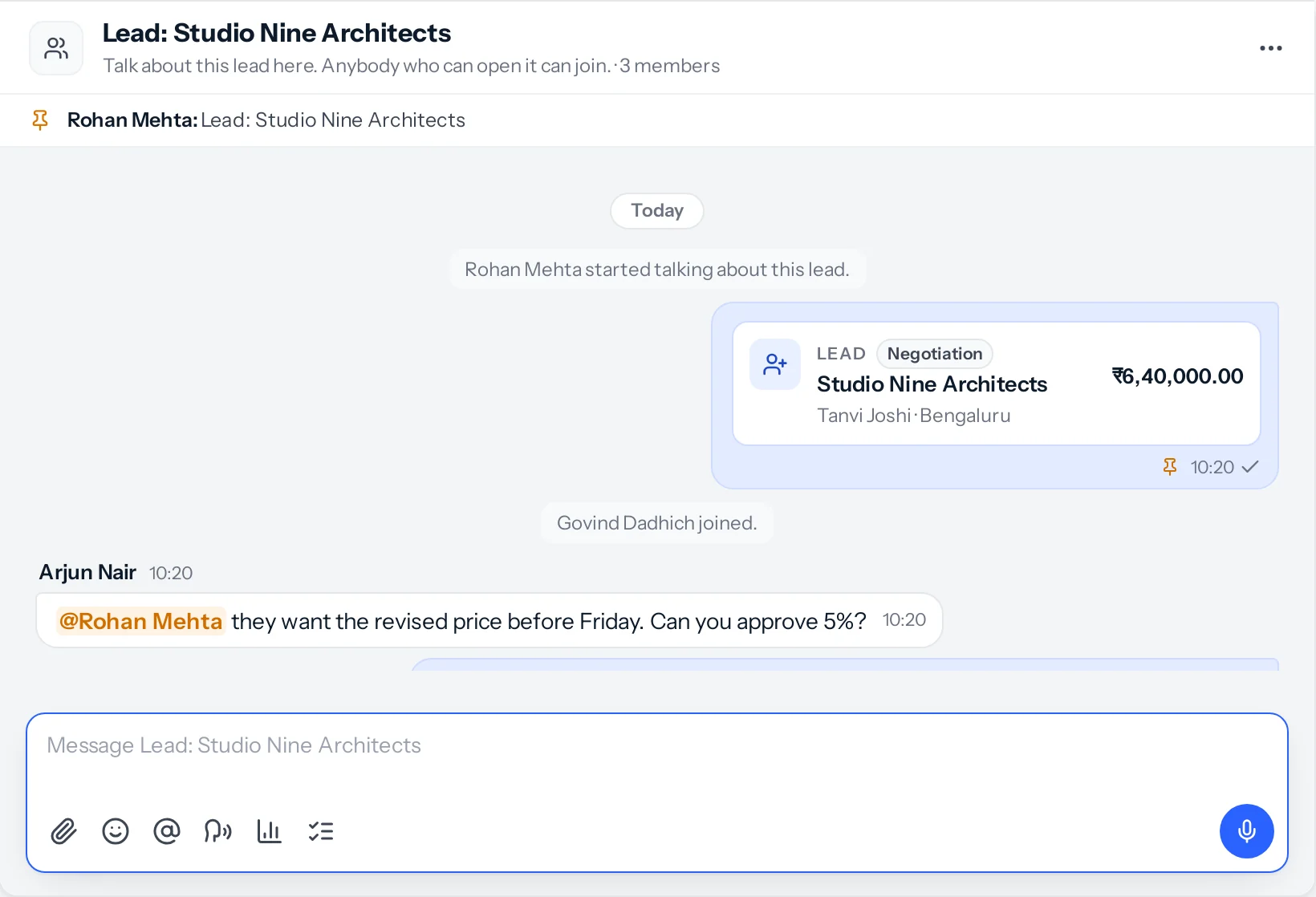
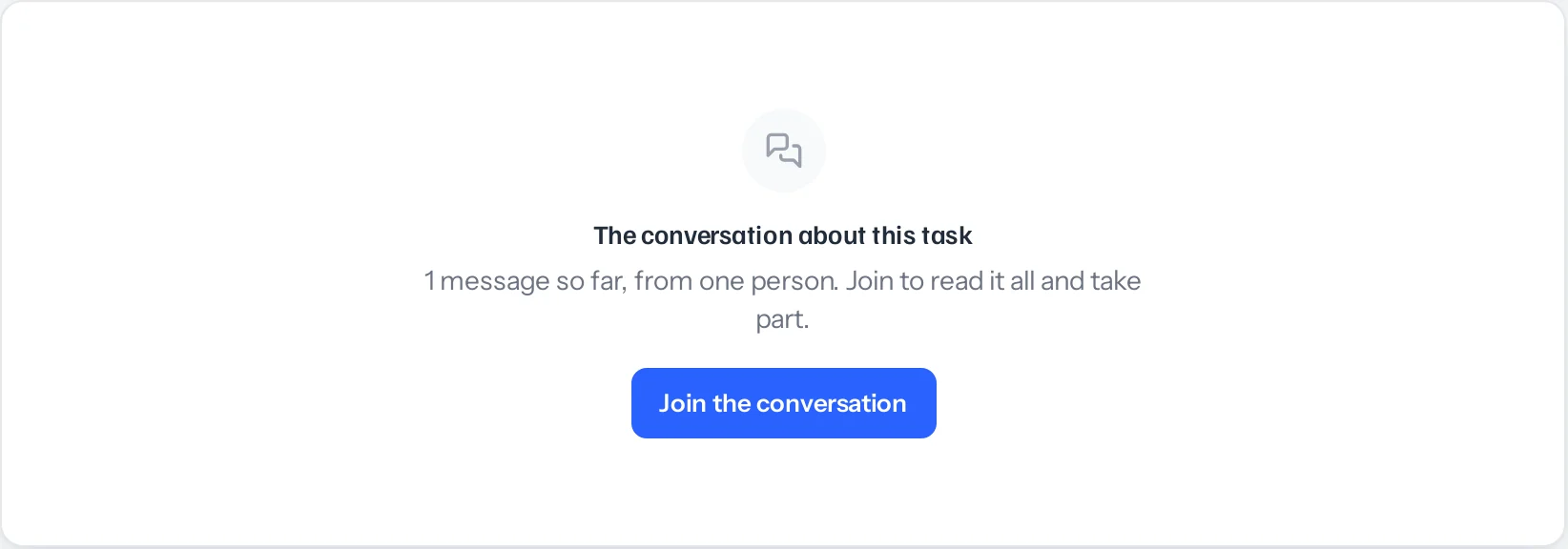
The conversation is private: only the people in it can read it, the owner and administrators included. Anybody who can open the record can join it from the record, and reads everything said so far.
Anybody in the conversation can add a colleague from its … menu, as long as that colleague can open the record. Somebody who cannot open it, because it belongs to another team, cannot be added, and Charcha says why: share the record with them first.
From Charcha, back to the record
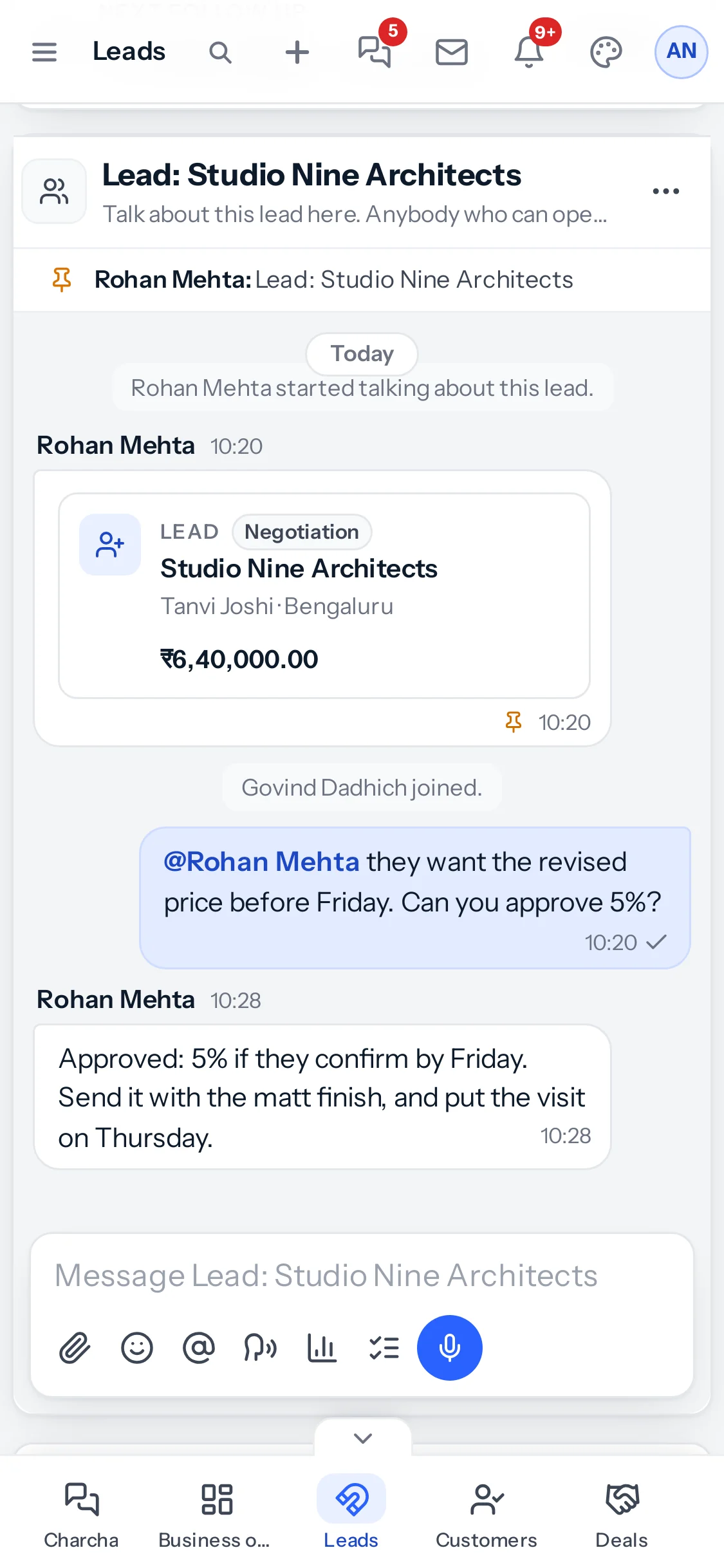
The conversation is also in your Groups in Charcha, named after the record, such as Lead: Studio Nine Architects. Press the pinned card to open the record.
On an invoice
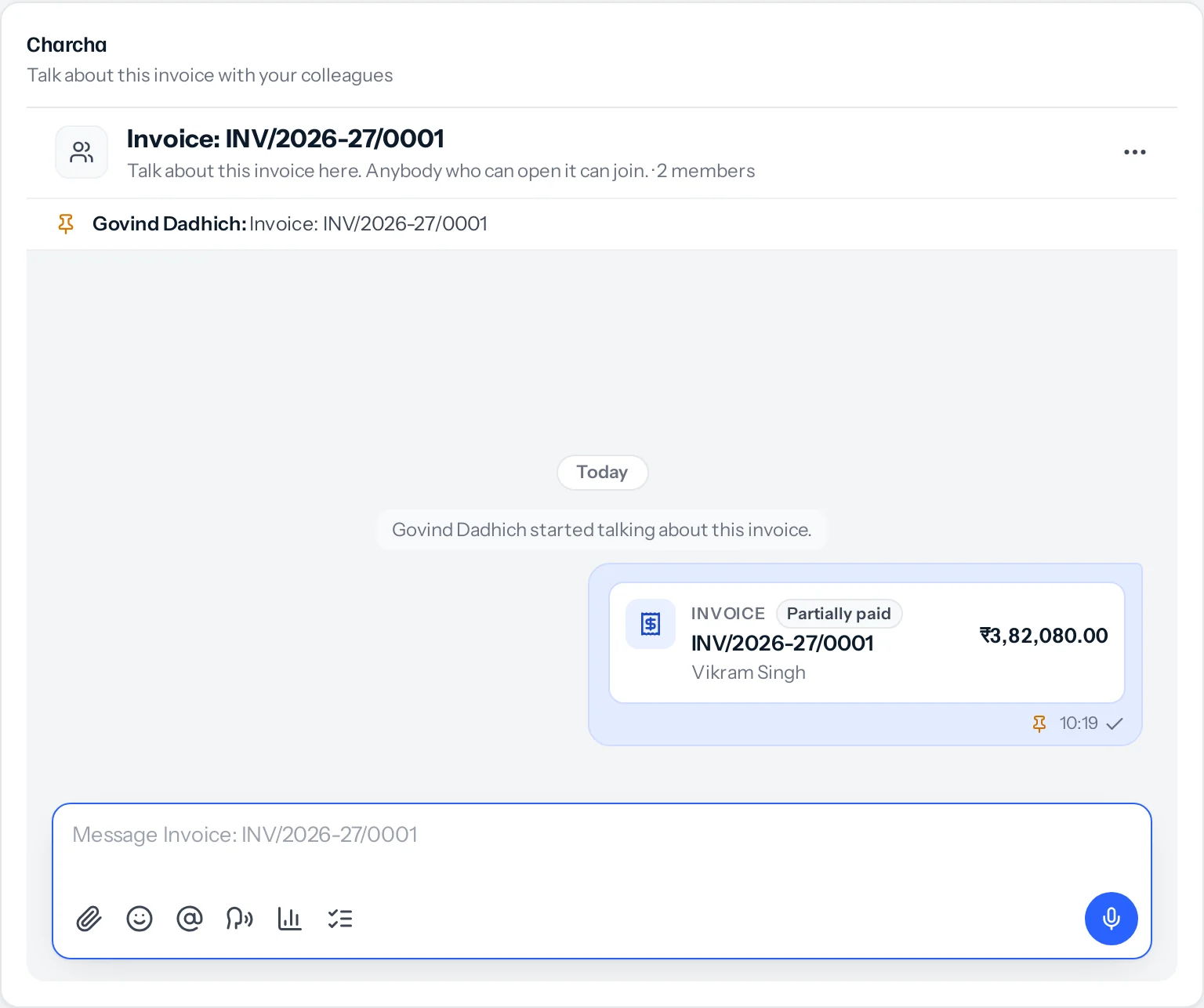
An invoice has no tabs, so its conversation is a card under the comments. Comments are notes kept on the invoice; the conversation is for talking it through with colleagues and @mentioning them.
Only leads, deals, tasks and invoices have a conversation of their own. To talk about a quotation or any other record, share it as a card in a chat with #.
Something missing or wrong here? Tell us. A question that needed asking usually means a page that needed writing.