
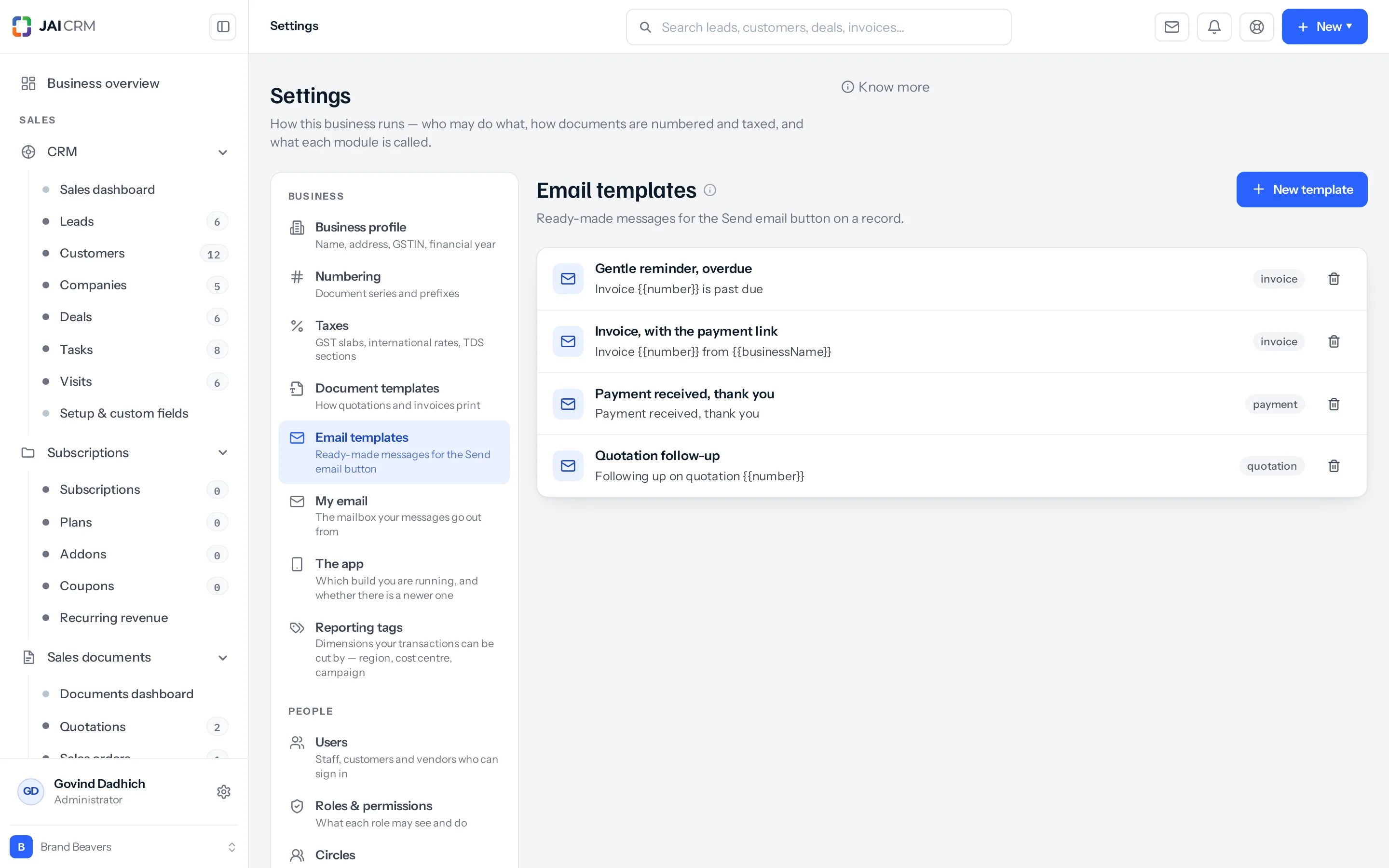
Sending a document means writing a covering note. Most people write the same one every time, slightly worse each time. A template is that note, saved.
They live in Settings → Email templates.
What a template holds
| Field | What it is for |
|---|---|
| Name | What you will see in the picker. Make it say when to use it — Quotation follow-up, not Template 2. |
| Description | A longer note to yourself. |
| Subject | The subject line. |
| Message | The body. |
| CC and BCC | Filled in for you when the template is picked. |
| Modules | Where it is offered. Leave it empty and it is offered everywhere. |
| Active | Switch one off without deleting it. |
| Order | Where it sits in the list. |
The four placeholders
Type these into the subject or the message and they fill themselves in from the record you are writing from.
| Placeholder | Becomes |
|---|---|
{{name}} | The person or record’s name. |
{{company}} | Their company. |
{{email}} | Their email address. |
{{owner}} | Whoever owns the record. |
So Dear {{name}}, please find attached… arrives as Dear Rahul, please find attached…
Only these four. Anything else in double braces is sent exactly as typed, braces and all — which the customer will see. There is an Insert button beside the message that puts the right one in, and using it is safer than typing.
Picking one
The picker is on the compose box. Choosing a template replaces what is in the subject and the message, so pick first and edit after.
The list only offers templates that suit the record you are on — a template limited to invoices does not clutter the picker on a lead.
Writing a good one
- Leave the specifics out. A template that says “as discussed on Tuesday” is wrong four days out of five.
- Say what you want to happen. “Reply to this mail to confirm” beats “kindly do the needful”.
- Keep it to a screen. The document is the detail; the mail is the knock on the door.
- Three or four templates, used, beat twenty that nobody can choose between.
Who can change them
Viewing, creating, editing and deleting templates are four separate permissions. A typical setup lets everyone use them and only a manager write them, so a tidy-minded junior cannot quietly rewrite the words that go to every customer.
Where to go next
Something missing or wrong here? Tell us. A question that needed asking usually means a page that needed writing.