
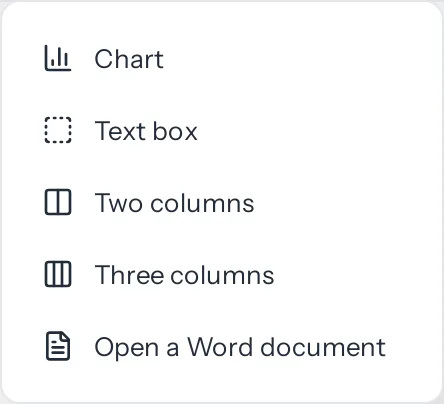
Three things a page of plain paragraphs cannot do: show a trend at a glance, set a note apart from the text around it, and put two lists side by side. All three are under Insert more on the tool bar, the grid button beside the signature block.

A chart
- Put the cursor where the chart should go, and choose Insert more › Chart.
- Choose Bar, Line or Pie, and give it a title if you like.
- Type the labels down the left and the numbers beside them. A row and A series add more; the cross beside one takes it away.
- Or copy a block of cells in Excel or Google Sheets and paste it into the grid. It fills from the cell you paste into, and the grid grows to take it.
- Press Insert the chart.
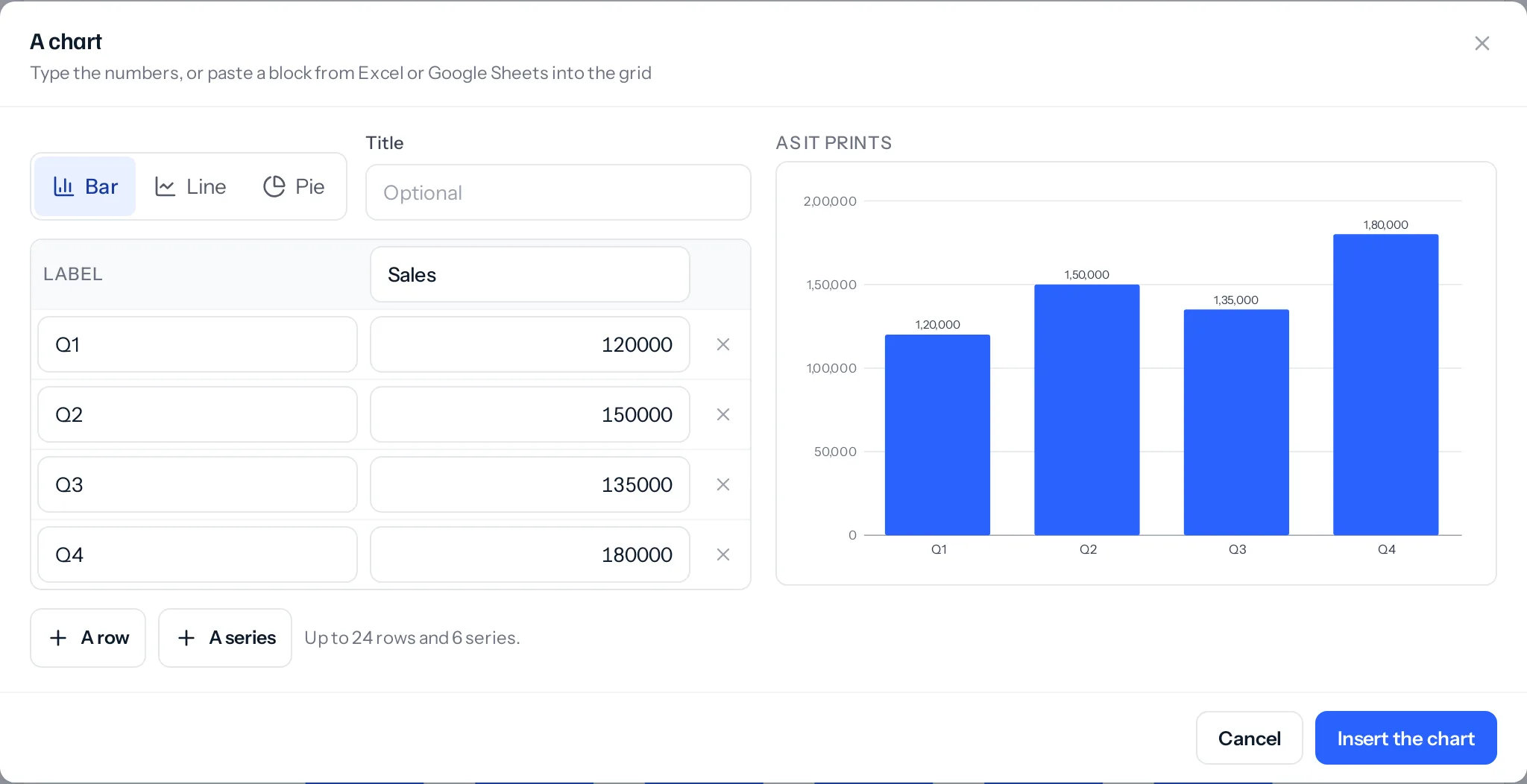
- Numbers are written out in full in Indian grouping, 1,20,000, never shortened to 1.2L. A pasted ₹ 1,20,000 or (500) is read as 120000 and minus 500.
- A bar chart with one series and up to eight bars shows each bar’s number above it.
- A pie shows the first series, with each slice’s share.
- Select the chart to set its width to half, three quarters or the whole page, to change its numbers with Edit, or to remove it.
- The pages keep the numbers, not a picture of them, so the PDF draws the chart sharp at any size and Edit opens the same grid again.
A text box
Put the cursor in a paragraph, or select several, and choose Insert more › Text box. They go into a box with a thin edge. Click inside it and its bar offers:
- Fill and edge colours, from the palette or your own, or no edge at all.
- A width of half, three quarters or the whole page, and its place on the left, in the middle or on the right.
- Take the text out of the box, which leaves the writing where it was.
A text box holds paragraphs, headings, lists and pictures. It flows with the page rather than floating over it, so nothing slips behind it when the text above grows.
Columns
Insert more › Two columns or Three columns puts empty columns where the cursor is. Click into each and write; each column takes paragraphs, headings, lists, pictures, tables, charts and text boxes. Click inside them and their bar switches between two and three, or goes back to one column with the writing kept in order. Going from three to two moves the third column’s writing to the end of the second.
While you write on a phone, columns sit one under the other, because two narrow columns on a phone are hard to write in. Page view and the PDF show them side by side.
On a page
A chart, a text box and a set of columns are each kept whole: if one does not fit at the foot of a page, it moves to the next, in the designer and in the PDF alike. One taller than a page runs on, as any block does.
On a phone
While you edit, tap a chart, a text box or a column and a Chart, Text box or Columns button joins the bar above the keyboard. It opens the same choices as the bar on a computer: the chart’s numbers and width, the box’s fill, edge, width and place, and the number of columns.
Things that catch people out
- A pie needs positive numbers. Noughts and negative numbers have no slice.
- A table does not go in a text box. Put the table in a column instead, or beside the box.
- Columns do not flow into each other. Each column is its own run of writing, so a long first column does not spill into the second. Move a paragraph across yourself.
Where to go next
Something missing or wrong here? Tell us. A question that needed asking usually means a page that needed writing.