
A proposal wins the work; the quotation, sales order or invoice does the accounting. A proposal converts exactly as a quotation does, from its ⋯ menu, and what it becomes carries the proposal’s number as its reference.
Converting it
- Open the proposal and press ⋯ at the top.
- Choose Convert to quotation, Convert to sales order or Convert to invoice.
- The new document opens. Check its lines, tax and terms, and send it as usual.
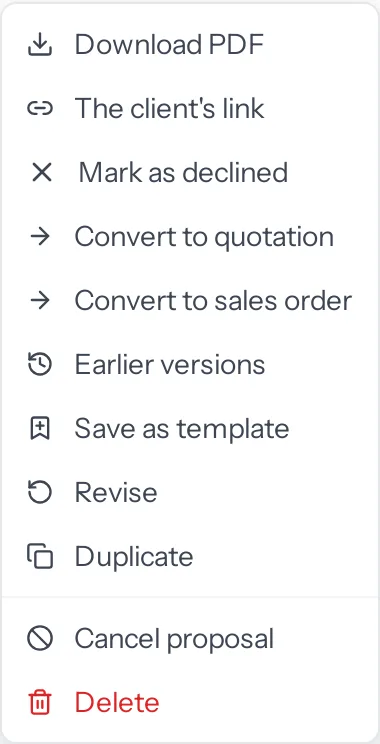
Which of the three are offered follows the route your business set in Settings › Plugins › Sales documents, as it does for a quotation: a business that raises a sales order before every invoice sees Convert to quotation and Convert to sales order; one that invoices straight from a quotation sees Convert to invoice instead of the order.
A proposal for a lead
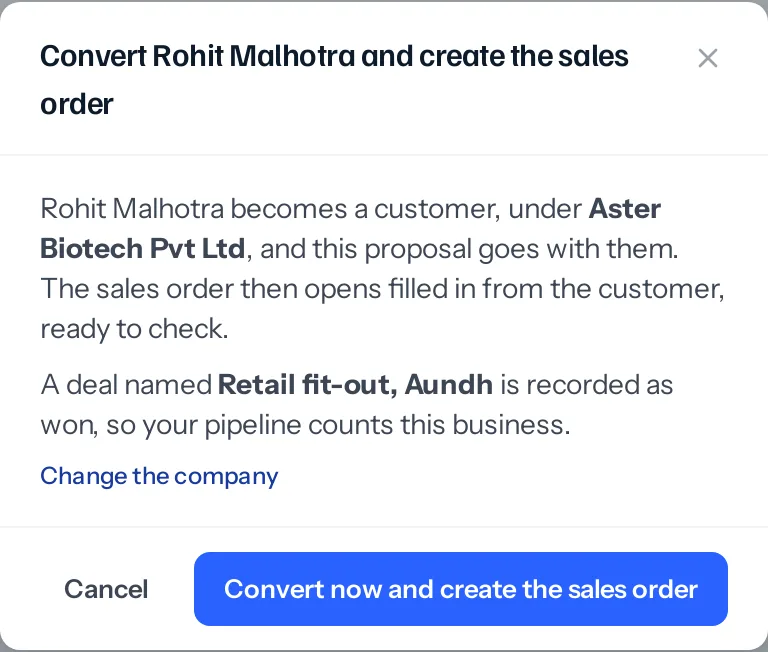
A quotation can be for a lead, so Convert to quotation goes straight ahead. A sales order or an invoice needs a customer, so converting to one opens the same window a quotation uses: the lead becomes a customer, under their company, and the proposal goes with them. The sales order or invoice then opens, filled in from the customer, ready to check.
It does not ask about a deal. The business is recorded as a deal already won, named after the proposal’s subject, at its value, or the deal the proposal already belongs to is marked won.
What the new document carries
| It takes | From the proposal |
|---|---|
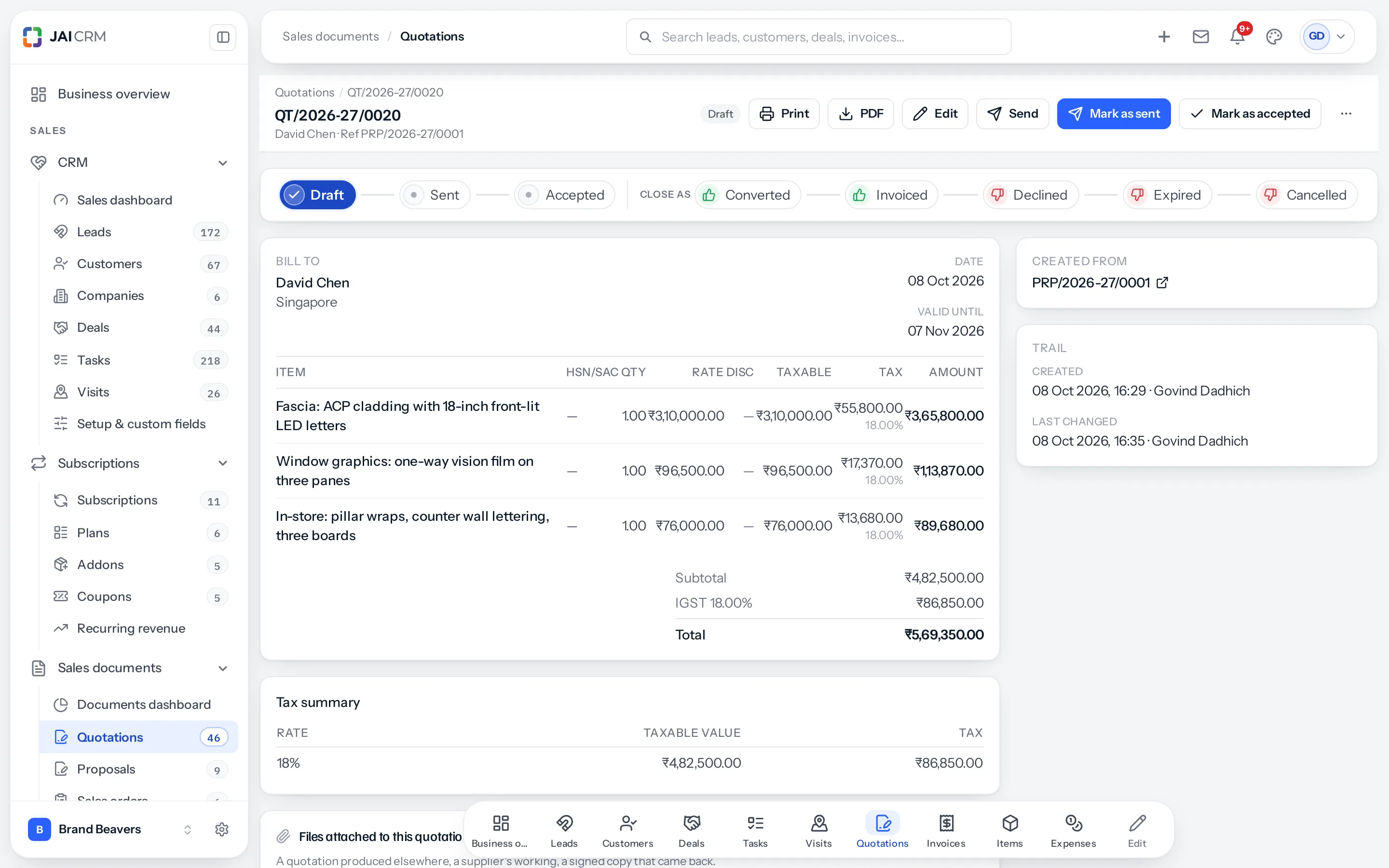
| Reference | The proposal’s number, PRP/2026-27/0001, with the proposal’s date as the reference date. The number prints as the Reference on the quotation, order or invoice PDF and shows beside the customer’s name at the top of its page. |
| Who it is for | The same customer, or the same lead for a quotation. |
| Subject and currency | As they are. |
| Lines | Each product and service as a line. One from your items brings its HSN or SAC code and its GST rate; a line of your own brings neither, so add the tax. With nothing listed, one line: the subject, As proposed in PRP/2026-27/0001, and the proposal’s value. |
| Number, owner, tax | As if you had made it by hand: the next number in its series, your assignment rules, and the place of supply worked out from the customer. |
Each points to the other
As a quotation and the order made from it do: the new document shows Created from with the proposal’s number, and the proposal shows Led to with what was made from it and where each stands. The proposal reads Converted, and from then on the quotation or order carries the work forward.
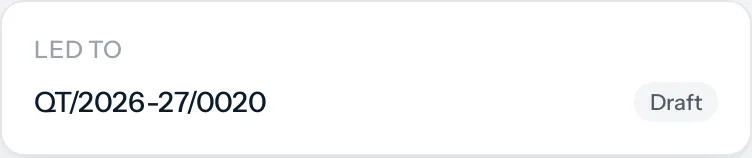
If what it was converted to is deleted, the proposal goes back to Accepted, ready to be converted again.
Who can do it
| To | You need |
|---|---|
| Convert a proposal | Convert on proposals, and Create on the quotation, order or invoice |
| Convert the lead on the way | Convert on leads as well |
Things that catch people out
- Once converted, it is the quotation’s turn. A converted proposal offers no more conversions; convert the quotation it became to an order or an invoice, as usual.
- Not from a cancelled, declined or expired proposal, as with a quotation. If the client accepted one after it expired, mark it Accepted, then convert it.
- The lines are a start. Rates, quantities and tax come from the list as it stood. Check them before the document goes out; it has its own approval rules, if your business set any.
Where to go next
Something missing or wrong here? Tell us. A question that needed asking usually means a page that needed writing.