
A proposal template decides how a proposal looks around what is written in it. It can also carry starting pages, when a proposal is kept as a template.
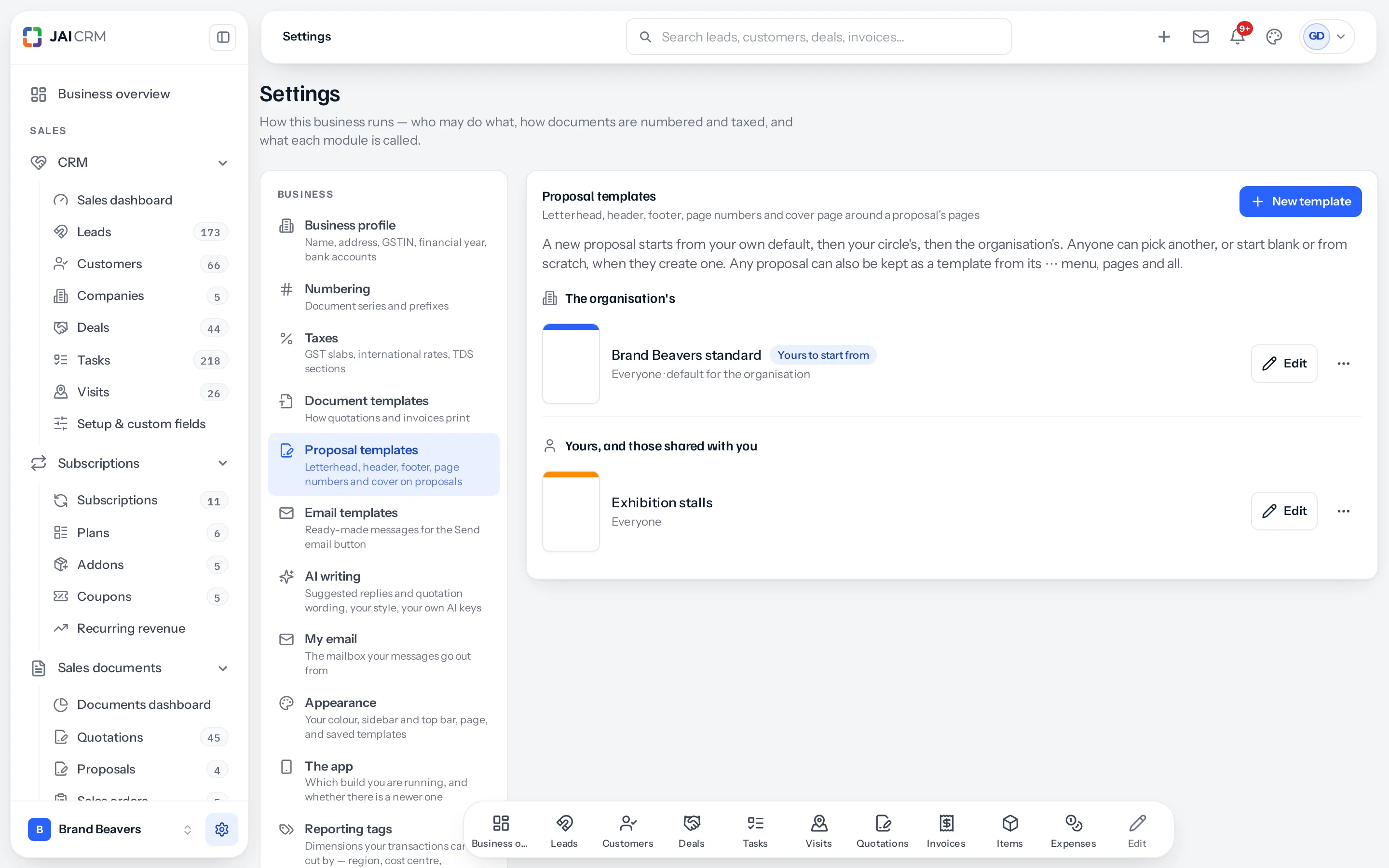
What a template decides
| Setting | Choices |
|---|---|
| Letterhead | An A4 picture behind every page: your printed stationery, scanned or exported as an image. It can be left off the cover. |
| Logo | Its height, in the header and on the cover. Left empty, your business logo is used. |
| Header | On or off; any of business name, address, GSTIN, phone, email, website, proposal number and subject, plus words of your own; left, centre or right; its colour. |
| Footer | On or off; the same fields and your own words; its position and colour. |
| Page numbers | Off, or top or bottom at the left, centre or right; 3 or Page 3 of 12; on the cover or not. |
| Cover page | On or off; the proposal’s name, prepared for, prepared by, date, value and logo; a cover picture, which each proposal can remove or replace; text left or centred; an accent colour. |
| Fonts and margins | The font, size, line spacing, text and heading colours, and the four margins in millimetres. |
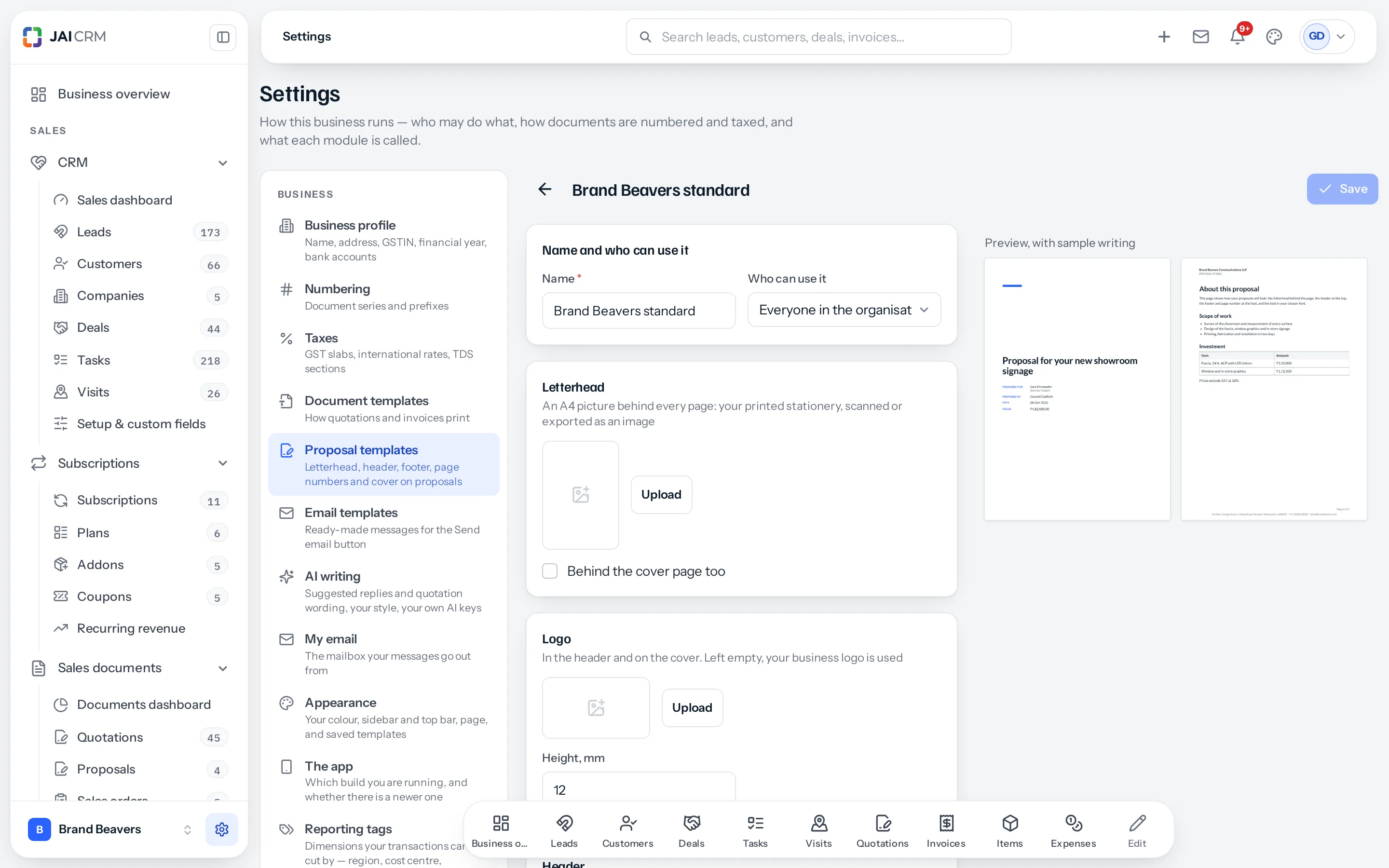
Make the top and bottom margins tall enough for your letterhead. The letterhead sits behind the margins; the writing stays inside them. If your stationery has a band 30 mm deep across the top, set the top margin to 35 mm or more.
Whose they are
| Kind | Made and changed by |
|---|---|
| The organisation’s | Whoever holds the Settings permission for templates, in Settings › Proposal templates. |
| Your own | Anybody who can create proposals, from New template or from a proposal’s Save as template. Only you can change it, managers included. |
Each template is shared with everyone, a circle, a branch or only its maker.
Which one a new proposal starts from
- Your own default, if you have set one.
- Otherwise your circle’s default, set by the circle’s manager or by whoever keeps templates.
- Otherwise the organisation’s default.
Set each from a template’s menu: My default, Default for a circle you lead, or The organisation’s default. Whoever creates a proposal can still pick another, or start blank or from scratch.
Save a proposal as a template
A proposal that worked is the best starting point for the next. From its menu, Save as template keeps its look and its pages, and asks who may use it. Proposals started from it begin with those pages, ready to change.
Where to go next
Something missing or wrong here? Tell us. A question that needed asking usually means a page that needed writing.