
They accepted. Now the quotation has to become something you can be paid for.
Converting
- Open the accepted quotation.
- Click Convert.
- Choose what to raise. Only the routes your business uses are offered.
- Check the lines. Change quantities if only part is being ordered.
- Save.
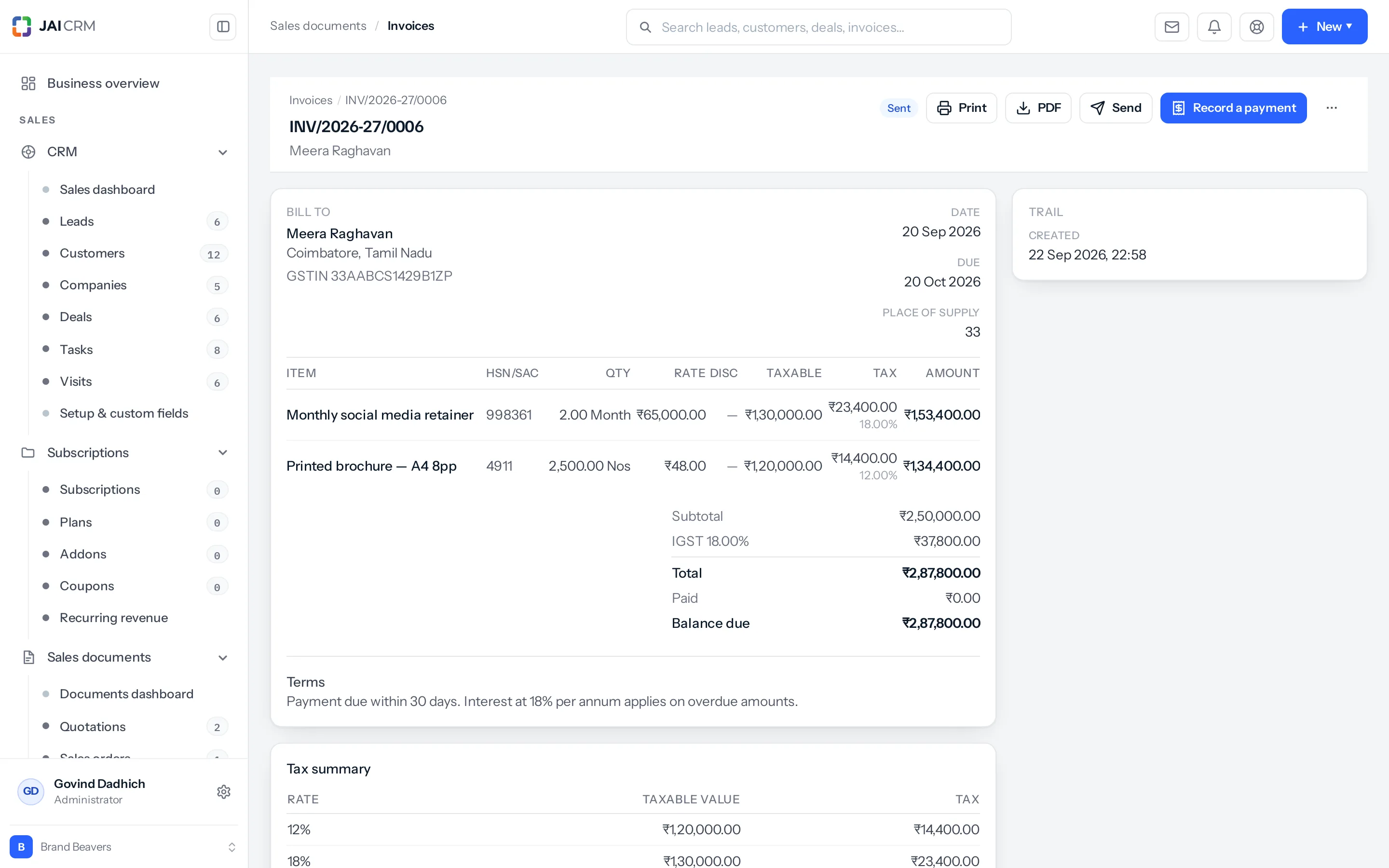
Every figure carries across. The link is kept on the line as well as on the document, which is what makes part-billing possible later.
Which routes are offered
Set once, in Settings, Plugins, Sales documents, under From a quotation, raise.
| Setting | What happens | Suits |
|---|---|---|
| Quote → order → invoice | A sales order always sits in between. | Anything delivered over time, or in parts. |
| Quote → invoice | Straight to the bill. | Services, and anything delivered at once. |
| Either | You decide per document. | Businesses that do both. |
The setting is enforced, not suggested. A route you do not use is not offered on the screen, and is refused if something asks for it anyway. That is deliberate — a menu that offers a route your books do not take is a press that ends in an error message.
Partly converting
You quoted ten; they order six. Change the quantity during conversion. The quotation is then partially invoiced, and four are still available.
What is left is counted from the child documents themselves, not kept as a number on the parent. That matters: a running total kept in two places goes wrong the first time somebody deletes a sales order.
Ask for more than is left and it is refused, naming the figure: “Cookware set, 6 asked for, 4 left of 10”.
Part of a sales order can be called off: ⋯ → Cancel items on the order. The order keeps what was ordered, and shows under its total what was called off and what is still open. The orders list and the sales dashboard count what is still open.
One count across every road
What a quotation has given away is counted across every road at once: invoices raised from it, sales orders raised from it, and invoices raised through its proformas. So a quotation billed in full cannot also become an order, and four already on an order are not invoiced again directly. An invoice withdrawn by a credit note gives its share back.
Discounts and freight on part invoices
A flat discount and charges such as freight belong to the whole quotation. Each part carries its share, by the value it carries, and the part that finishes the quotation carries what is left, so the parts add up to the quotation exactly. A charge keeps its own levy.
Addressed as the customer is now
A conversion takes the customer’s current address and GSTIN. If the place of supply on the quotation was simply the customer’s old state, it follows them to the new one; a place of supply set to another state on purpose, for goods going elsewhere, is kept.
An example
- A quotation for 40 tonnes is accepted.
- The customer wants 25 now. Convert, change the quantity to 25. A sales order is raised; the quotation shows 15 still available.
- 18 tonnes are delivered. A delivery challan is raised from the order, and stock moves.
- The invoice is raised for the 18 delivered.
- Next month the remaining 15 are ordered against the same quotation.
What this saves you
- No retyping, so the quoted figure and the billed figure cannot drift apart.
- A real answer to how much of what you quoted became money.
- No double billing. What is left is worked out, not remembered.
What cannot be converted
Five statuses are the end of the line: cancelled, reversed, declined, expired and void. Nothing may be raised from a document in any of them. Revise it instead. A draft proposal is not converted either: send it, or mark it accepted, first.
The other way round holds too: a quotation with an order or invoice standing on it cannot be declined or marked expired. When its order is cancelled or deleted, it is offered for conversion again.
Where to go next
Something missing or wrong here? Tell us. A question that needed asking usually means a page that needed writing.